

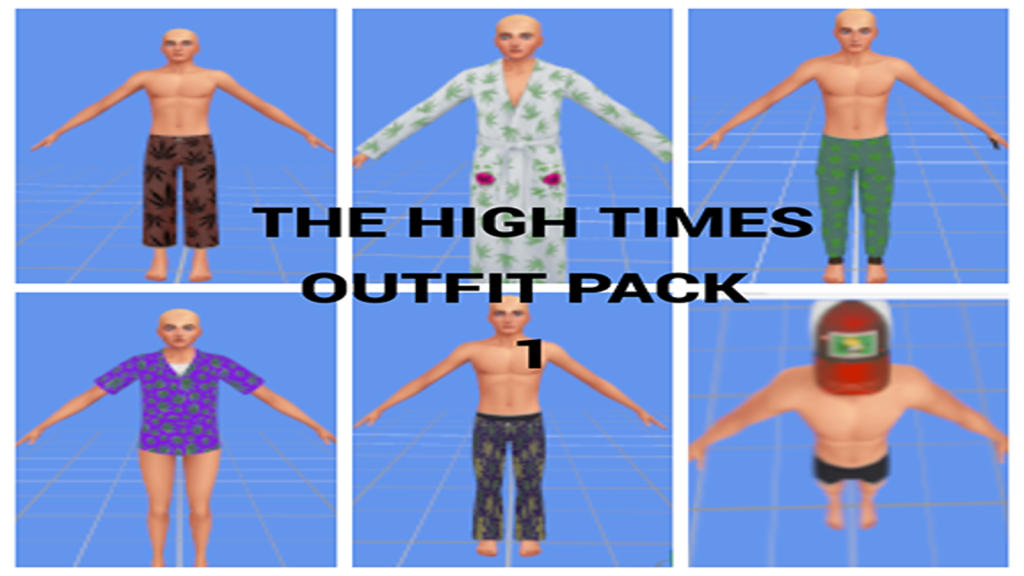
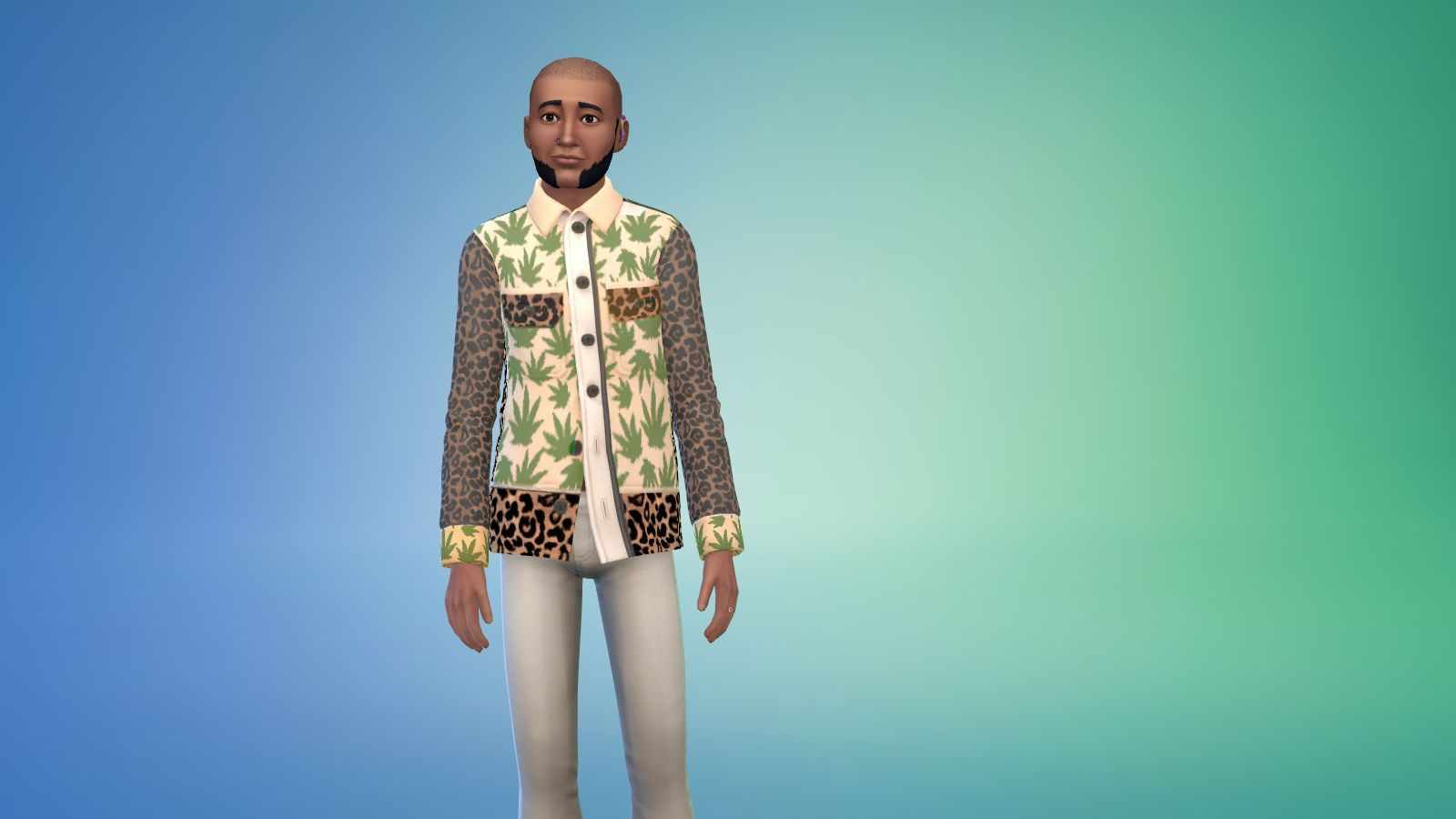
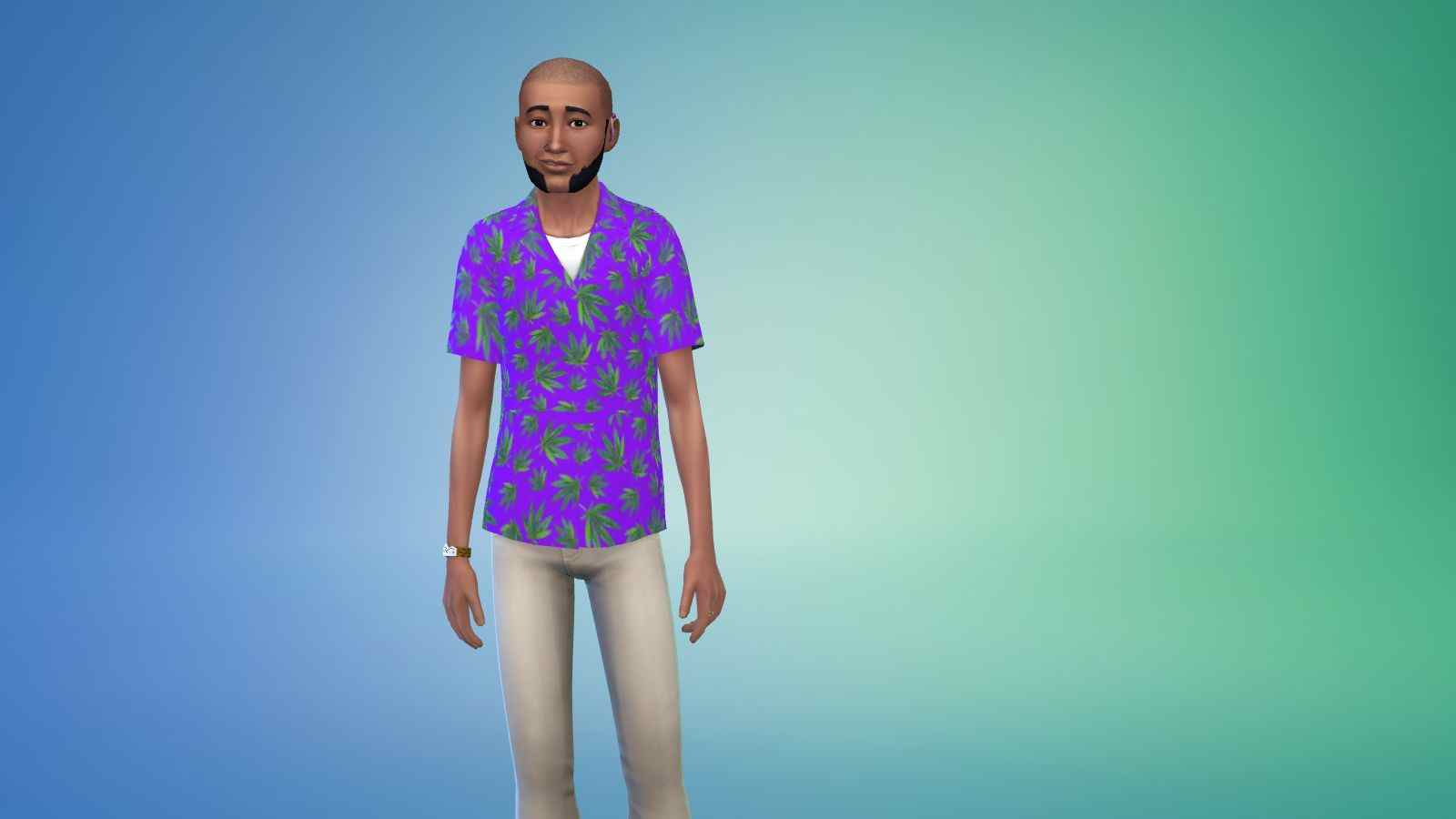
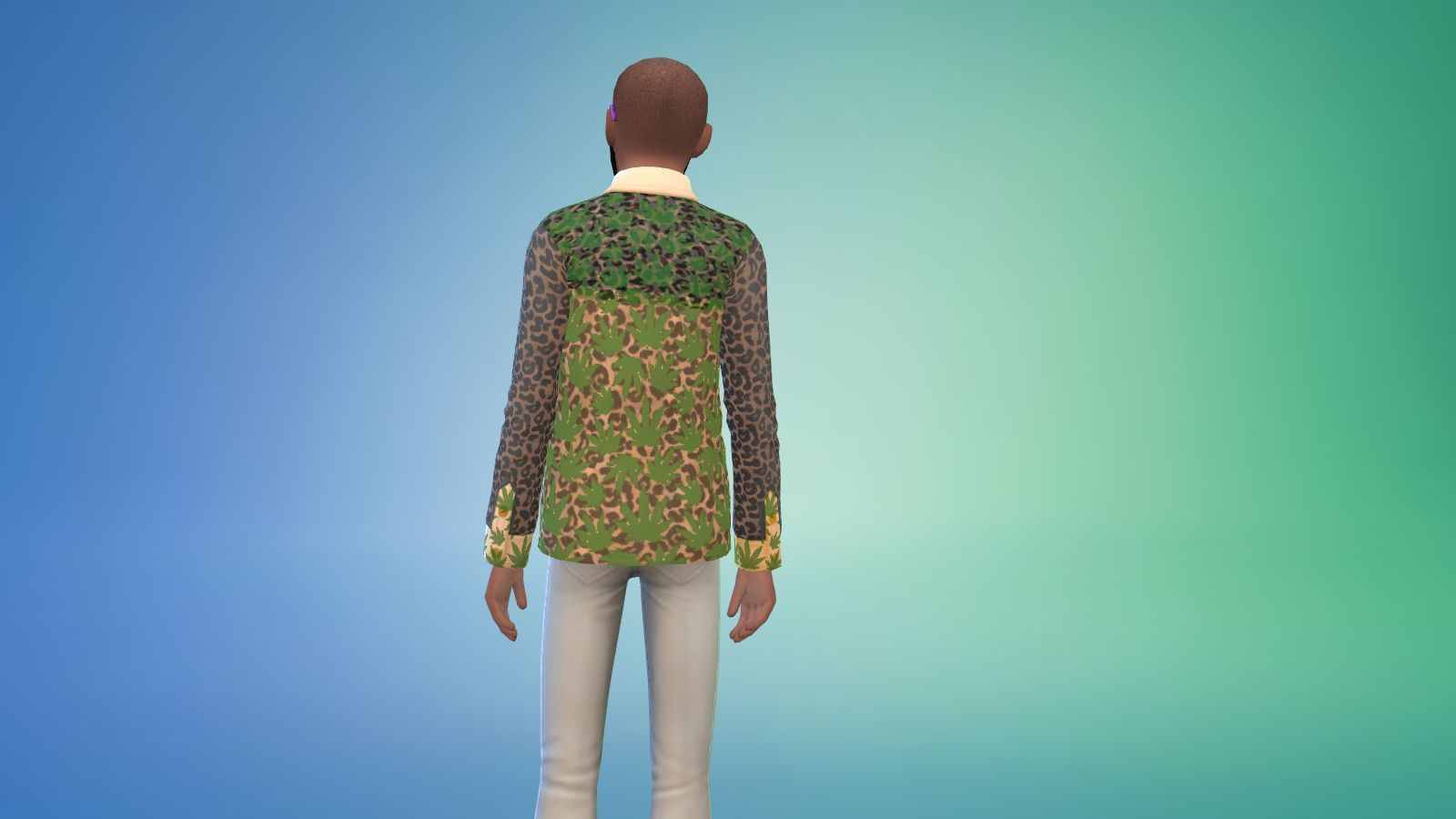
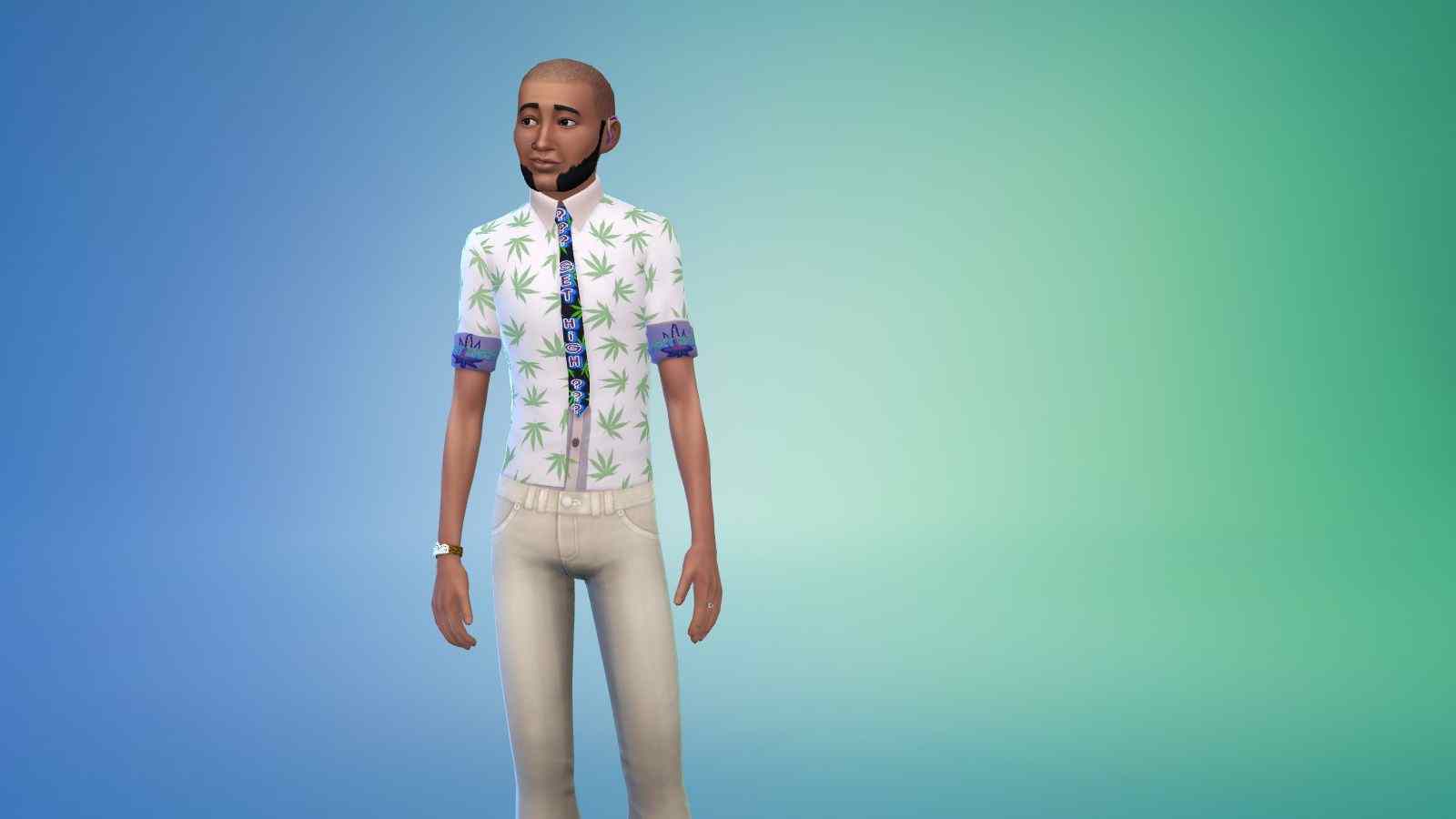
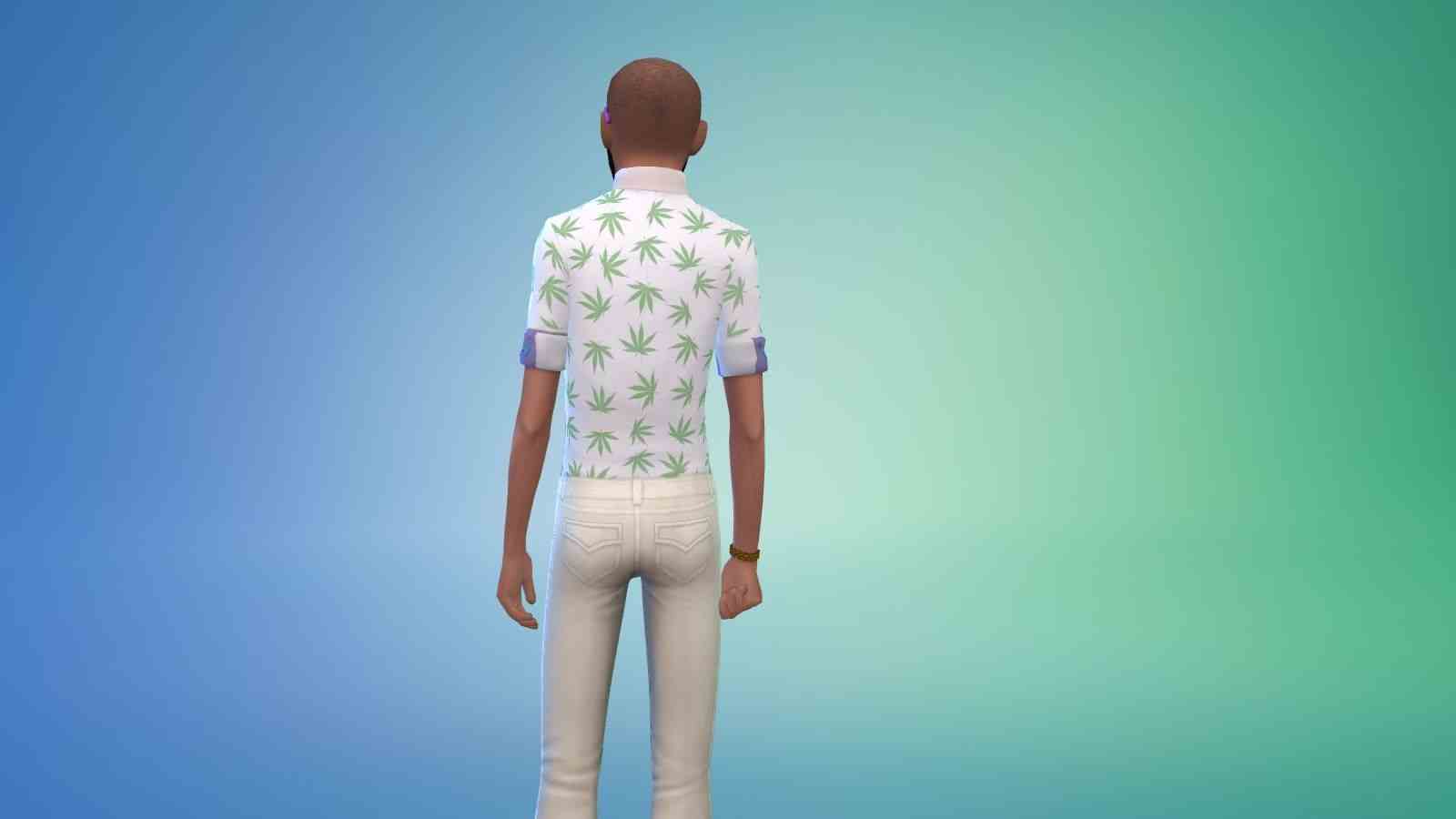
Sims 4 Custom Content – The High Times Outfit Pack
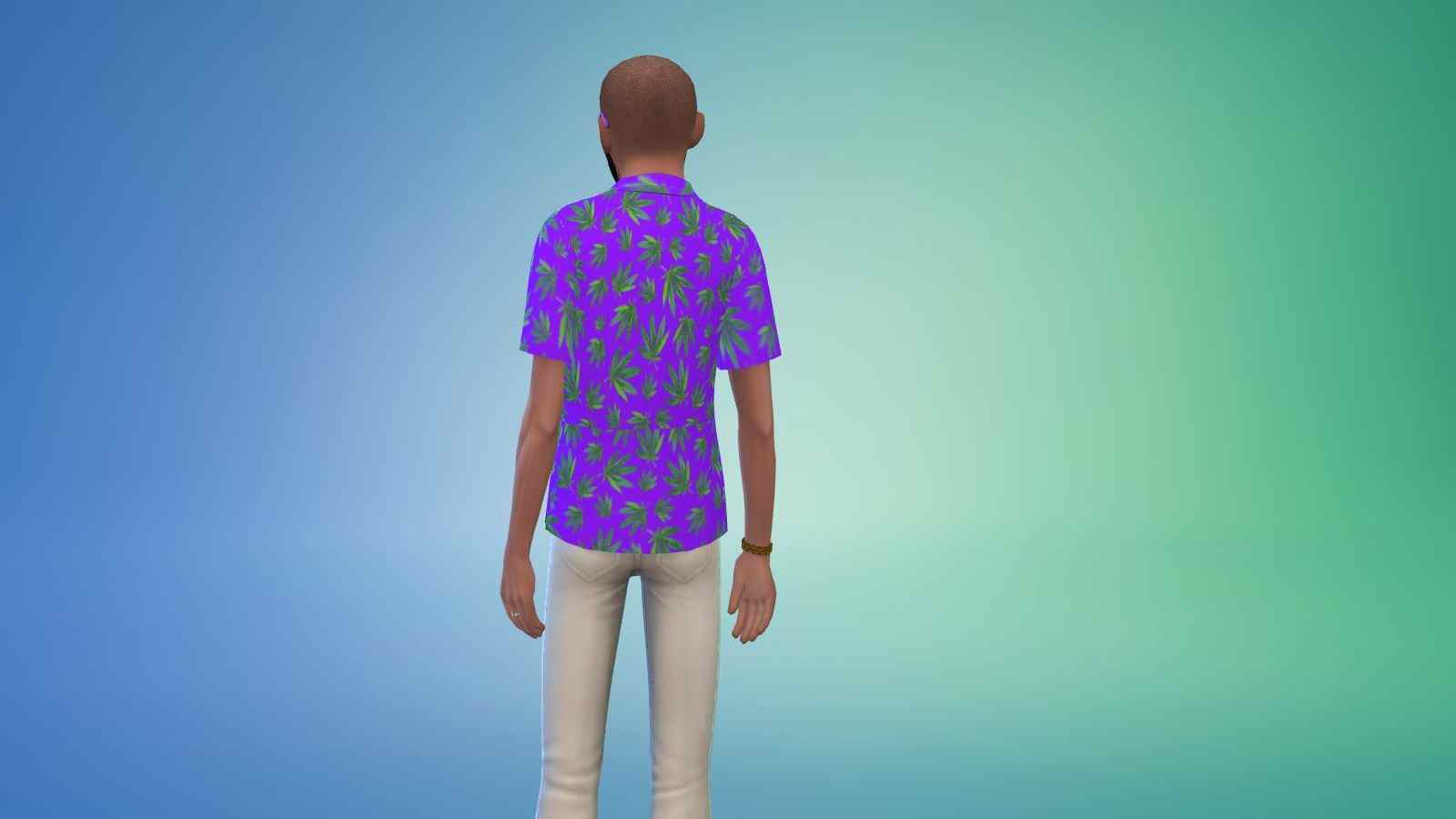
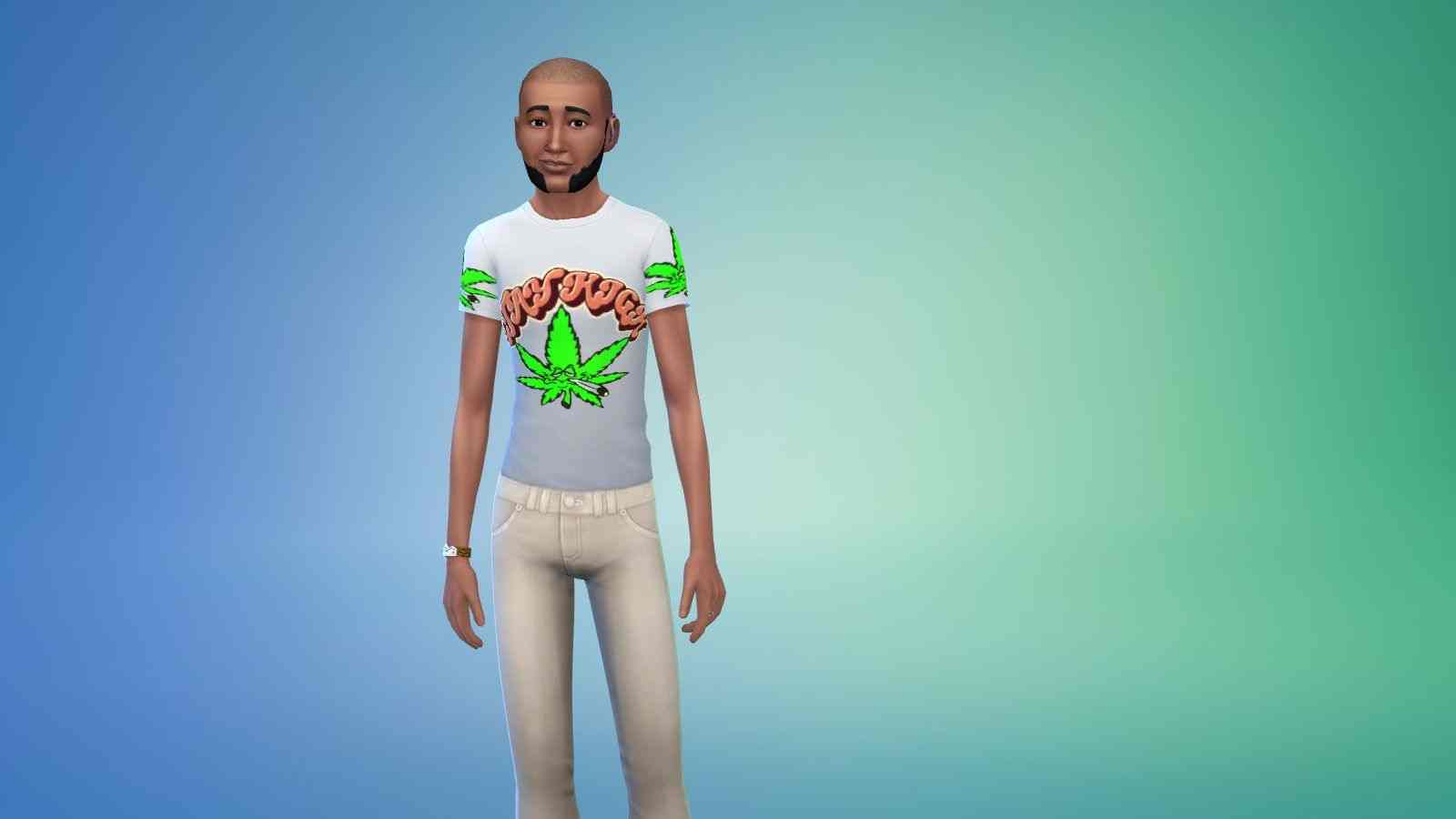
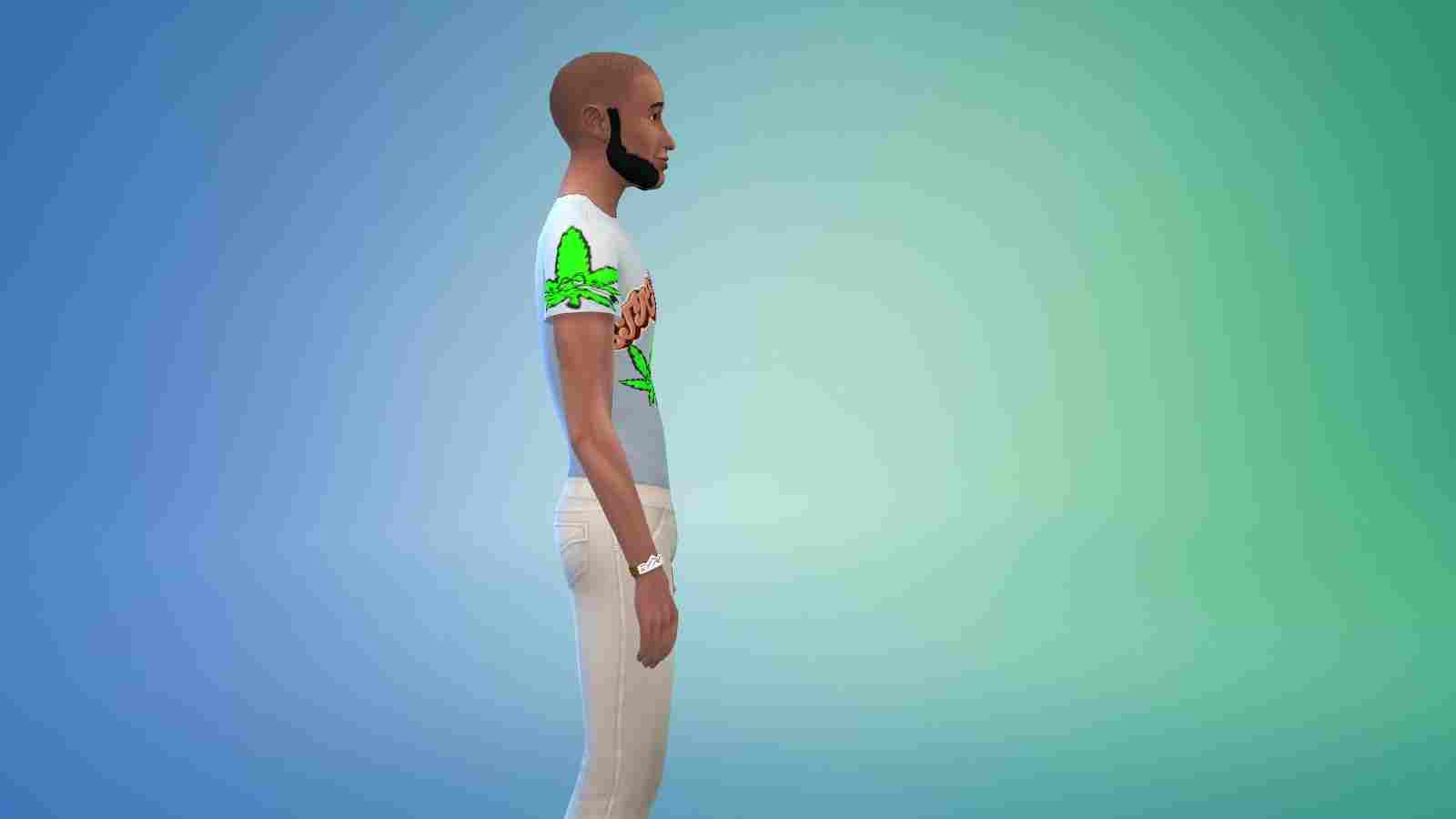
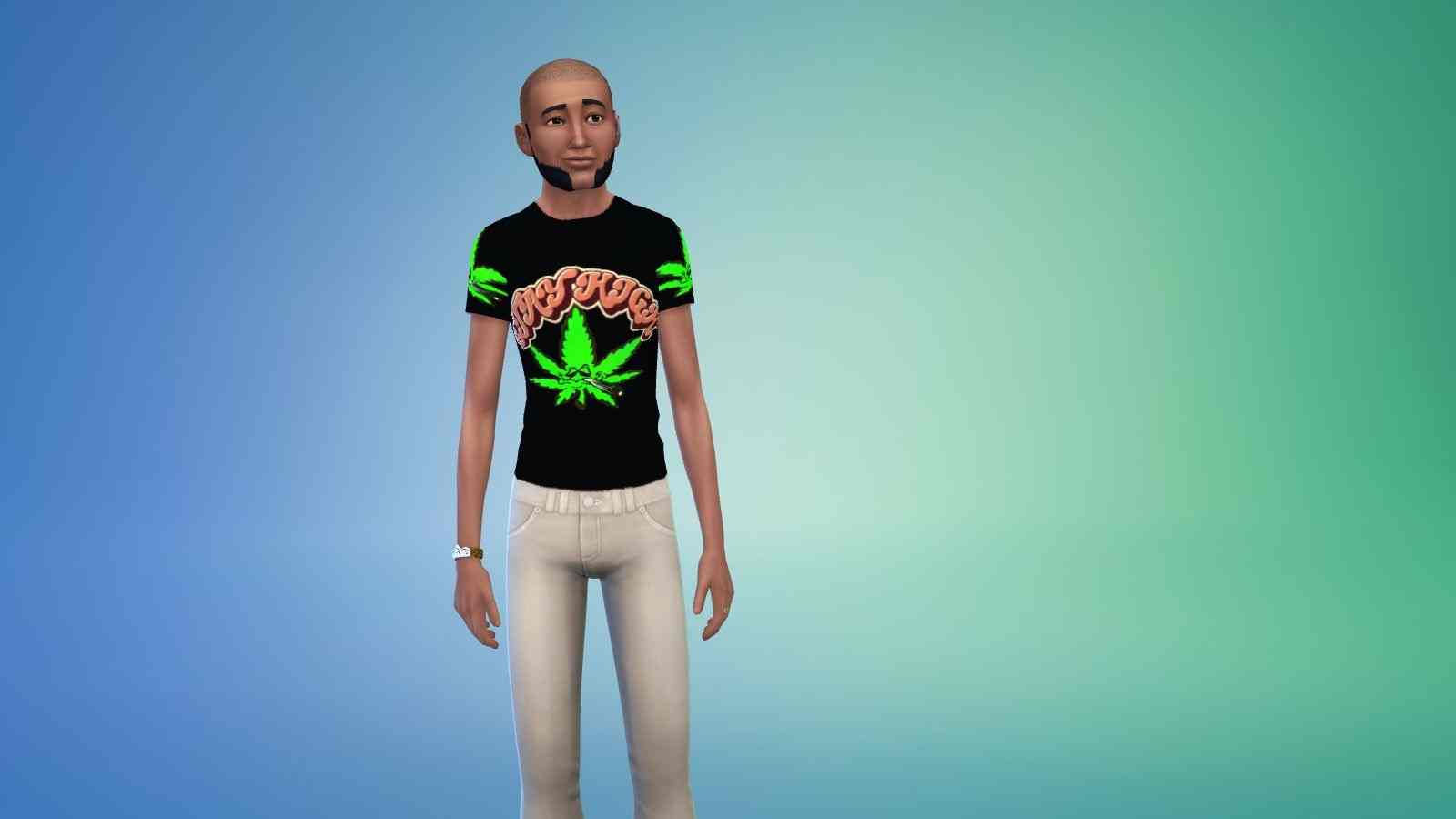
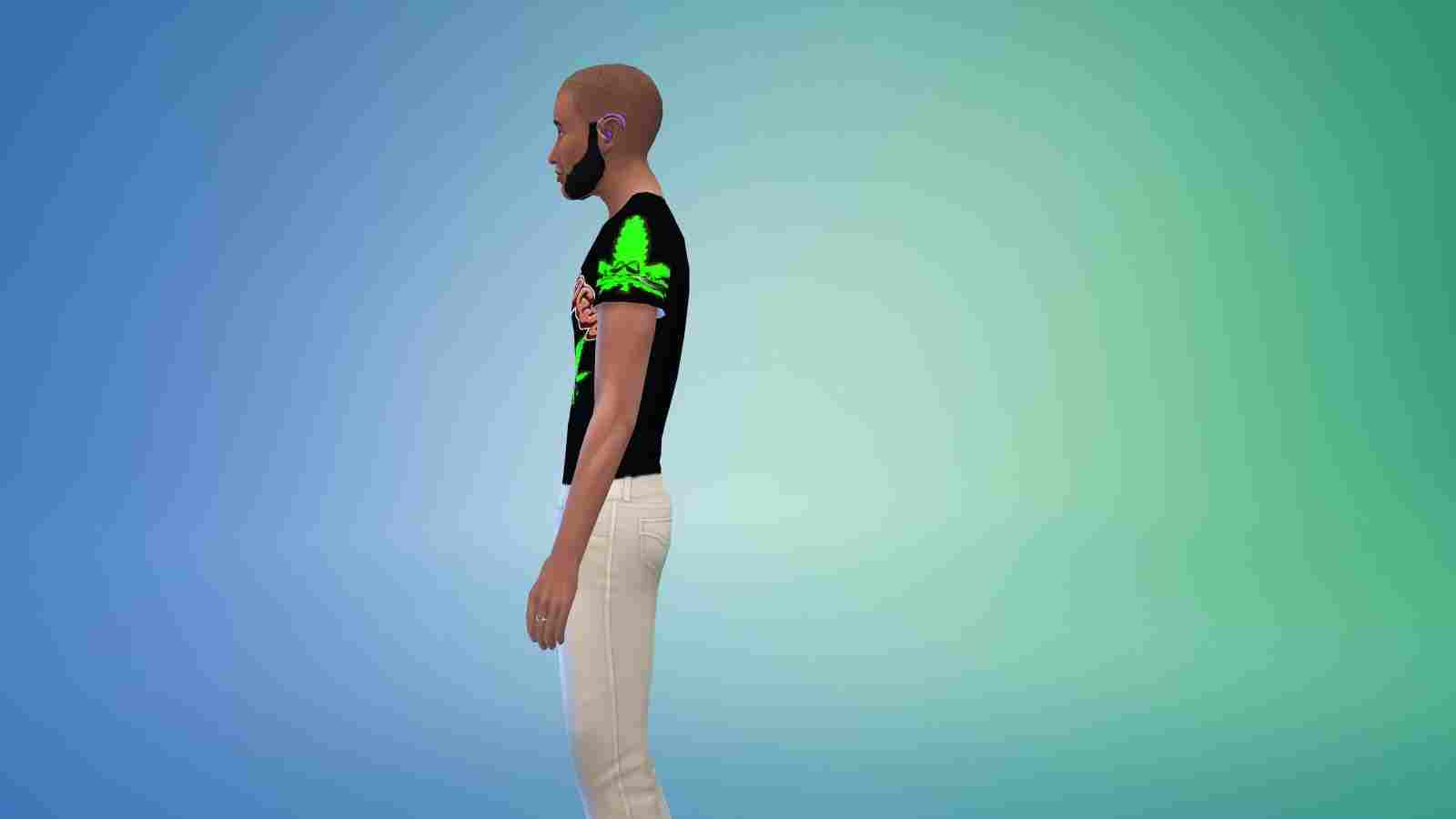
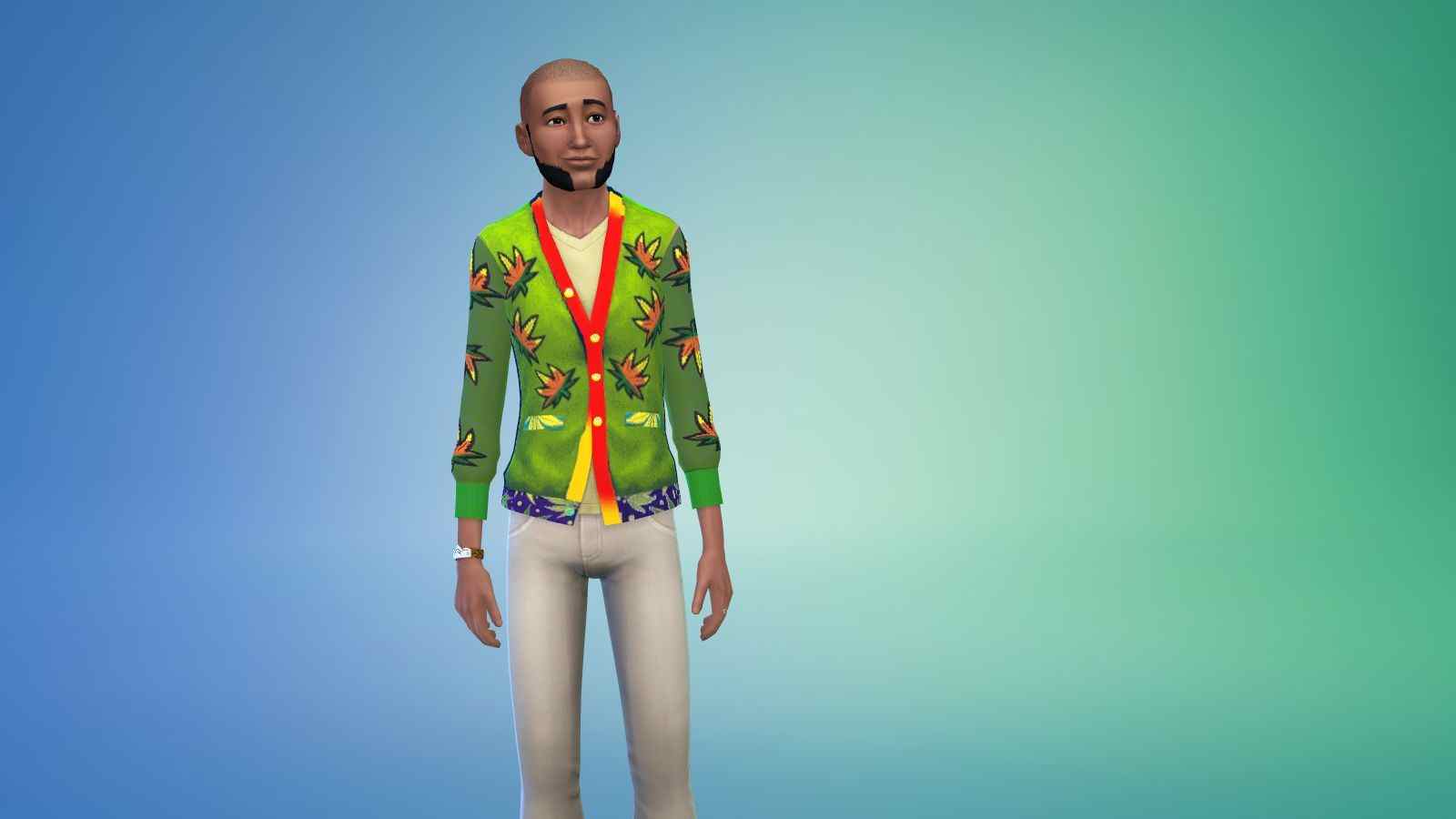
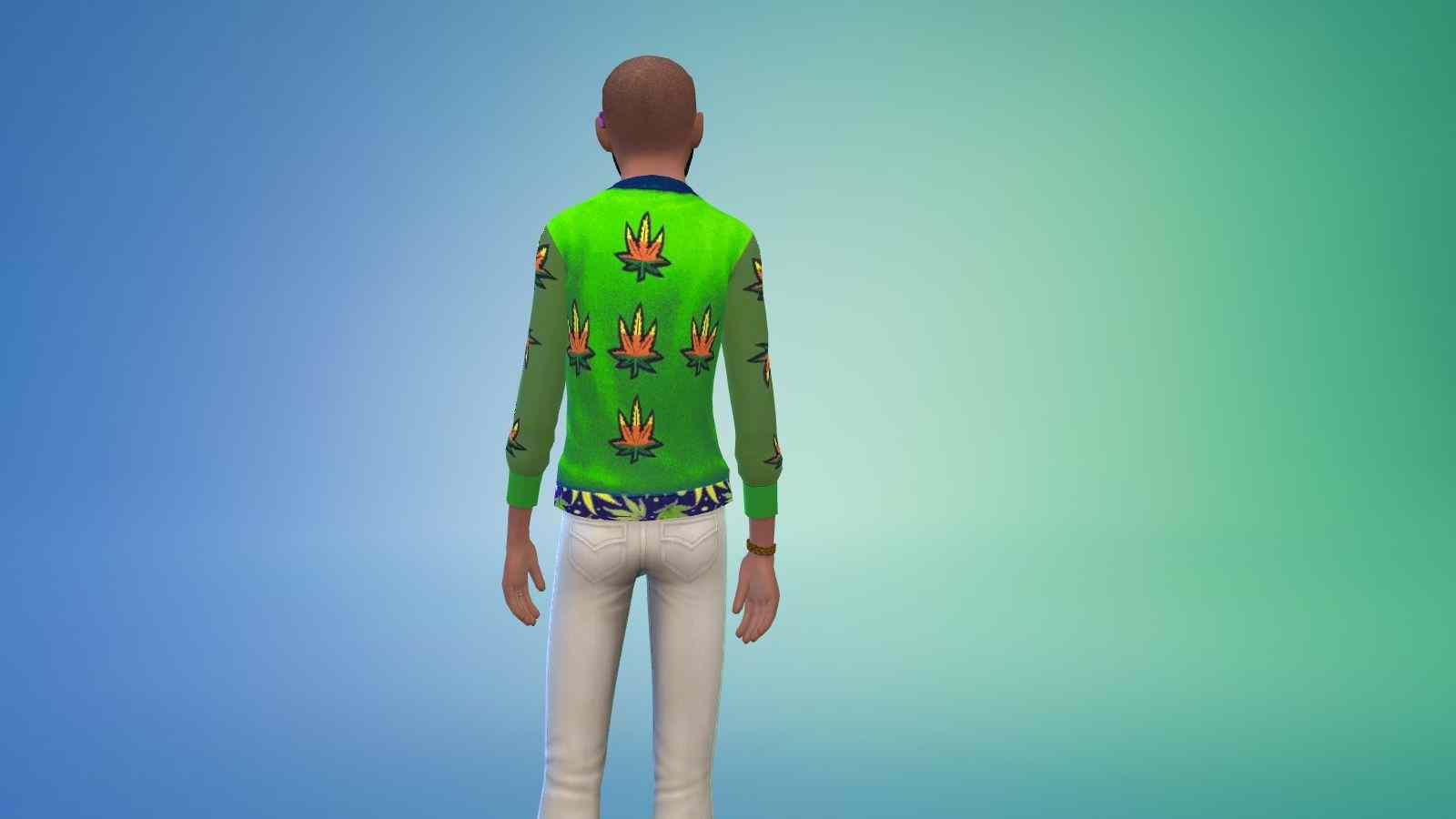


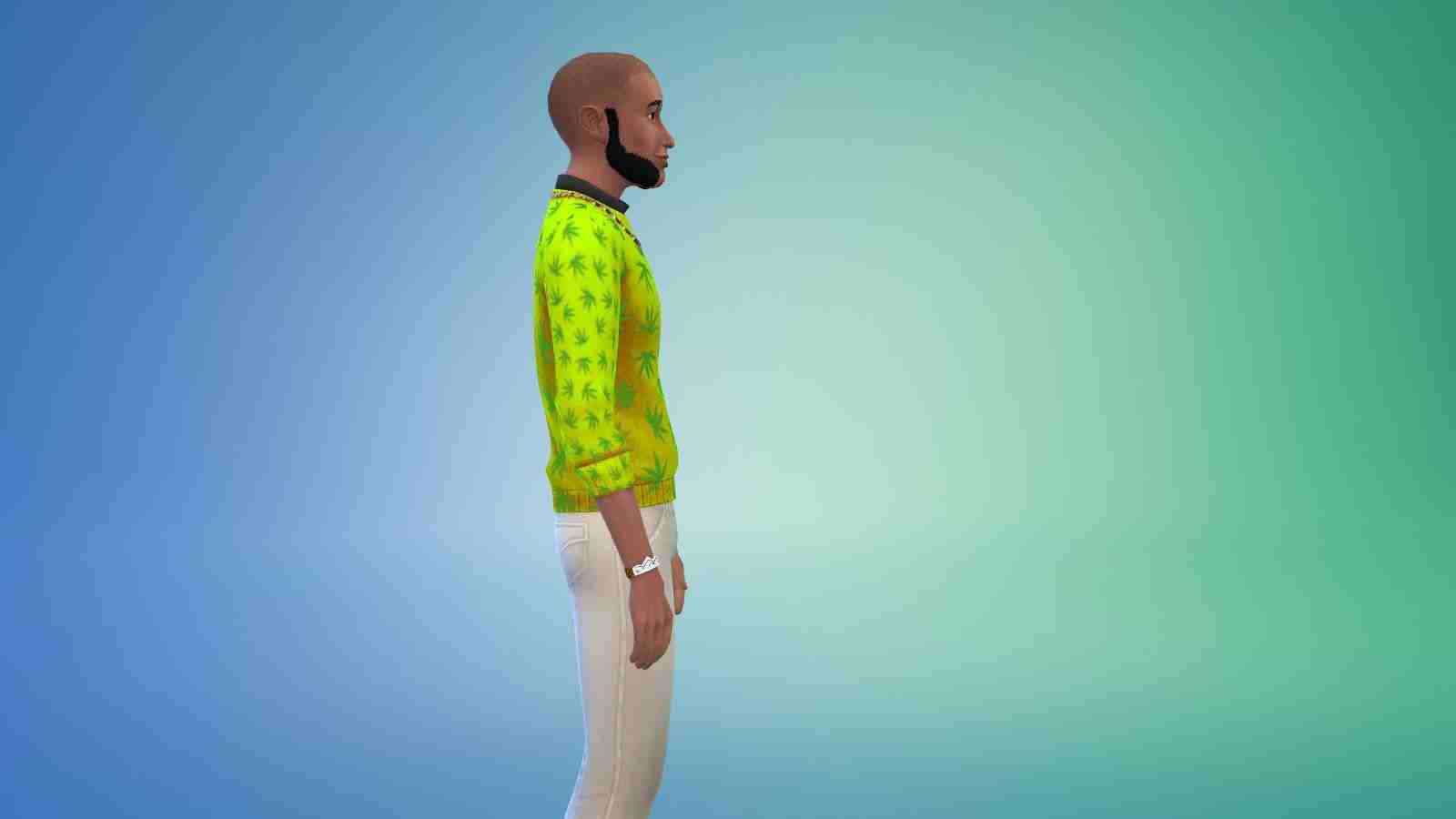



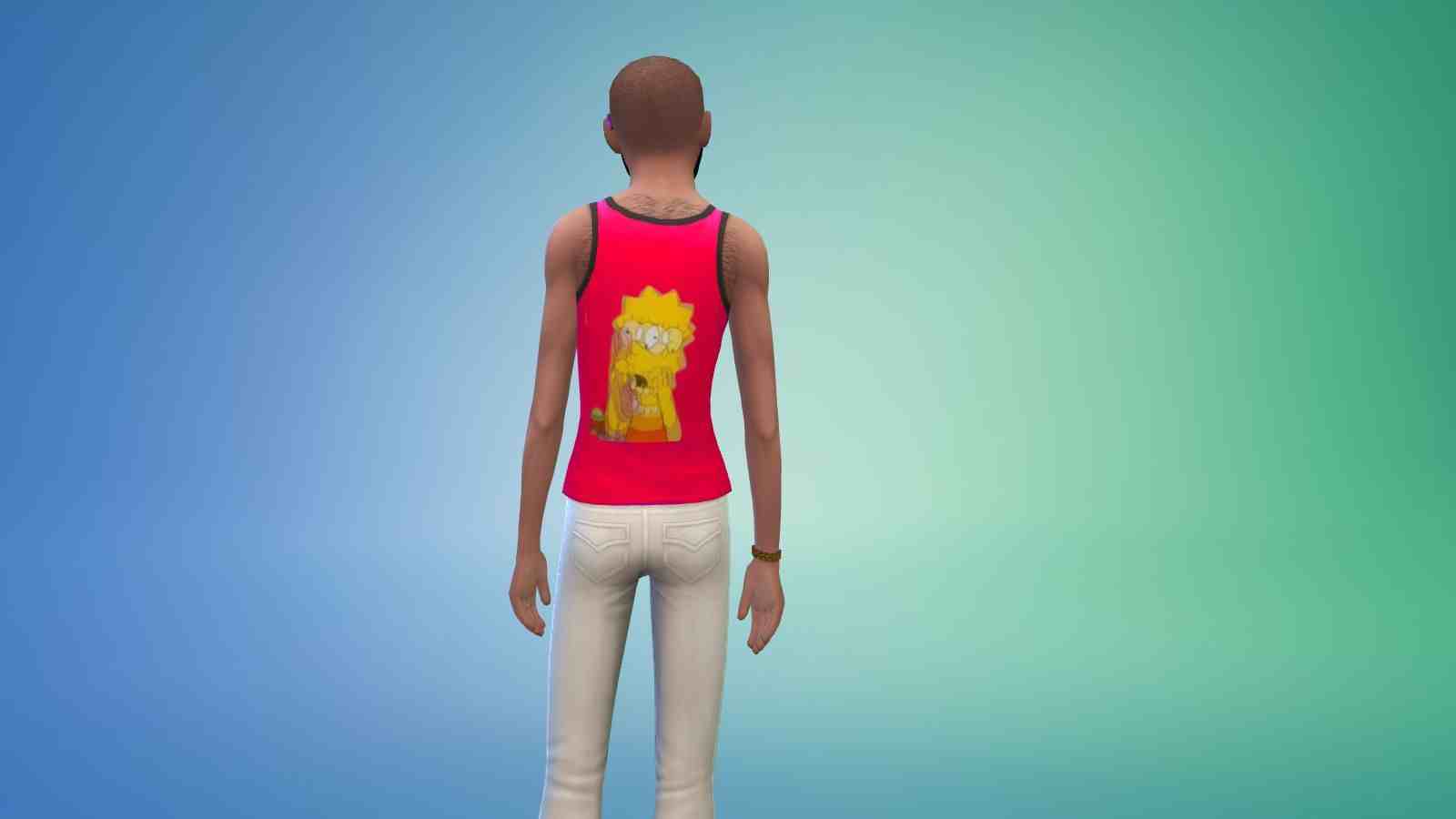
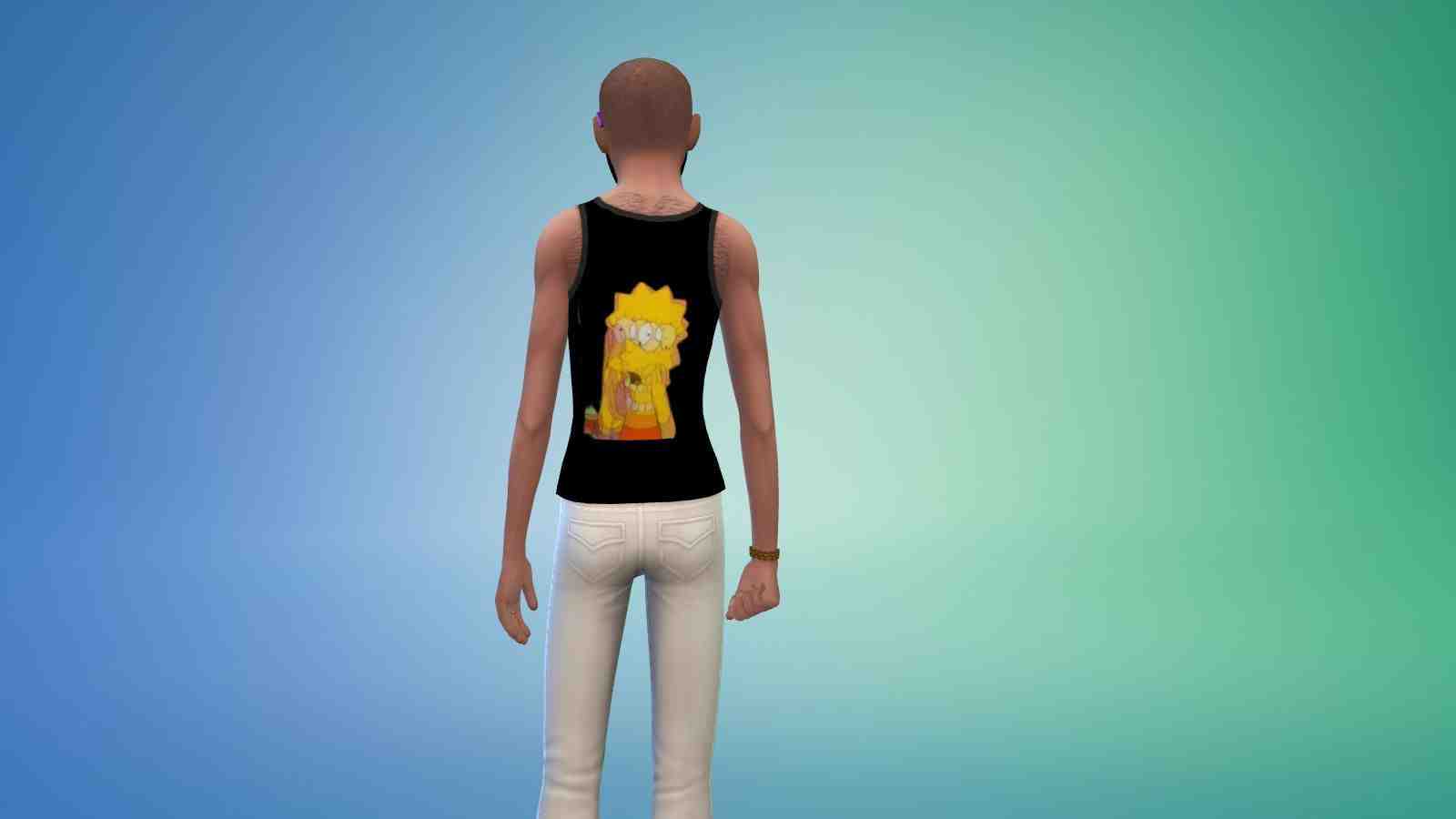
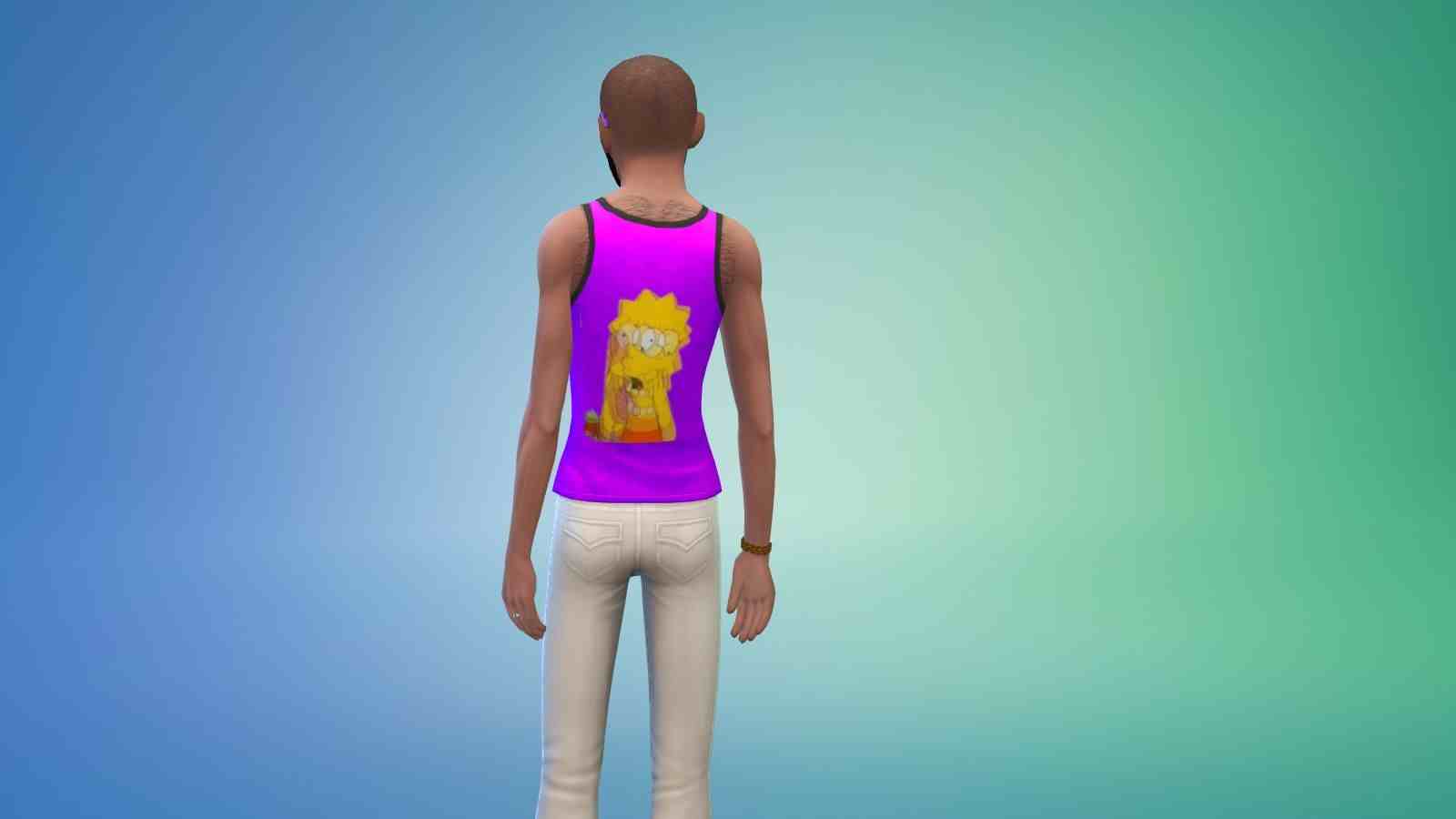
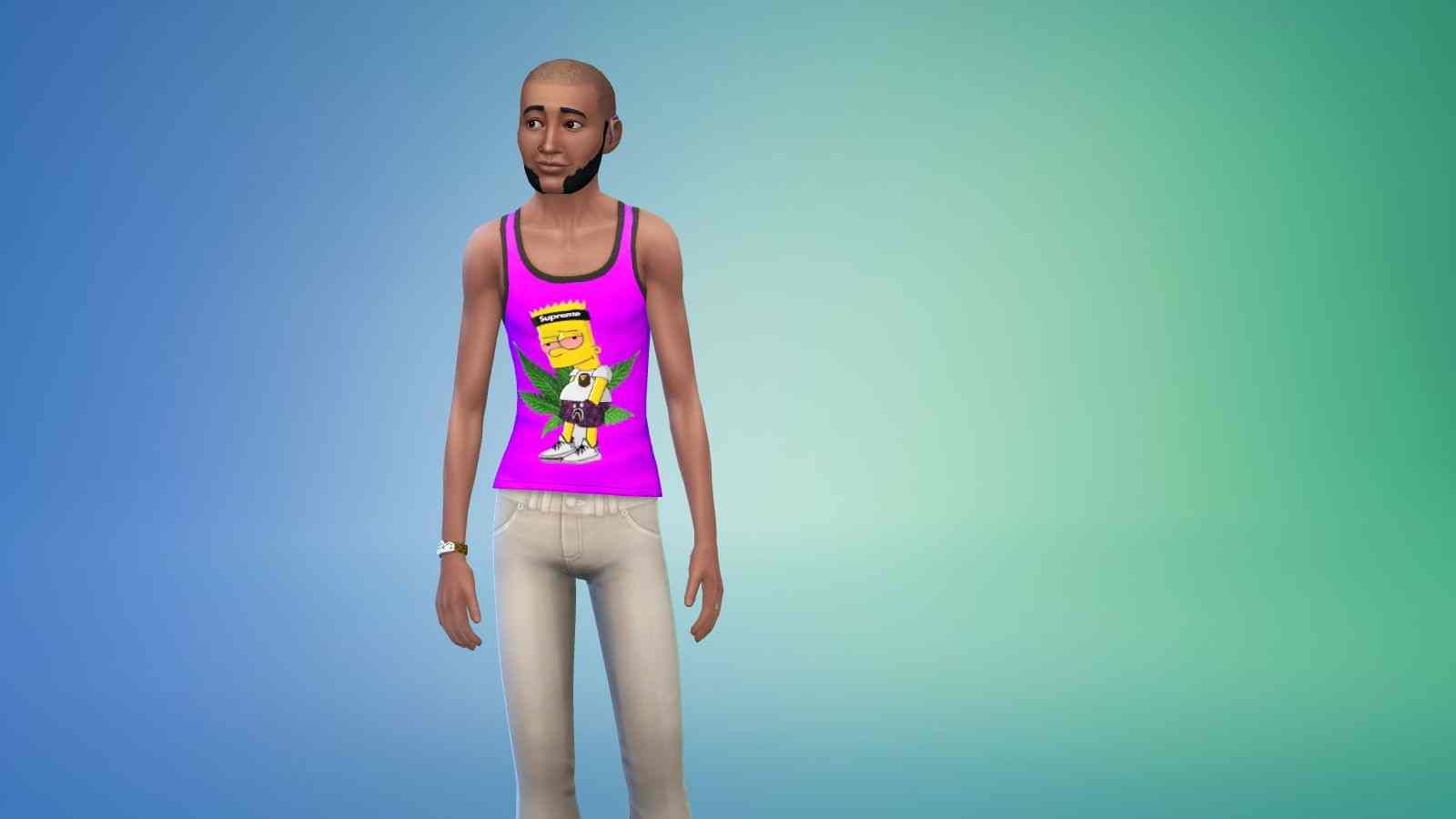

INSTRUCTIONS
You will get a Sims 4 Package files in the folder.
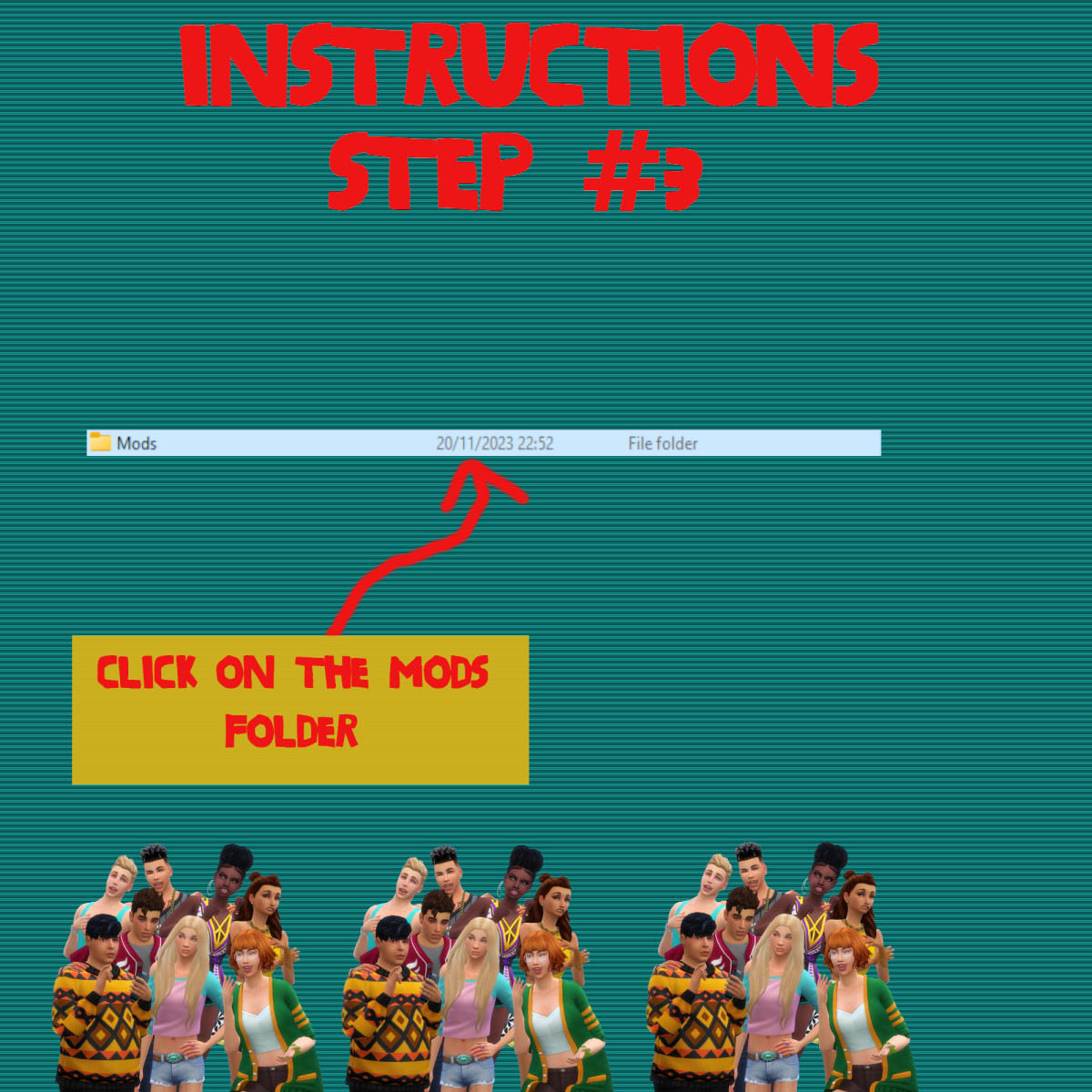
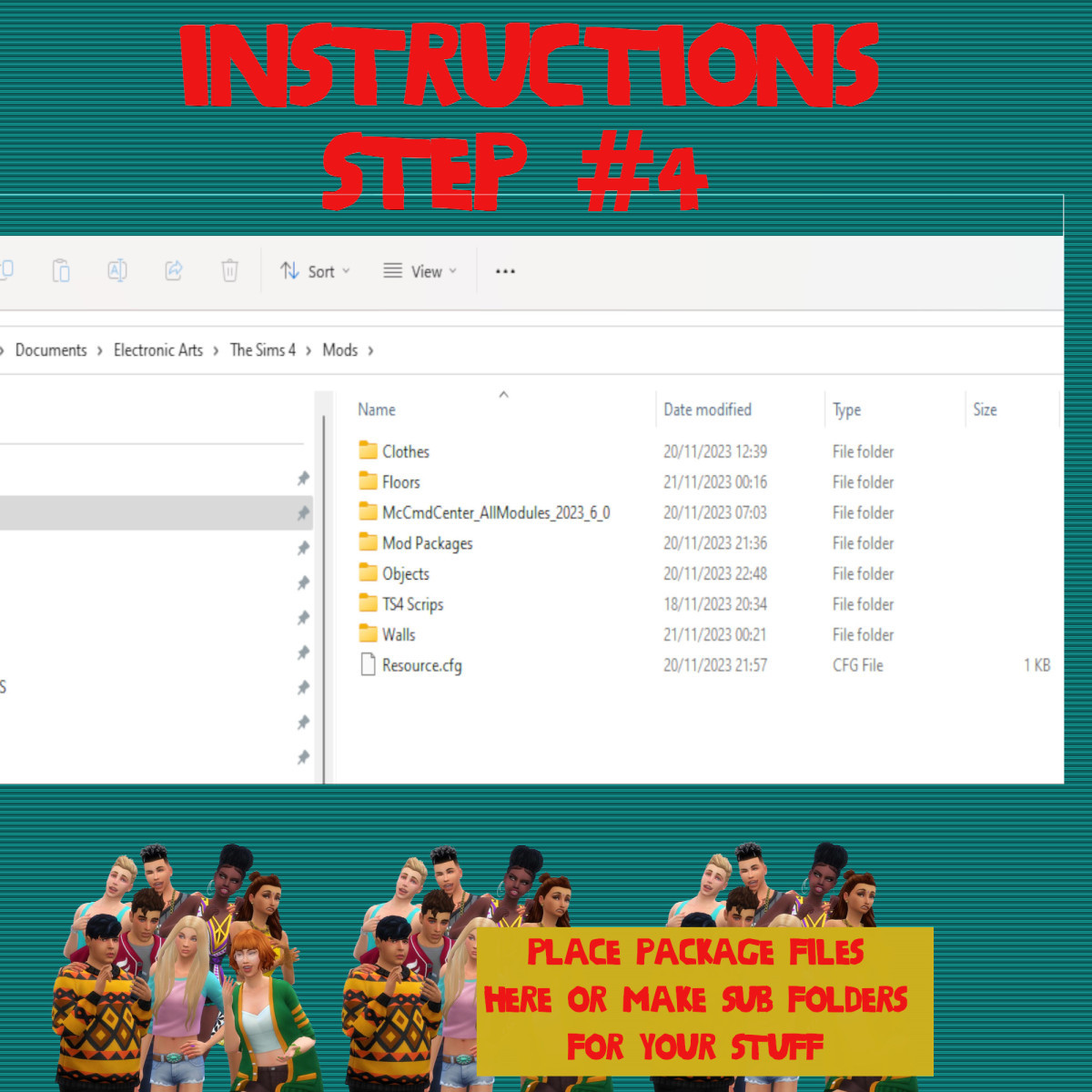
WHERE TO PUT SIMS 4 PACKAGE FILES
Sims 4 Packages goes in the following place.
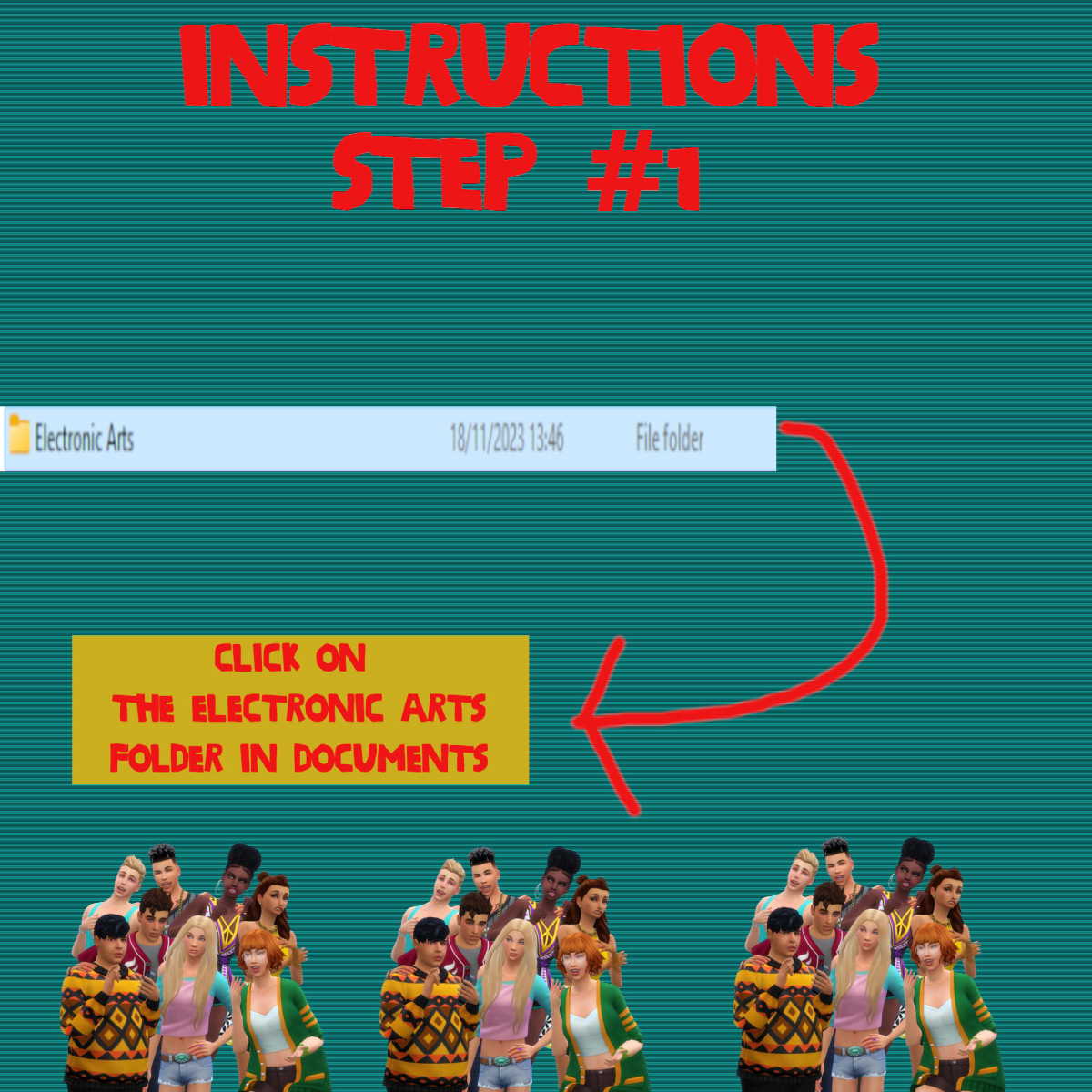
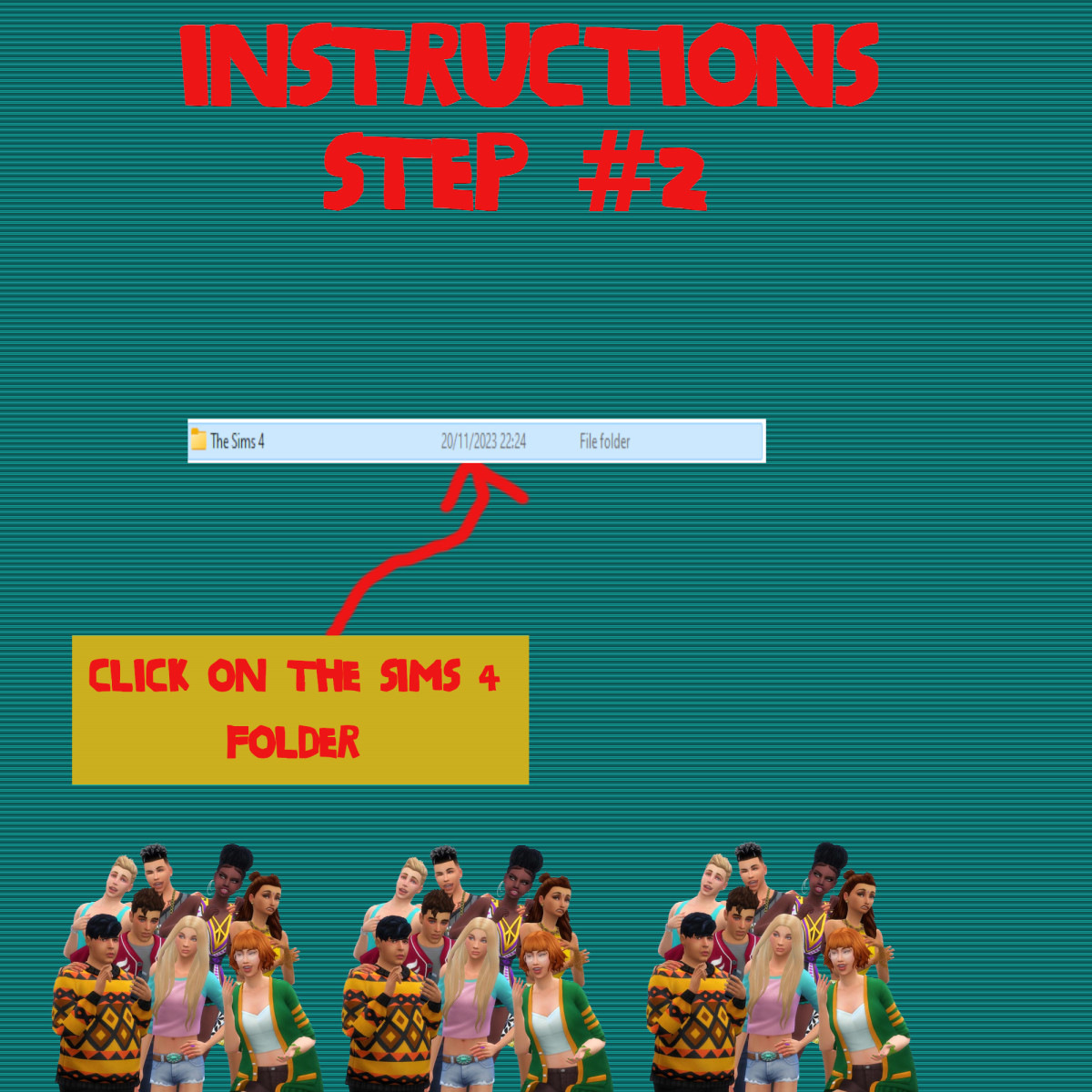
Documents>Electronic Arts>Sims 4>Mods>Packages
Please note if you haven't got a Mods folder then make one and place it in the Electronic Arts folder in Documents. Copy and paste or move Package files in the Mods folder.
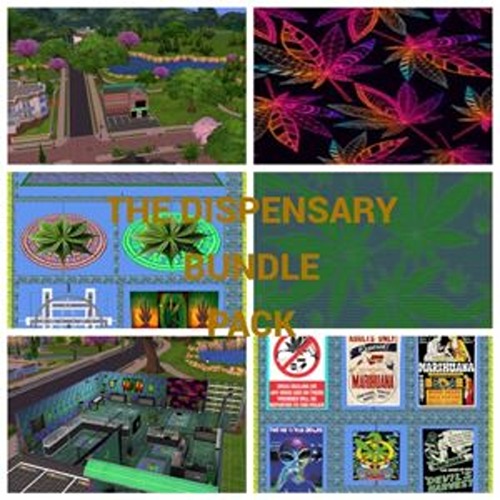
Sims 4 Custom Content – The Dispensary Bundle Pack

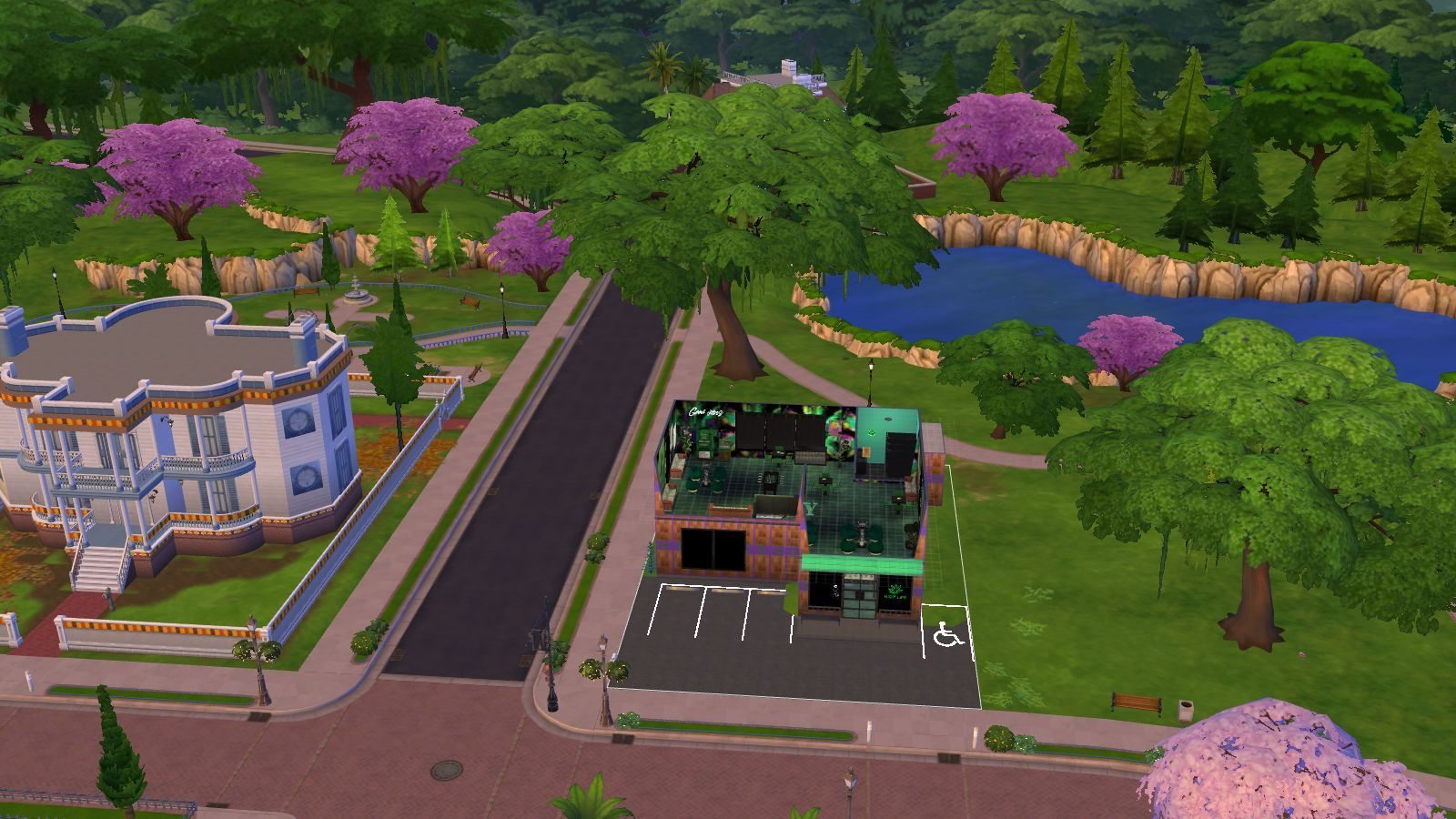
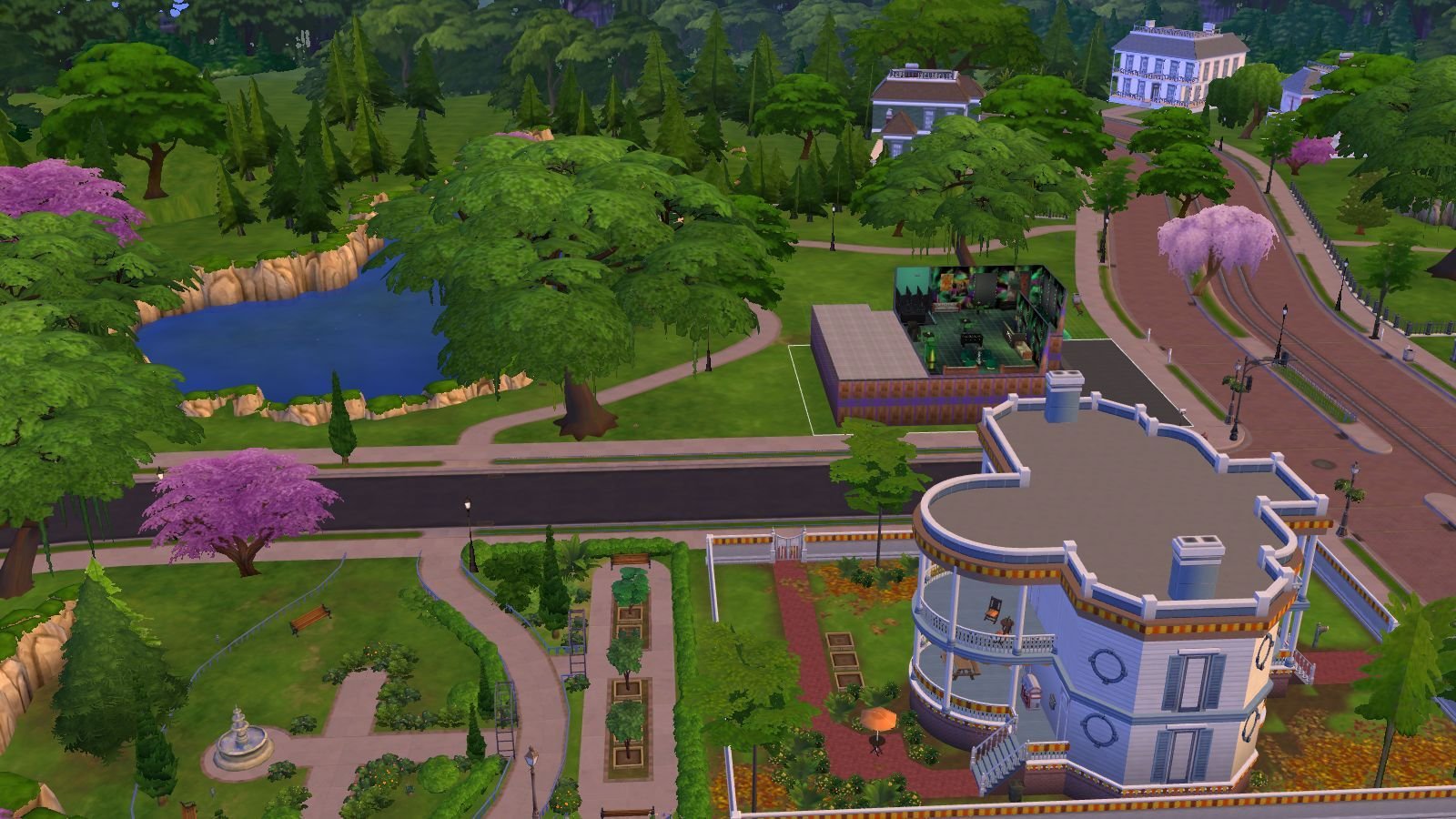

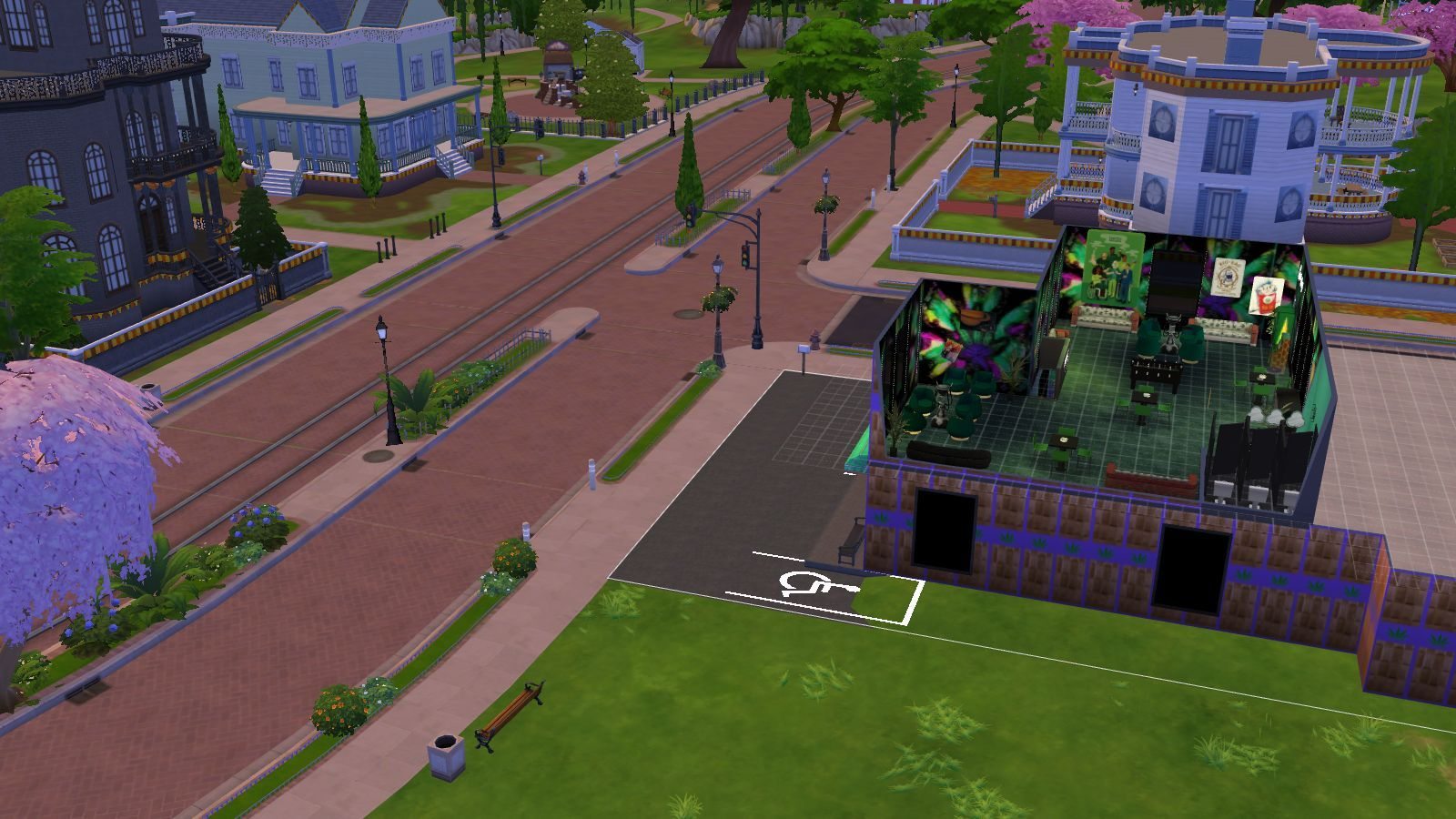

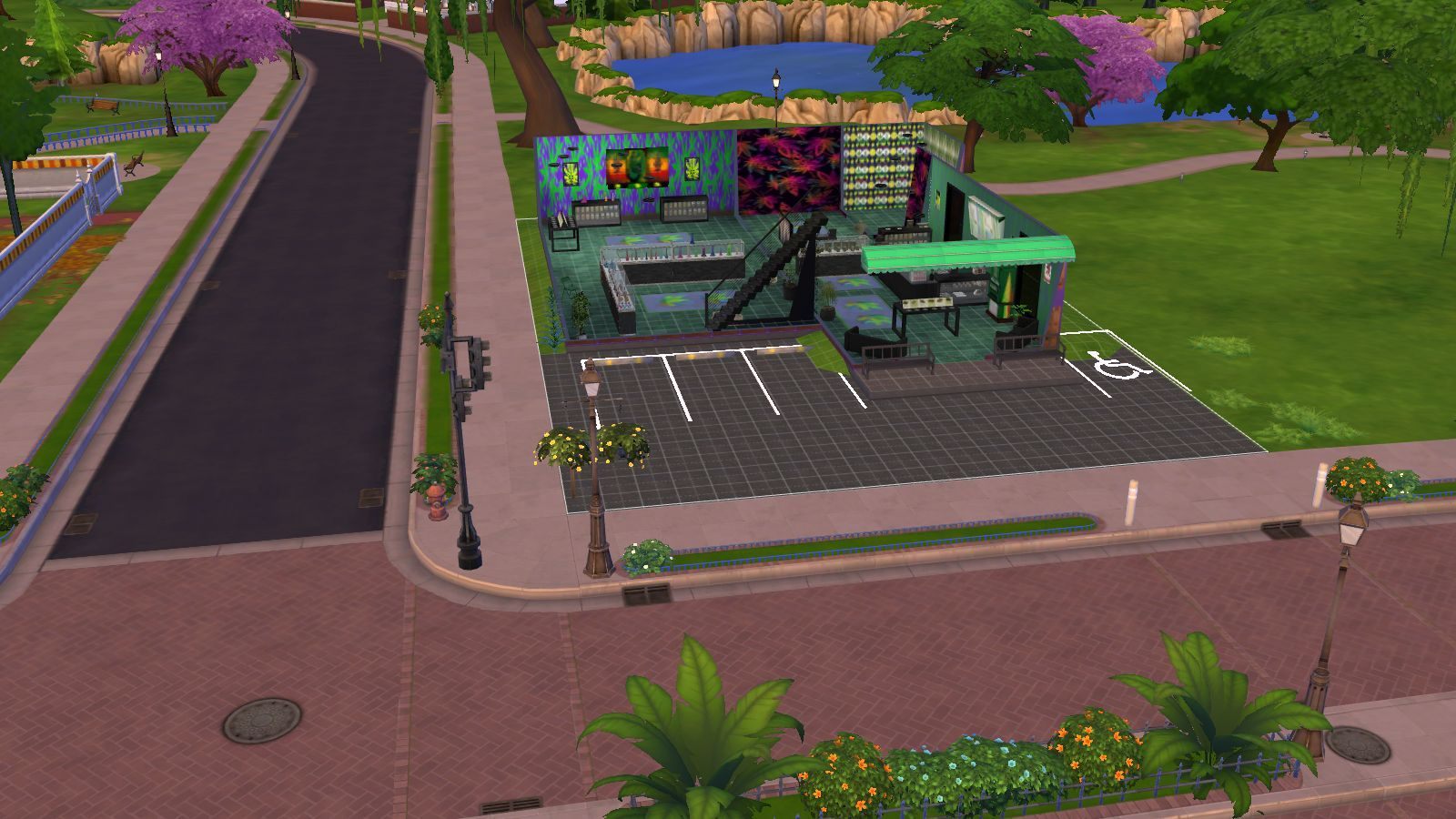

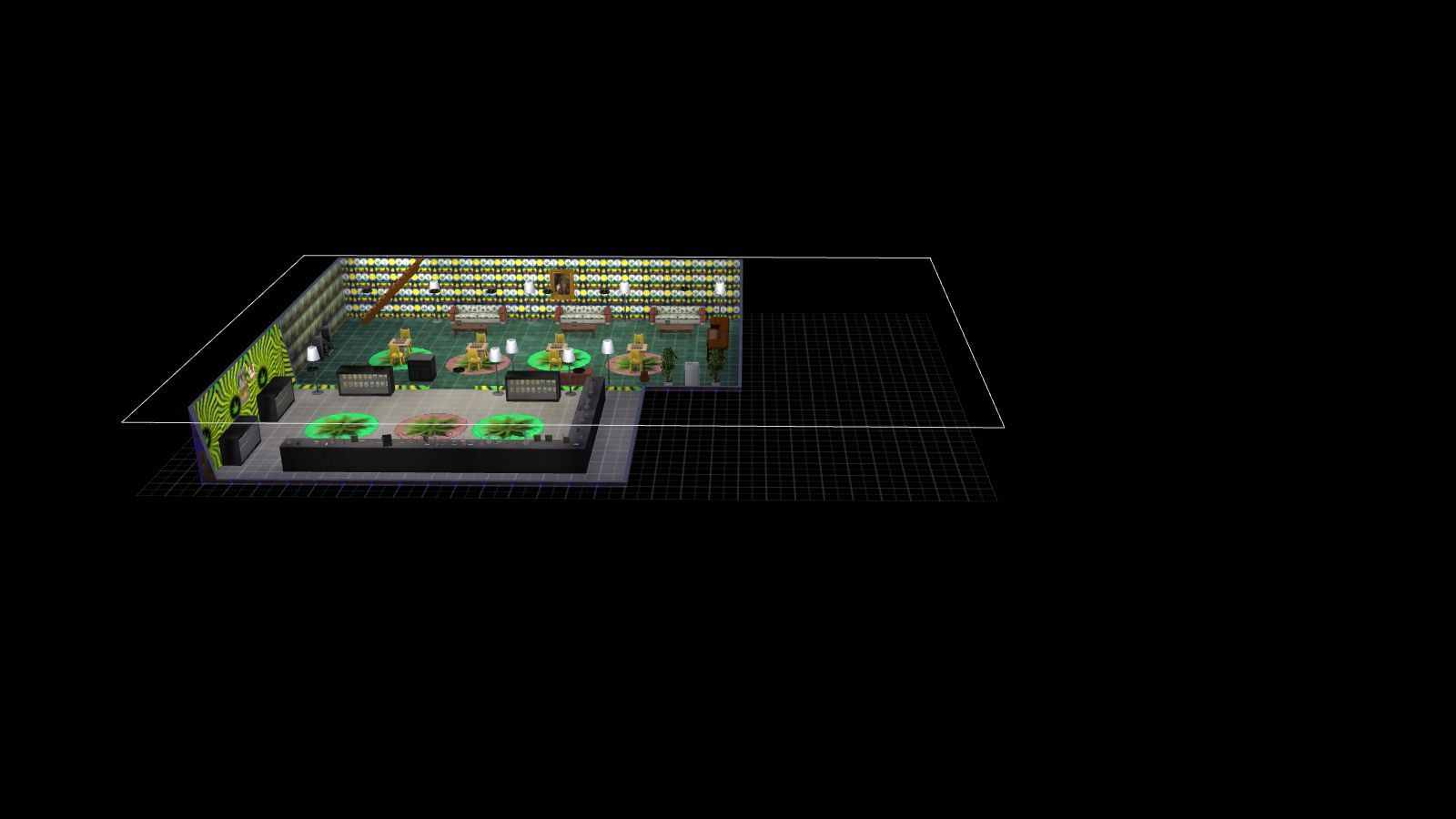

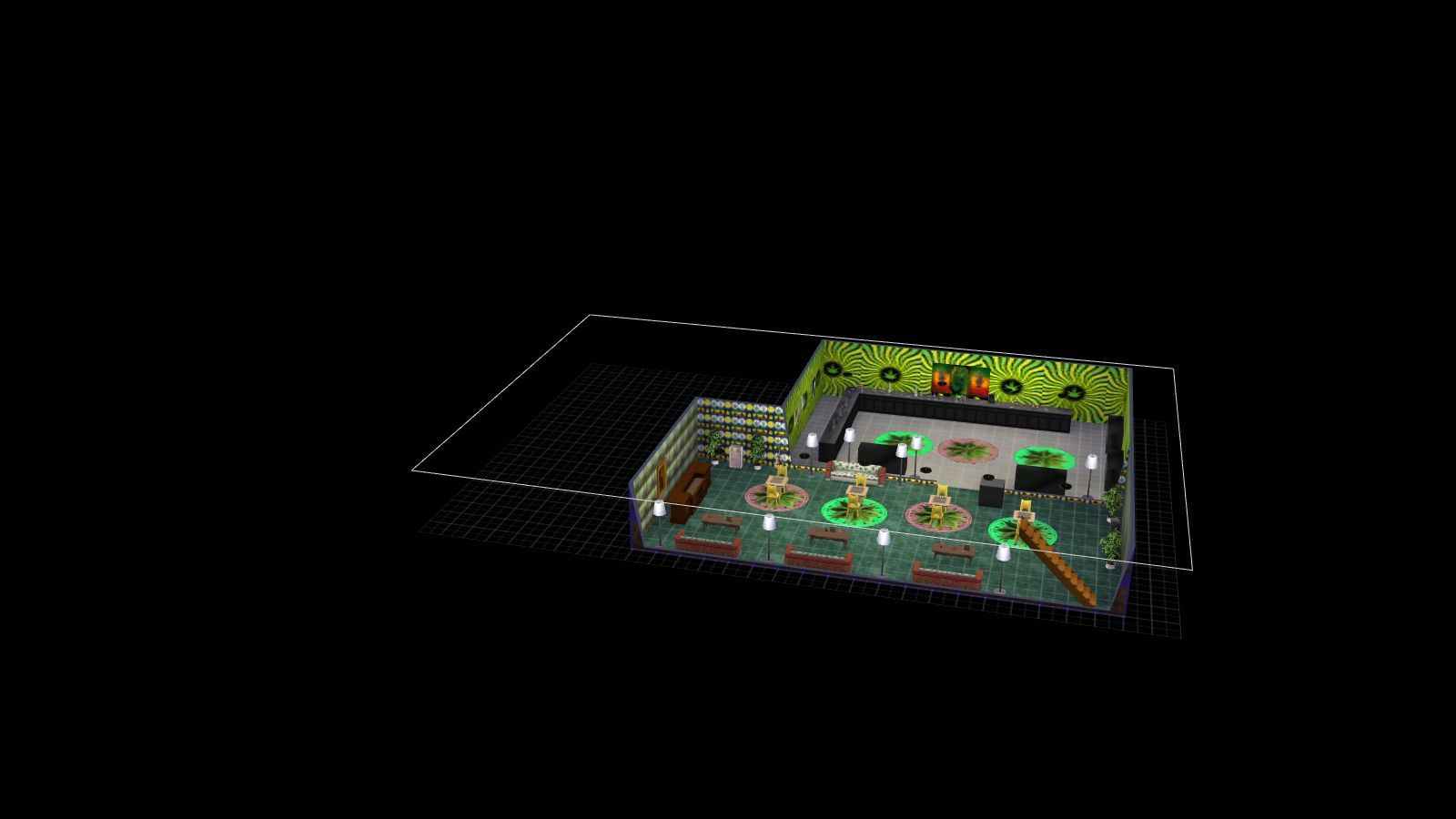
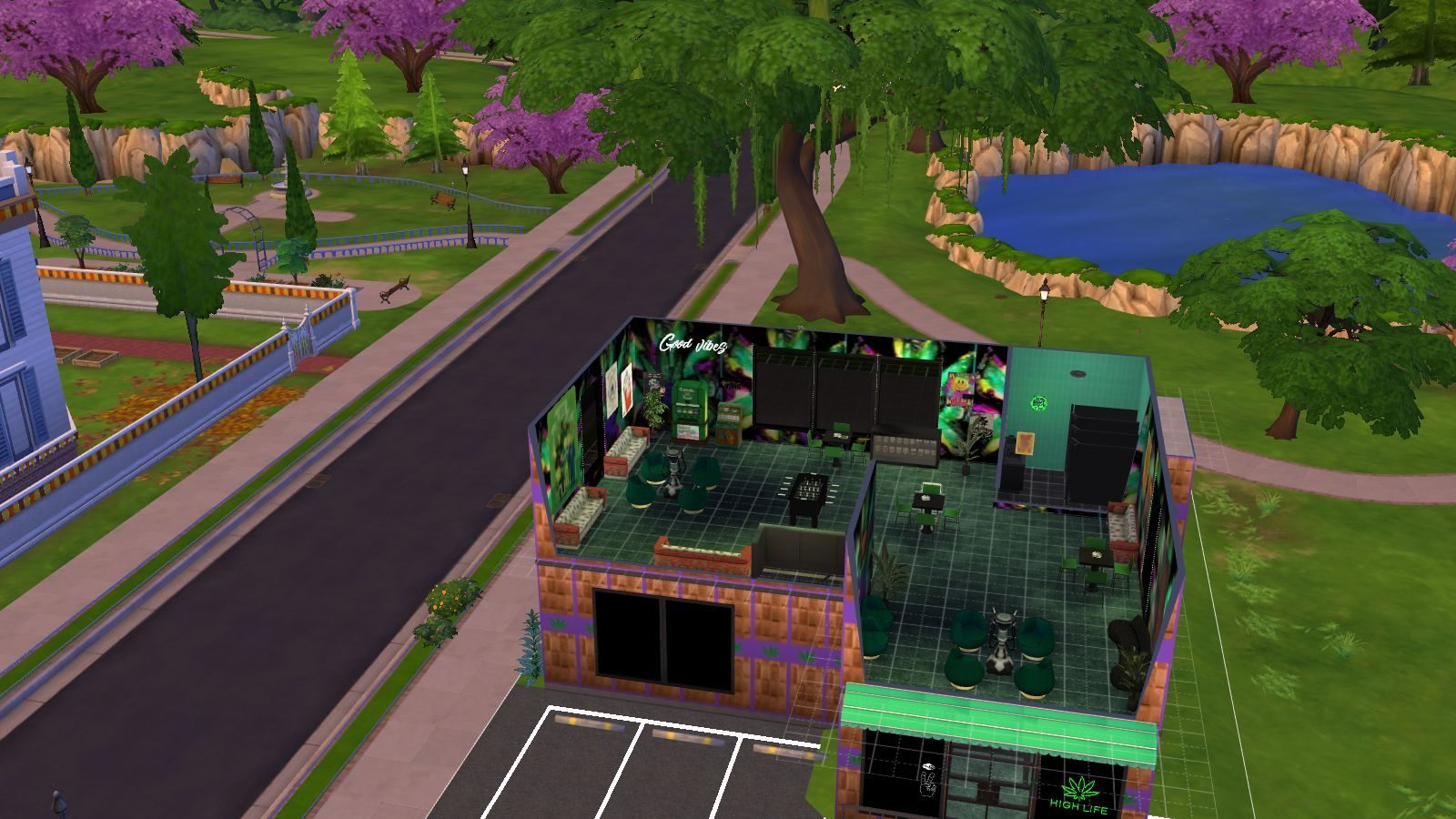
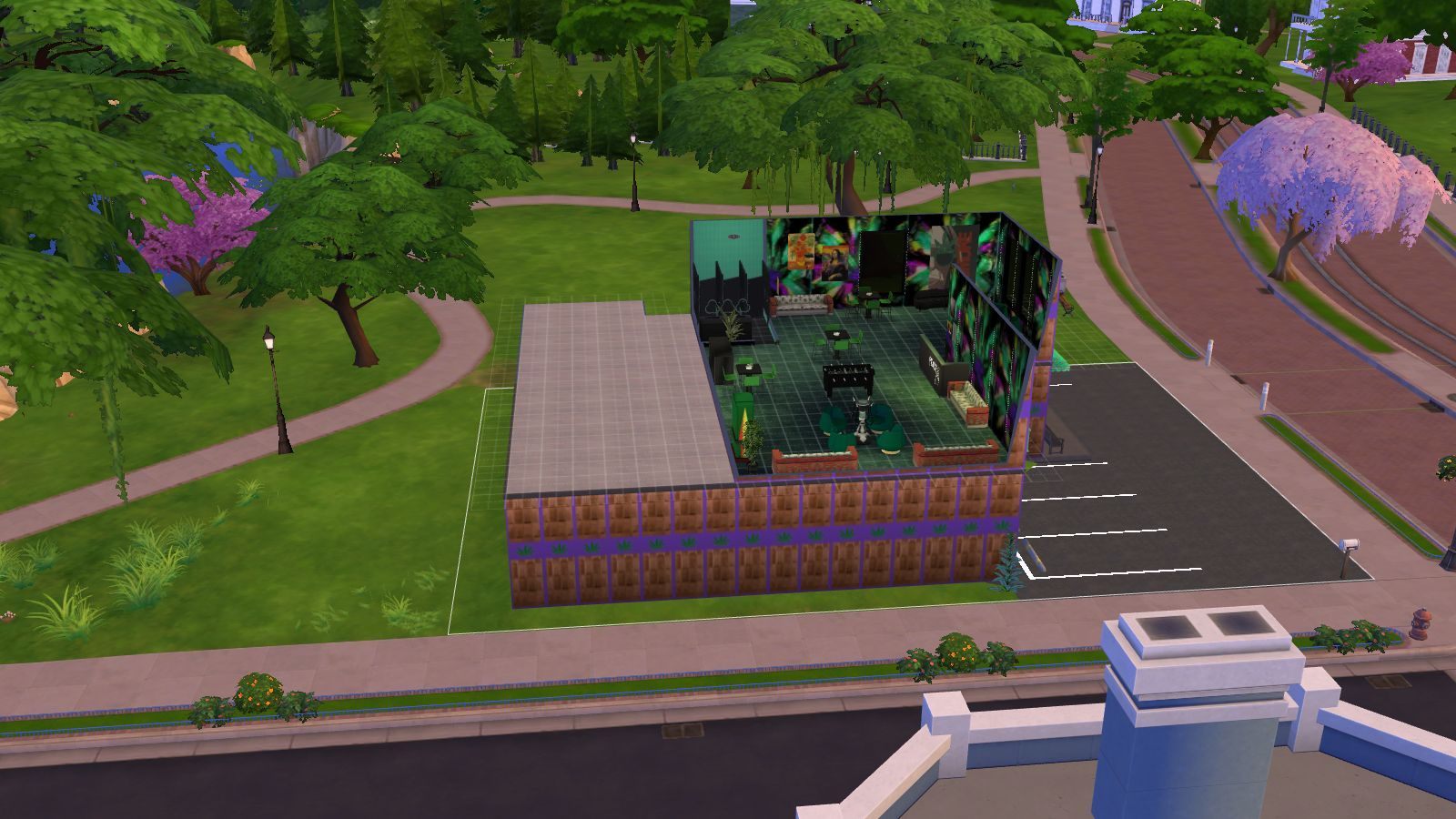
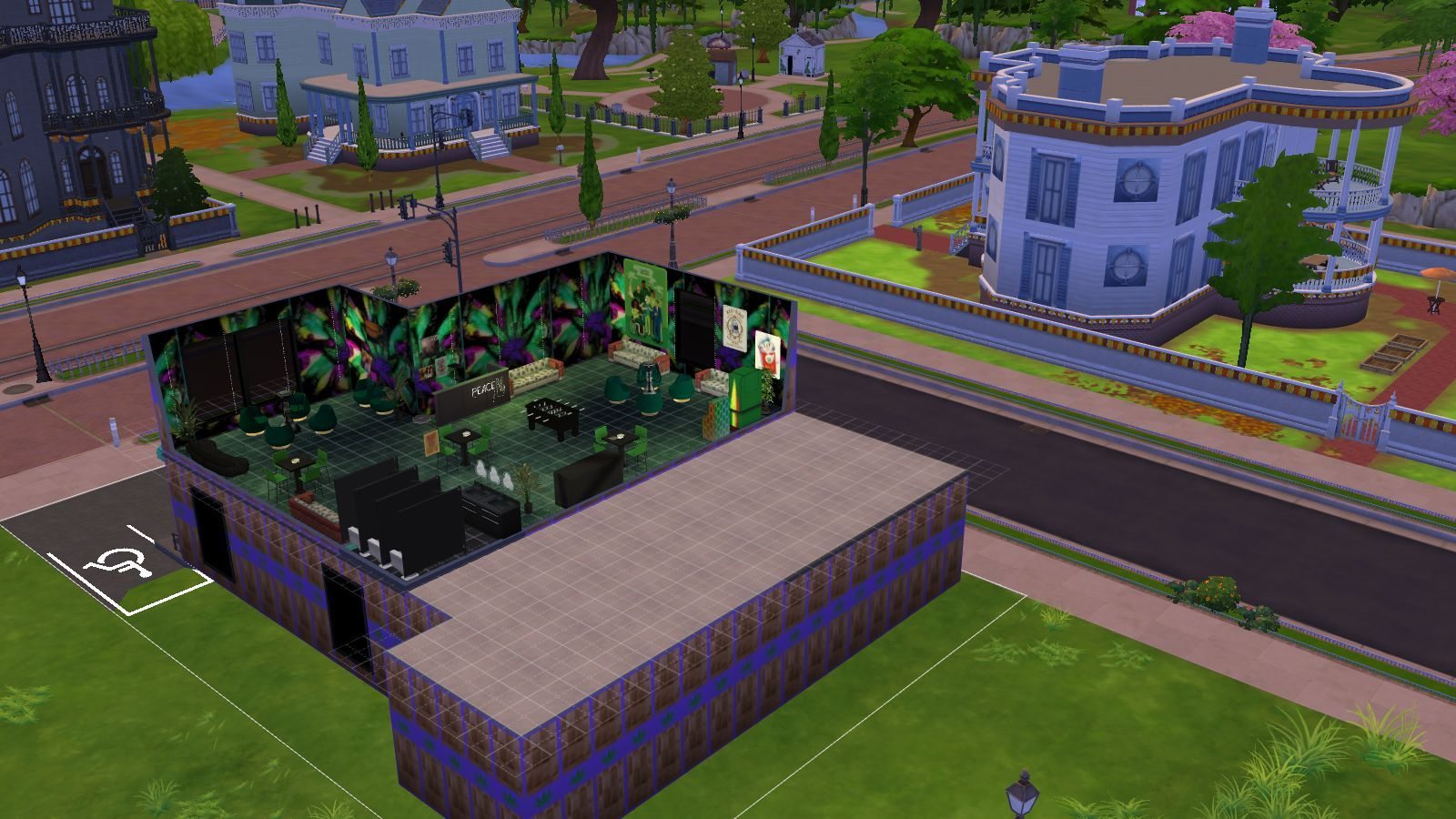
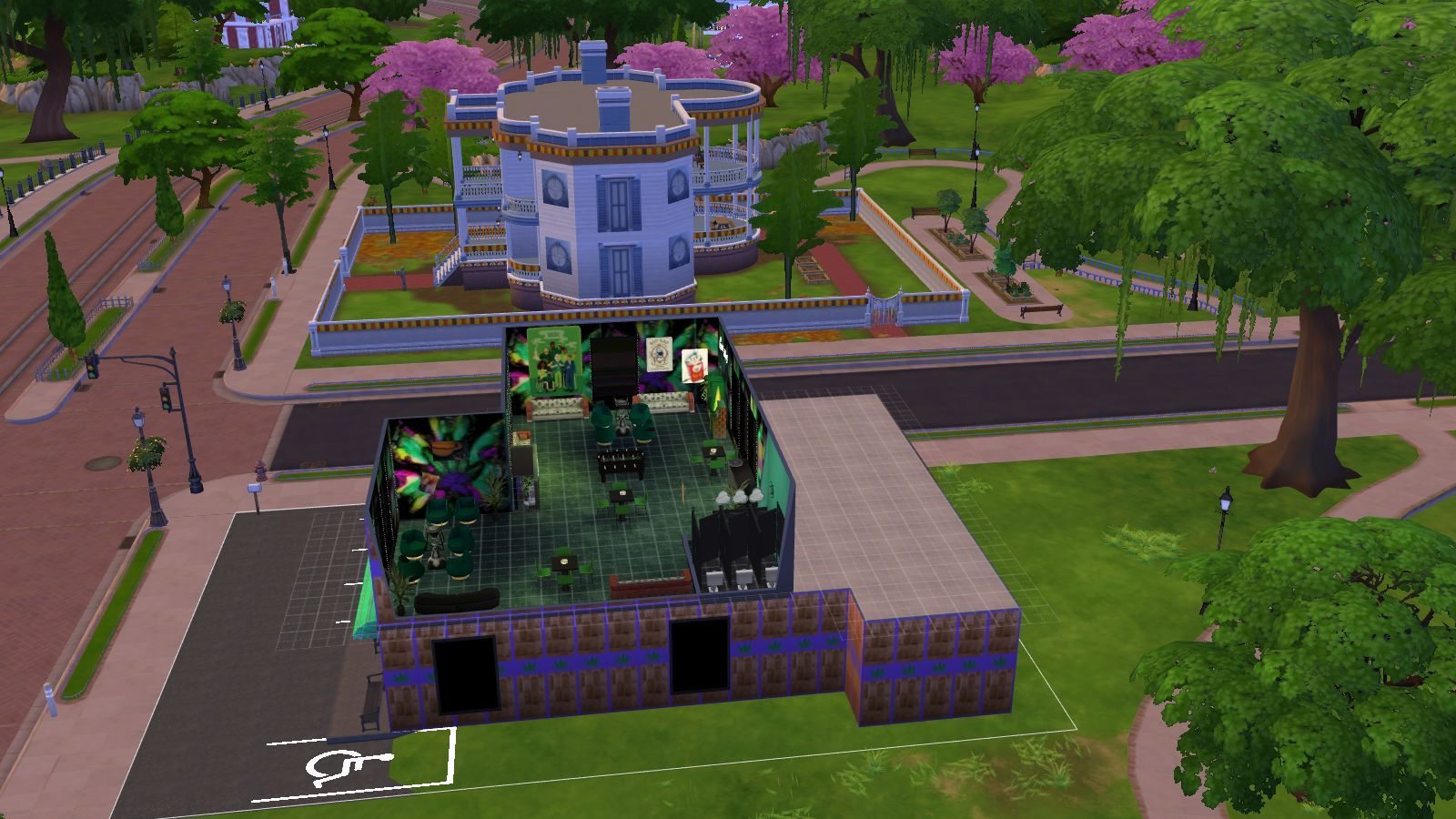


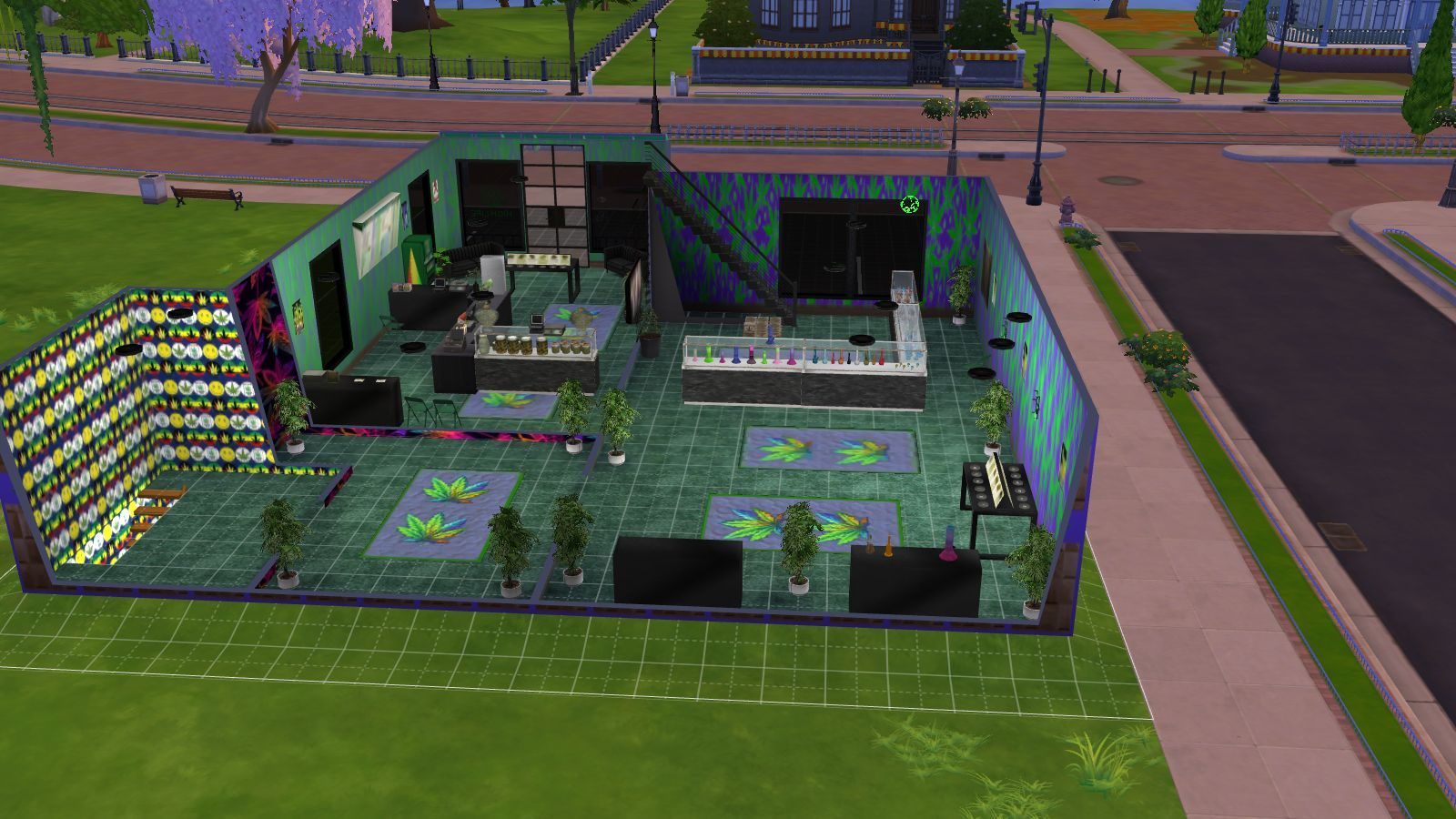
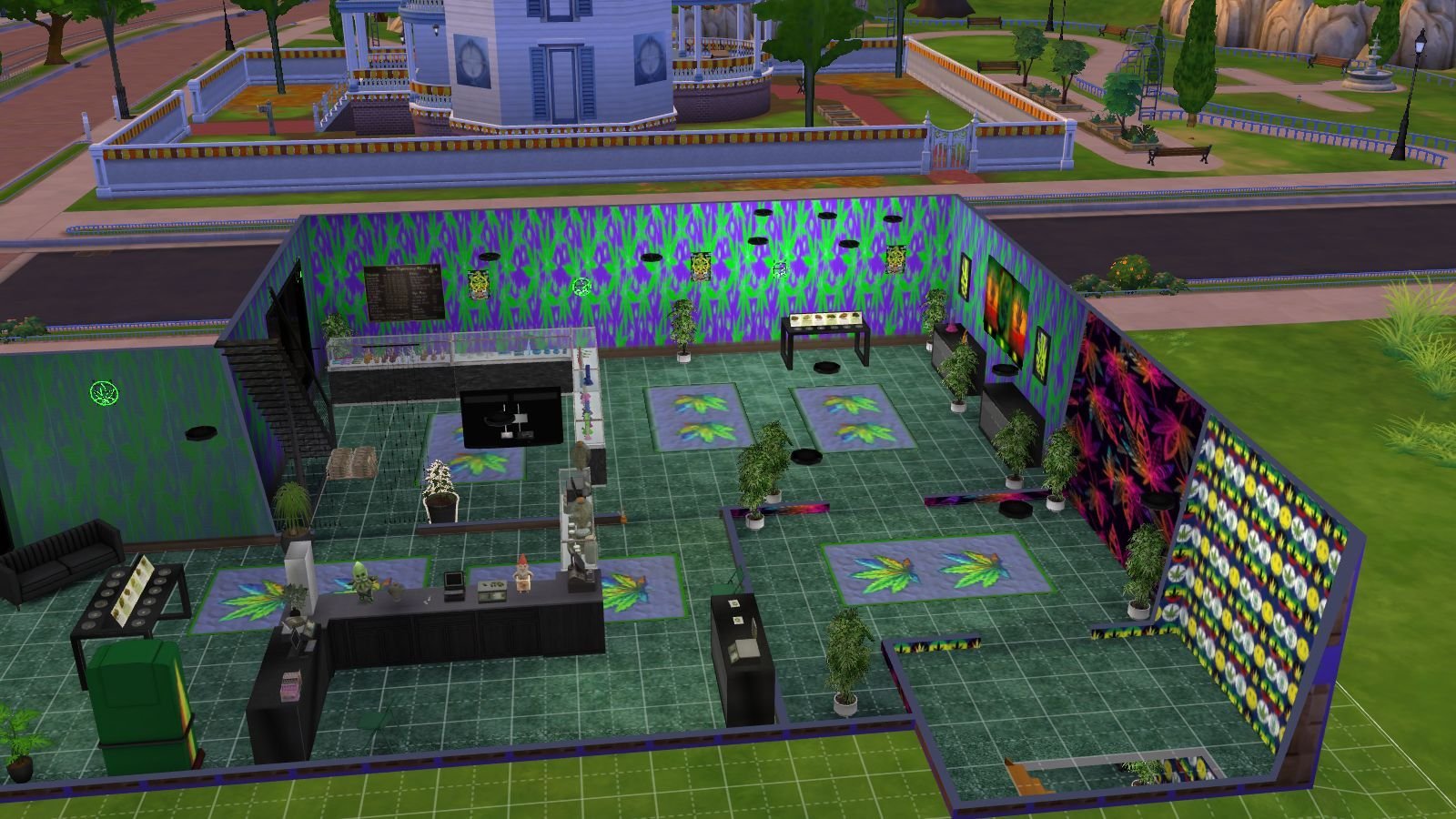

INSTRUCTIONS
You will get a tray folder and packages folders that need to be put in a certain place.
WHERE TO PUT TRAY FILES
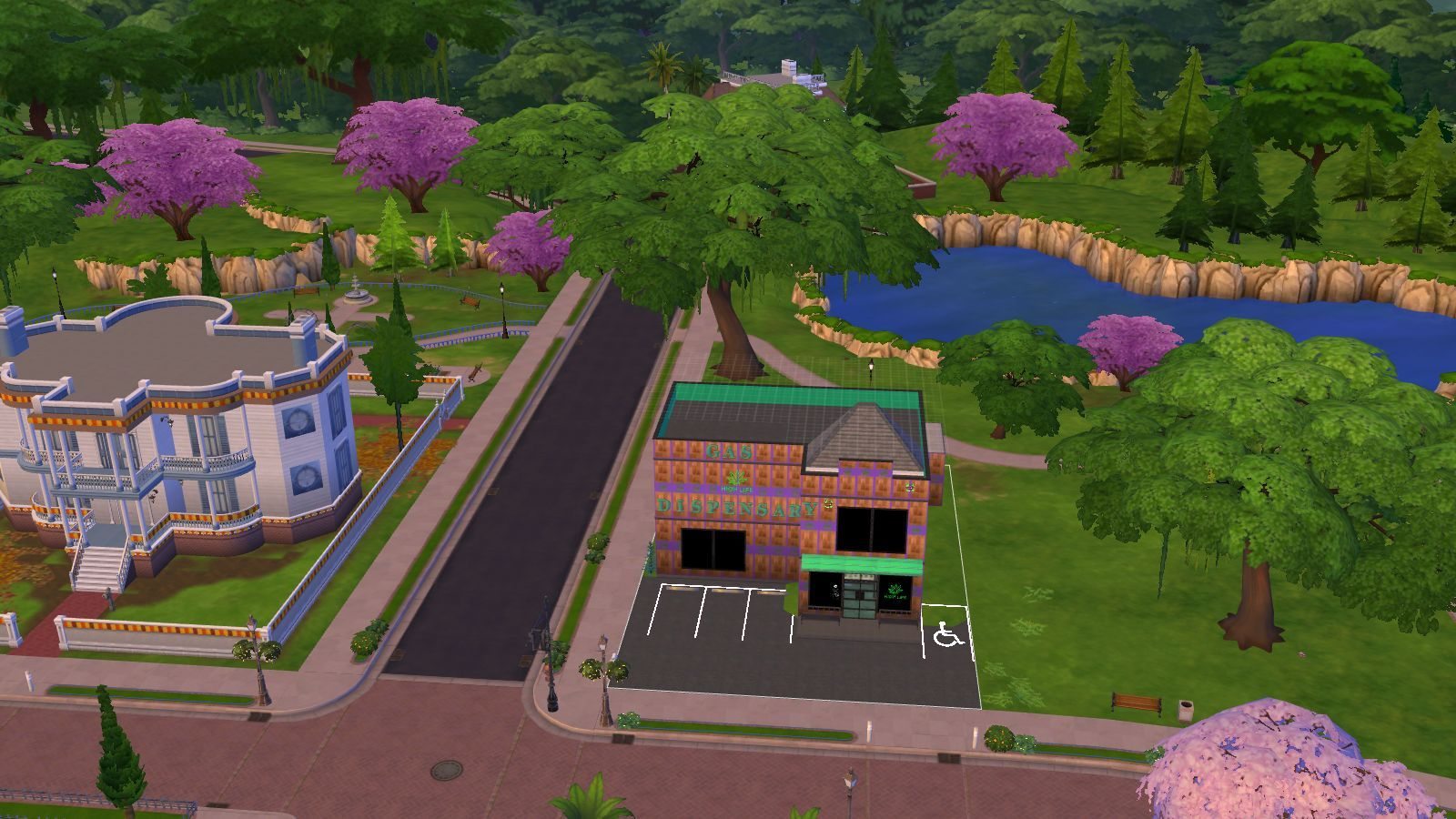
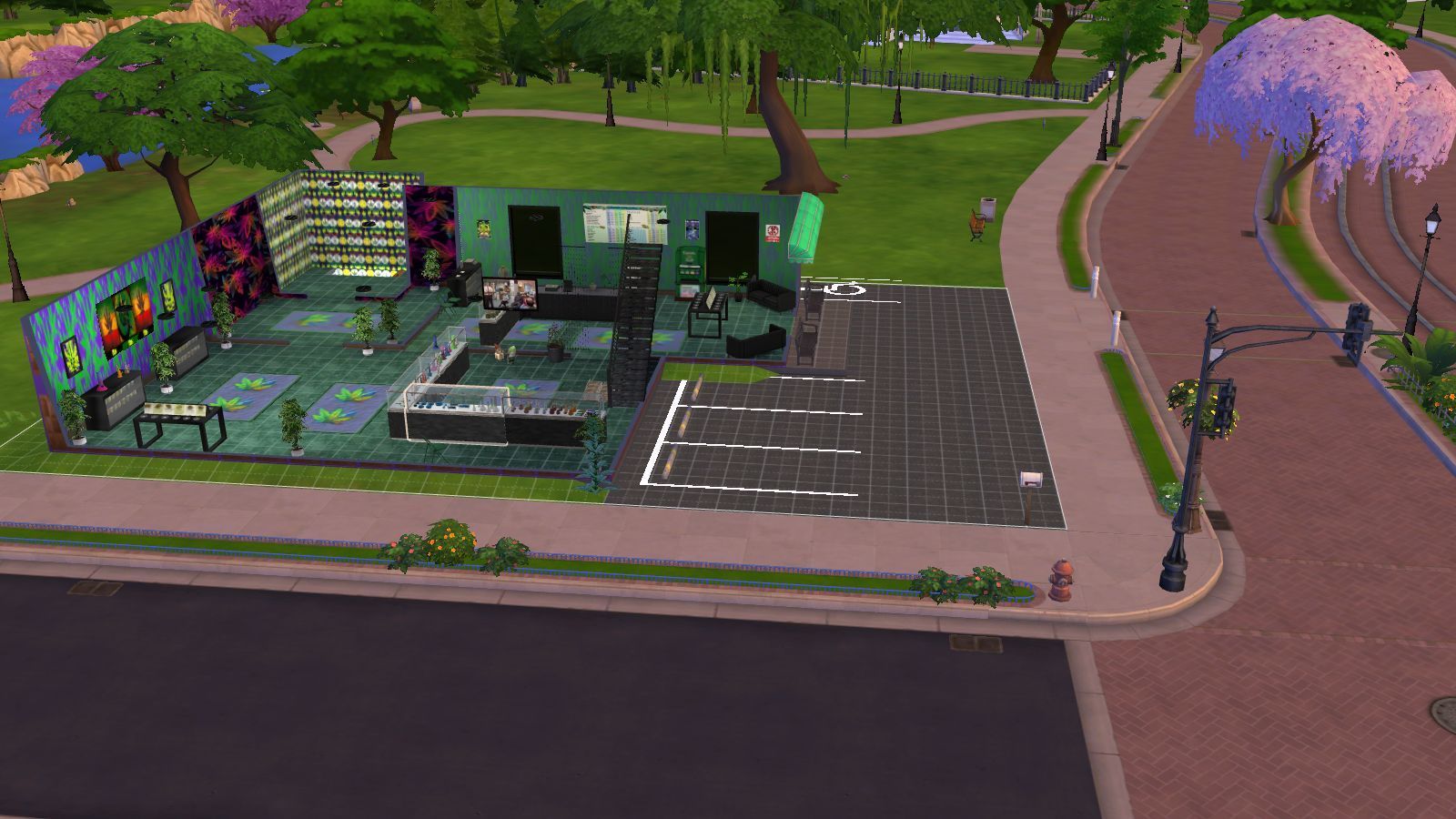
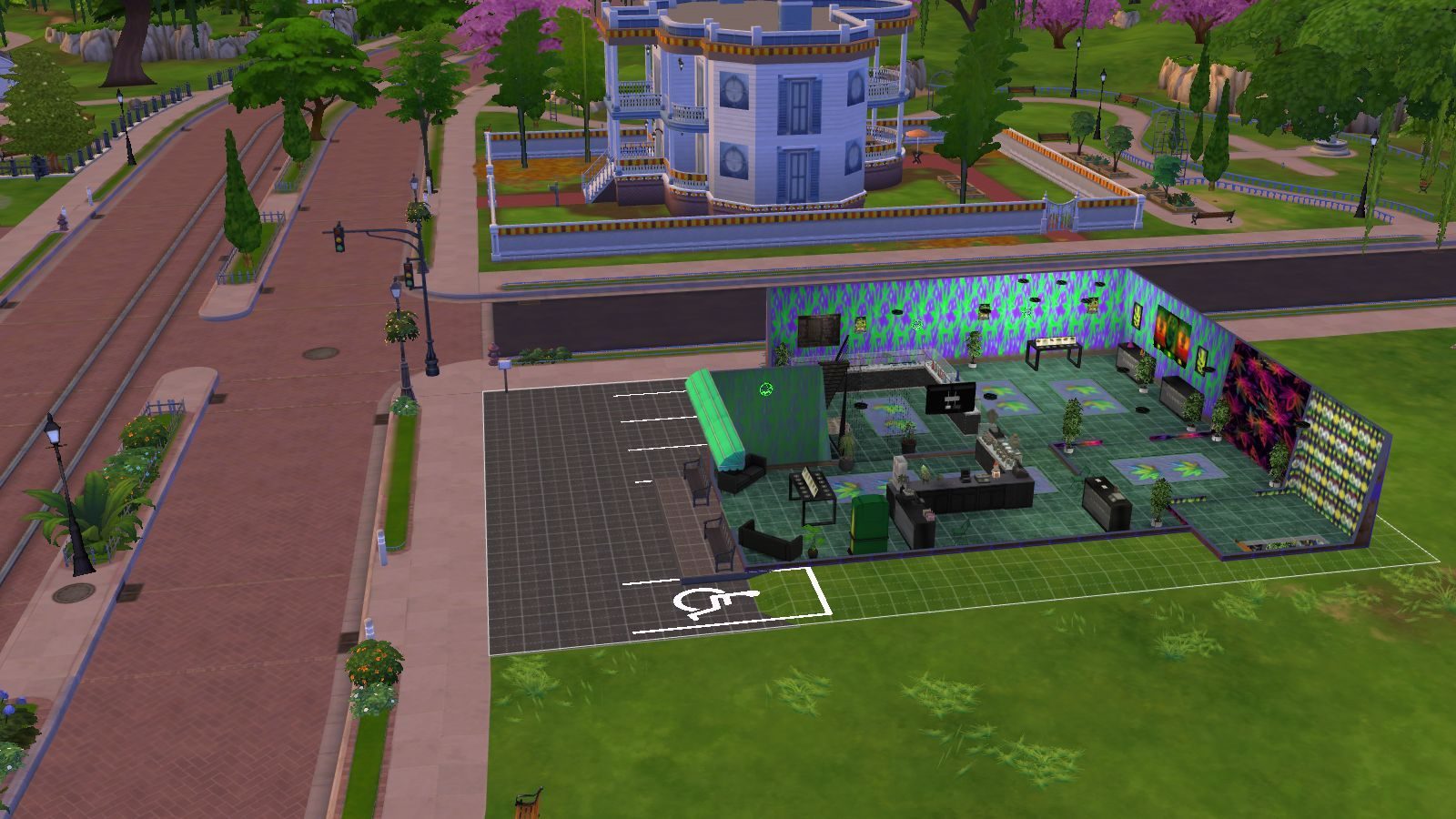
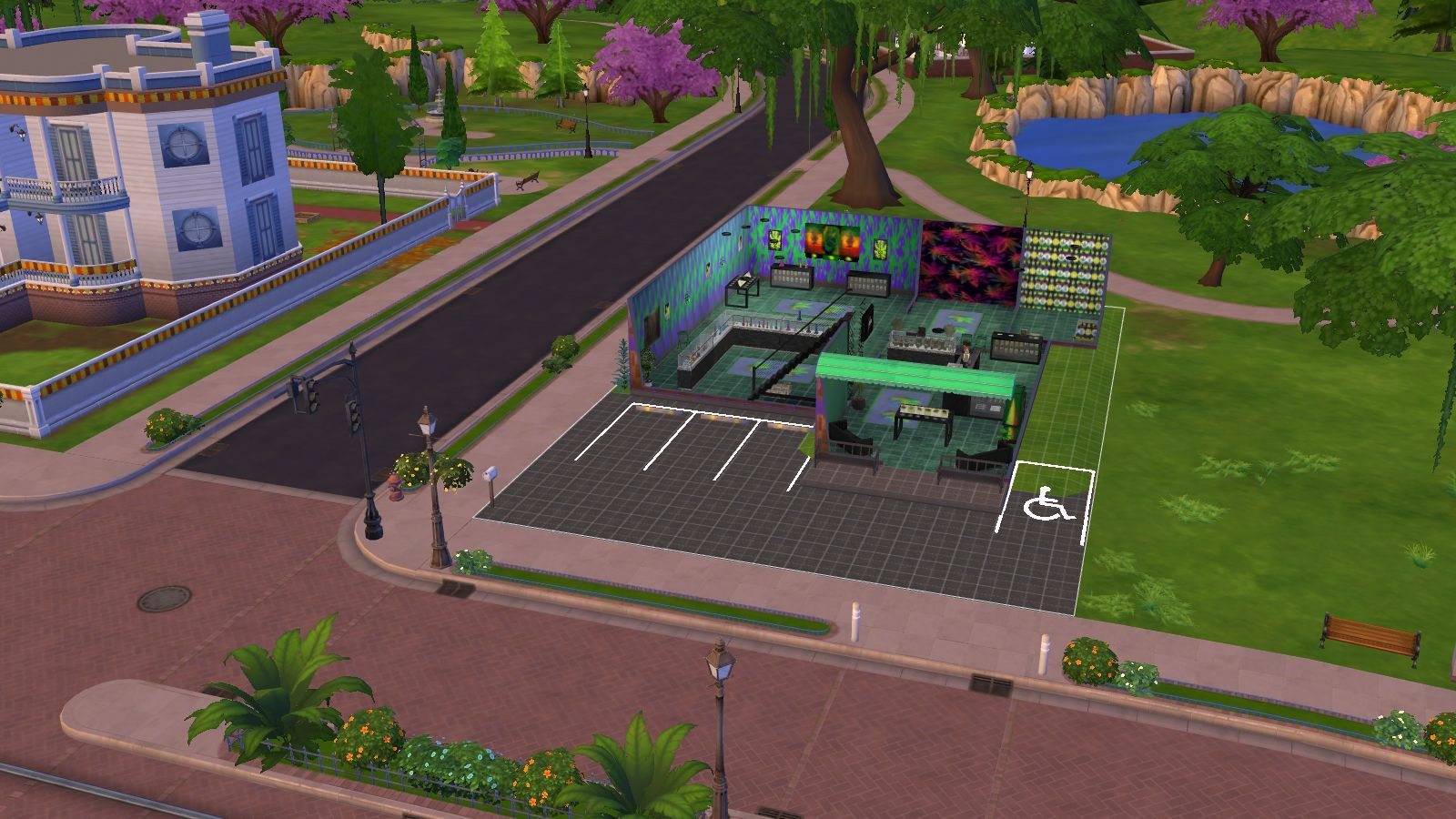
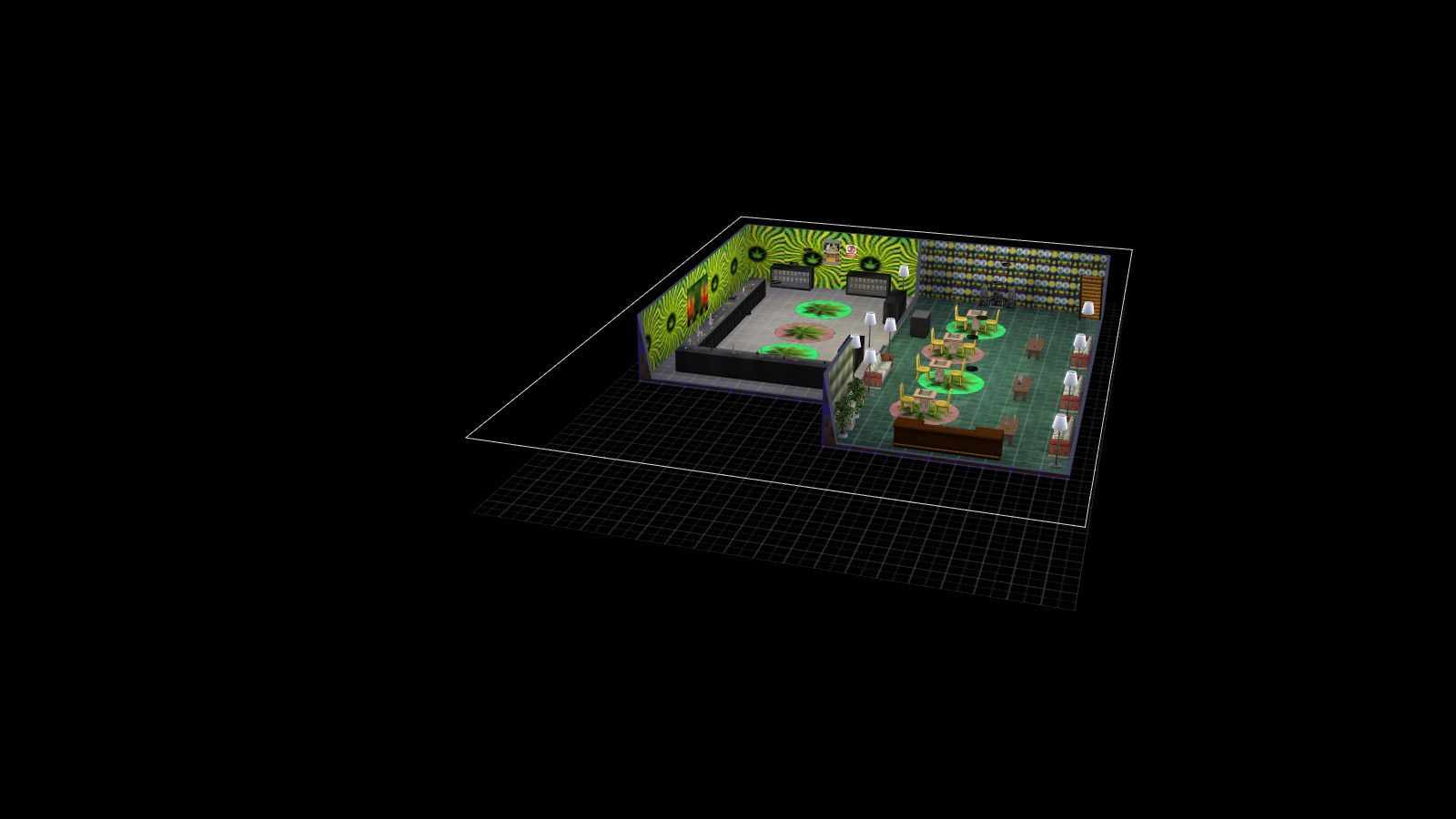
Sims 4 tray folder needs to be extracted and the files should go in Documents>Electronic Arts>Sims 4>Tray. It makes up the lot and household and doesn't come with the patterns. If you want the lot as seen on the photos and video please read the note in the about section of this page.
WHERE TO PUT SIMS 4 PACKAGE FILES
Sims 4 Packages goes in the following place.
Documents>Electronic Arts>Sims 4>Mods>Packages
Please note if you haven't got a Mods folder then make one and place it in the Electronic Arts folder in Documents. Copy and paste or move Package files in the Mods folder.
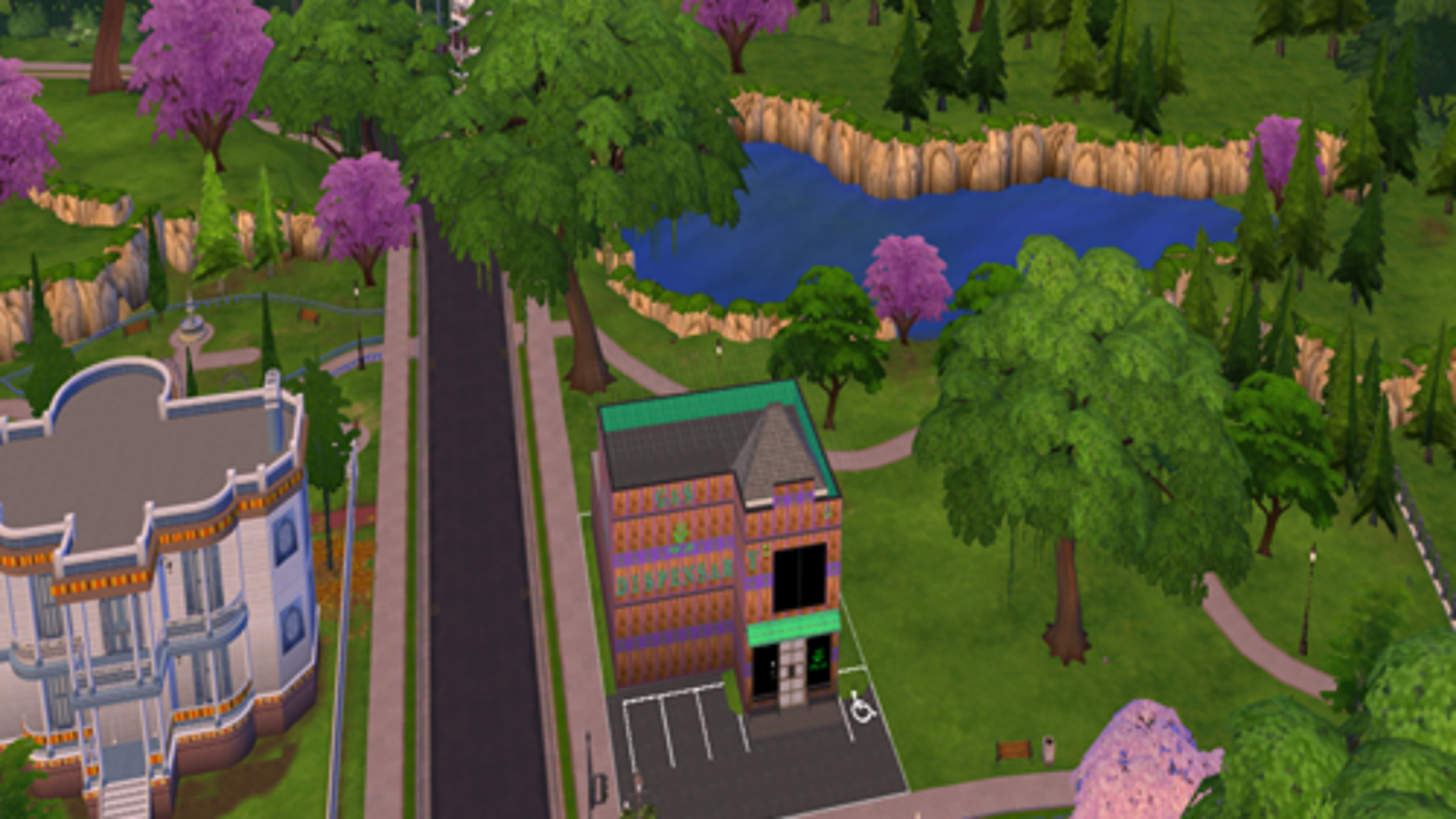
Sims 4 Custom Content – Weed Dispensary Lot
INSTRUCTIONS
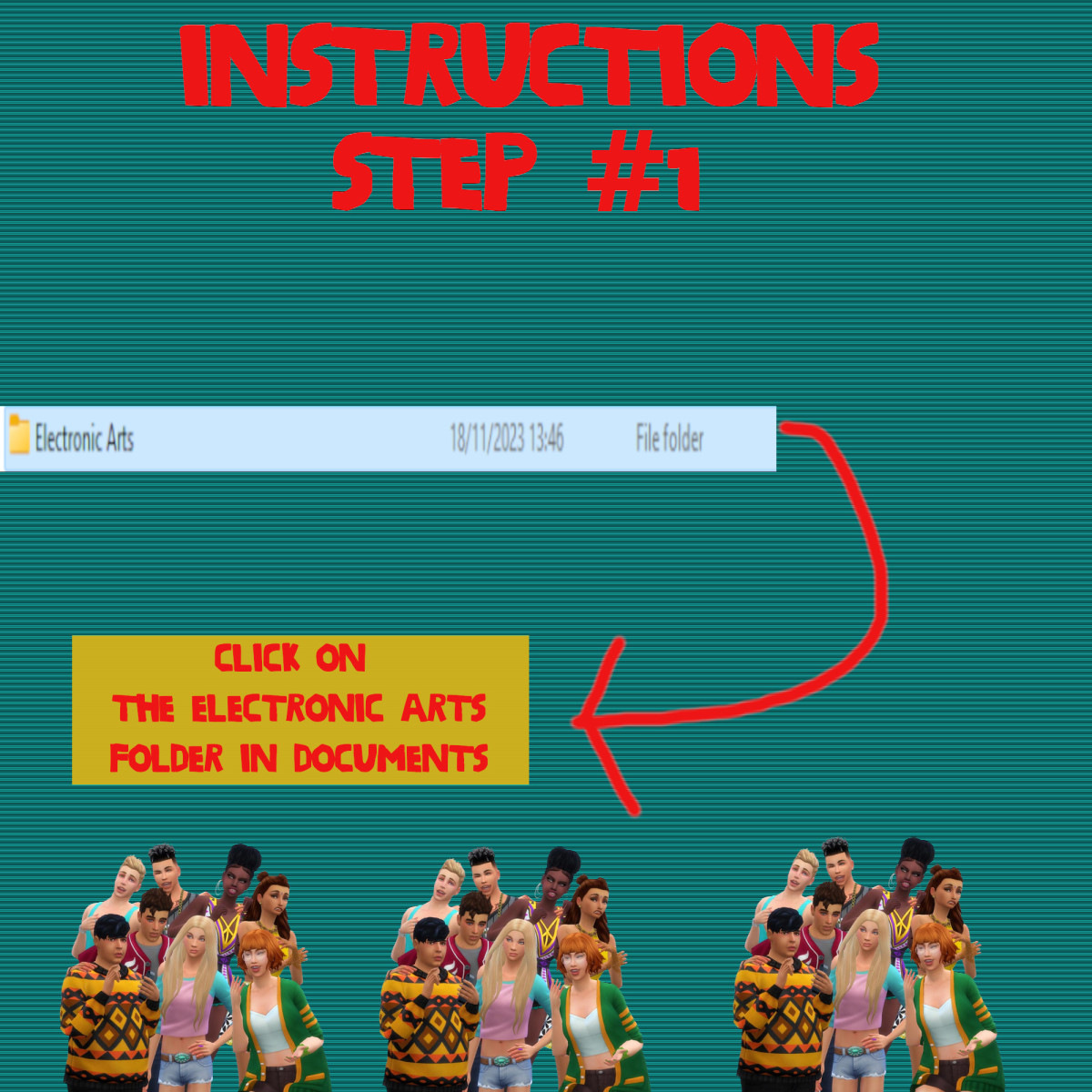
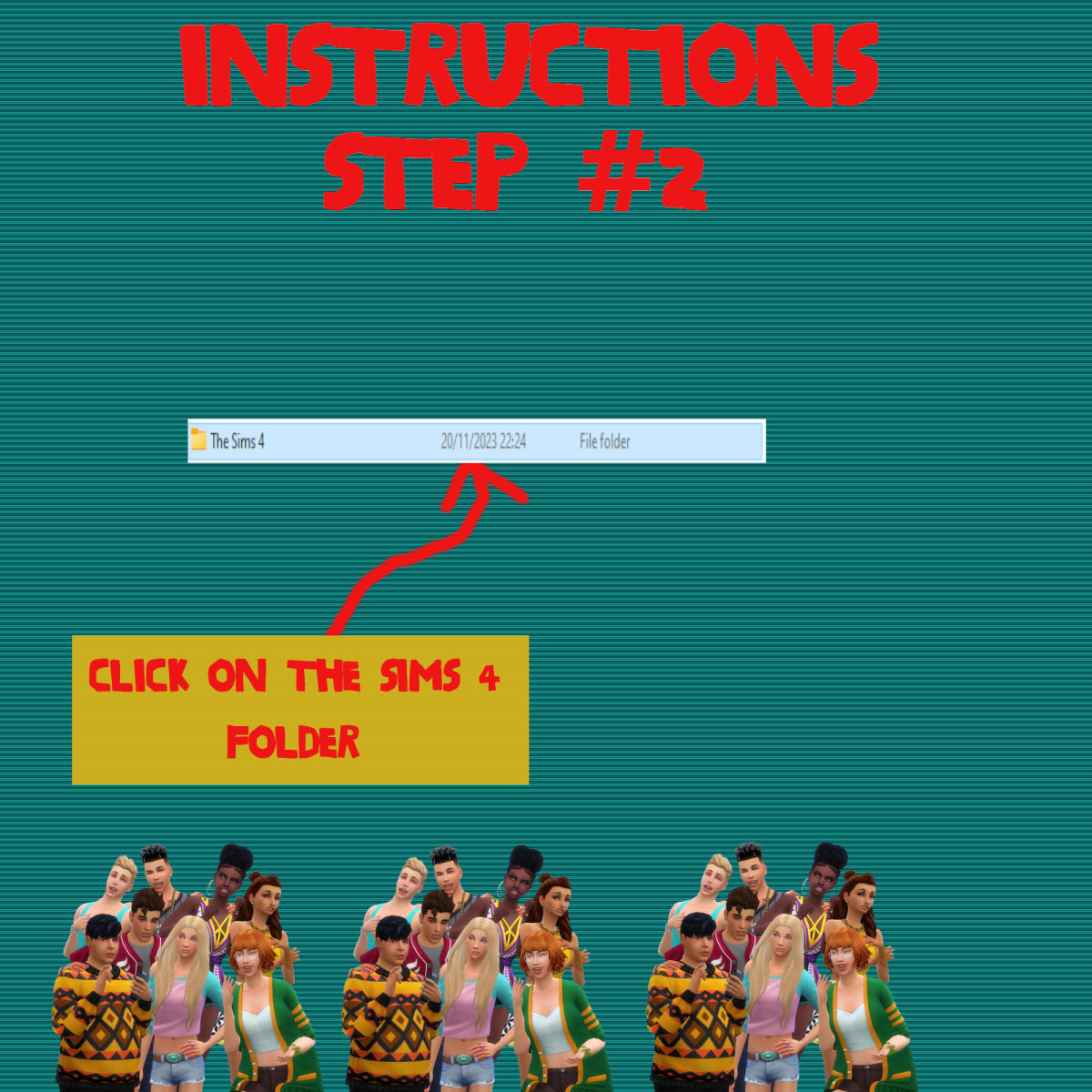
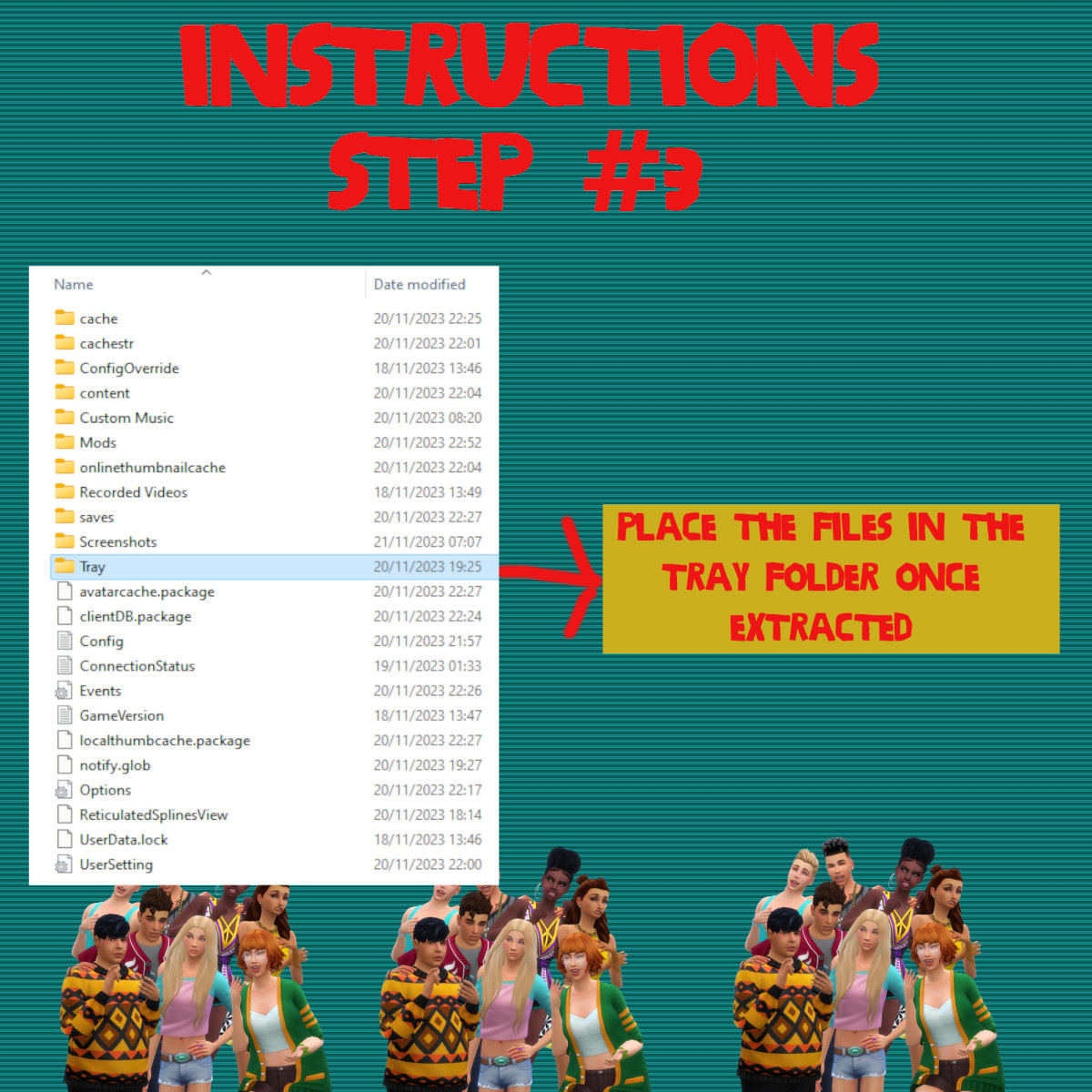
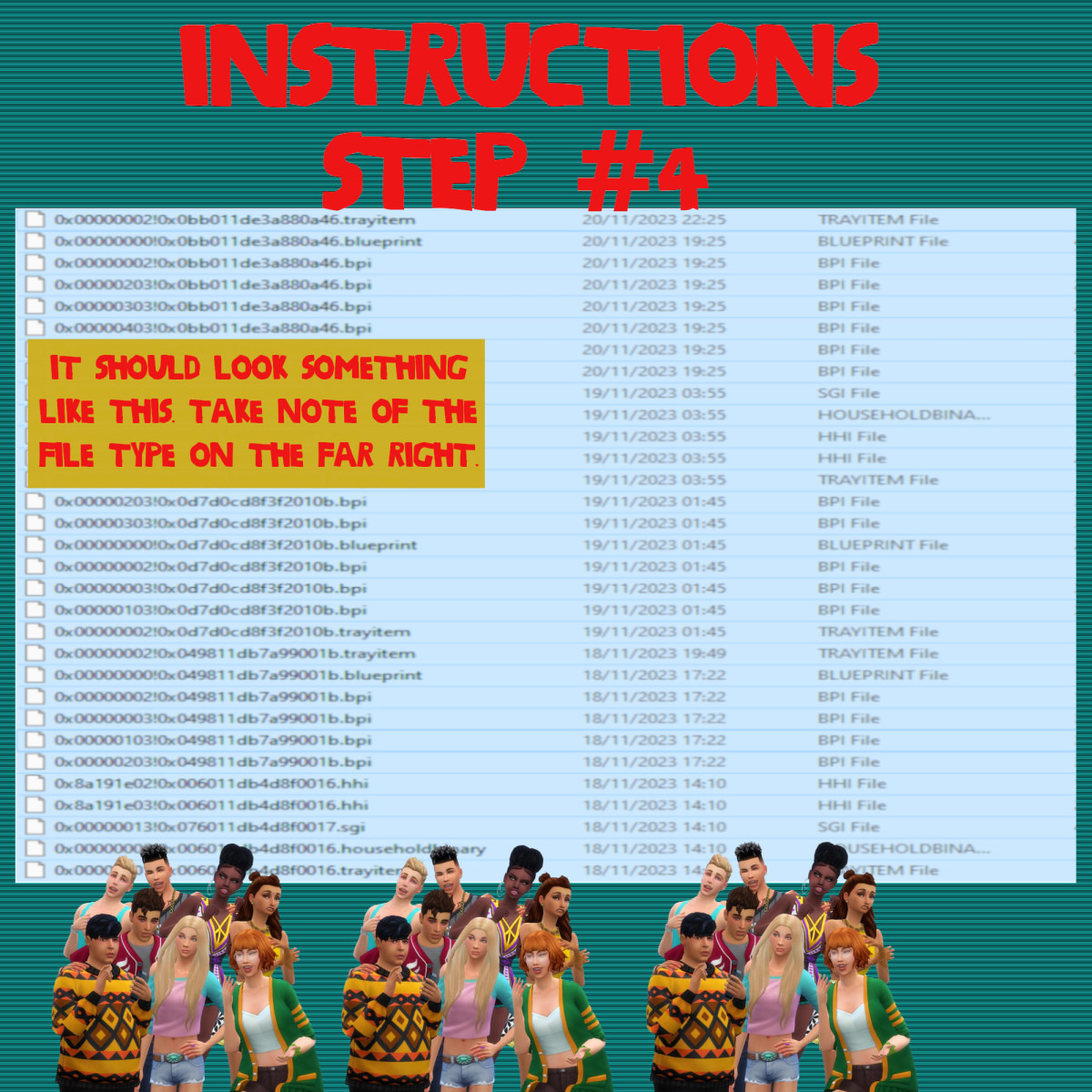
You will get a tray folder that needs to be extracted and put in the right place.
WHERE TO PUT TRAY FILES
Sims 4 tray folder needs to be extracted and the files should go in Documents>Electronic Arts>Sims 4>Tray. It makes up the lot and household and doesn't come with the patterns. If you want the lot as seen on the photos and video please read the note in the about section of this page.
Sims 4 Custom Content – Weed Head Patterns Pack

Seven weed inspired wallpapers which I found off the internet and using Sims 4 Studio. They can be found under brick mostly but please use the custom filter to filter out the items that come with the game to find them.
INSTRUCTIONS
You will get a Sims 4 Package files in the folder.
WHERE TO PUT SIMS 4 PACKAGE FILES
Sims 4 Packages goes in the following place.
Documents>Electronic Arts>Sims 4>Mods>Packages
Please note if you haven't got a Mods folder then make one and place it in the Electronic Arts folder in Documents. Copy and paste or move Package files in the Mods folder.
Sims 4 Custom Content – The Weed Head Objects

INSTRUCTIONS
You will get a Sims 4 Package files in the folder.
WHERE TO PUT SIMS 4 PACKAGE FILES
Sims 4 Packages goes in the following place.
Documents>Electronic Arts>Sims 4>Mods>Packages
Please note if you haven't got a Mods folder then make one and place it in the Electronic Arts folder in Documents. Copy and paste or move Package files in the Mods folder.
Sims 4 Custom Content – The Weed Head Patterns & Objects Stuff

INSTRUCTIONS
You will get a Sims 4 Package files in the folder.
WHERE TO PUT SIMS 4 PACKAGE FILES
Sims 4 Packages goes in the following place.
Documents>Electronic Arts>Sims 4>Mods>Packages
Please note if you haven't got a Mods folder then make one and place it in the Electronic Arts folder in Documents. Copy and paste or move Package files in the Mods folder.