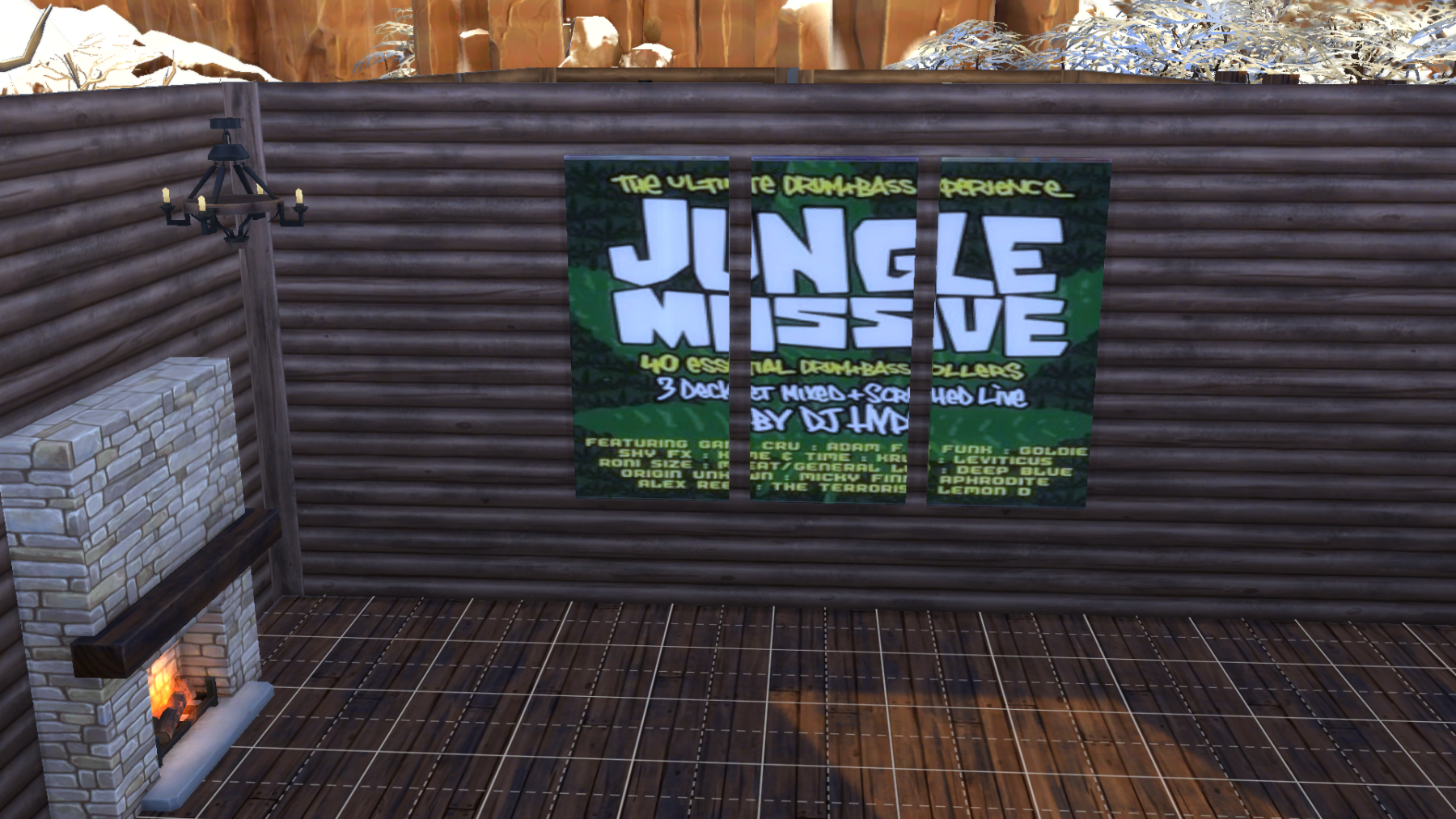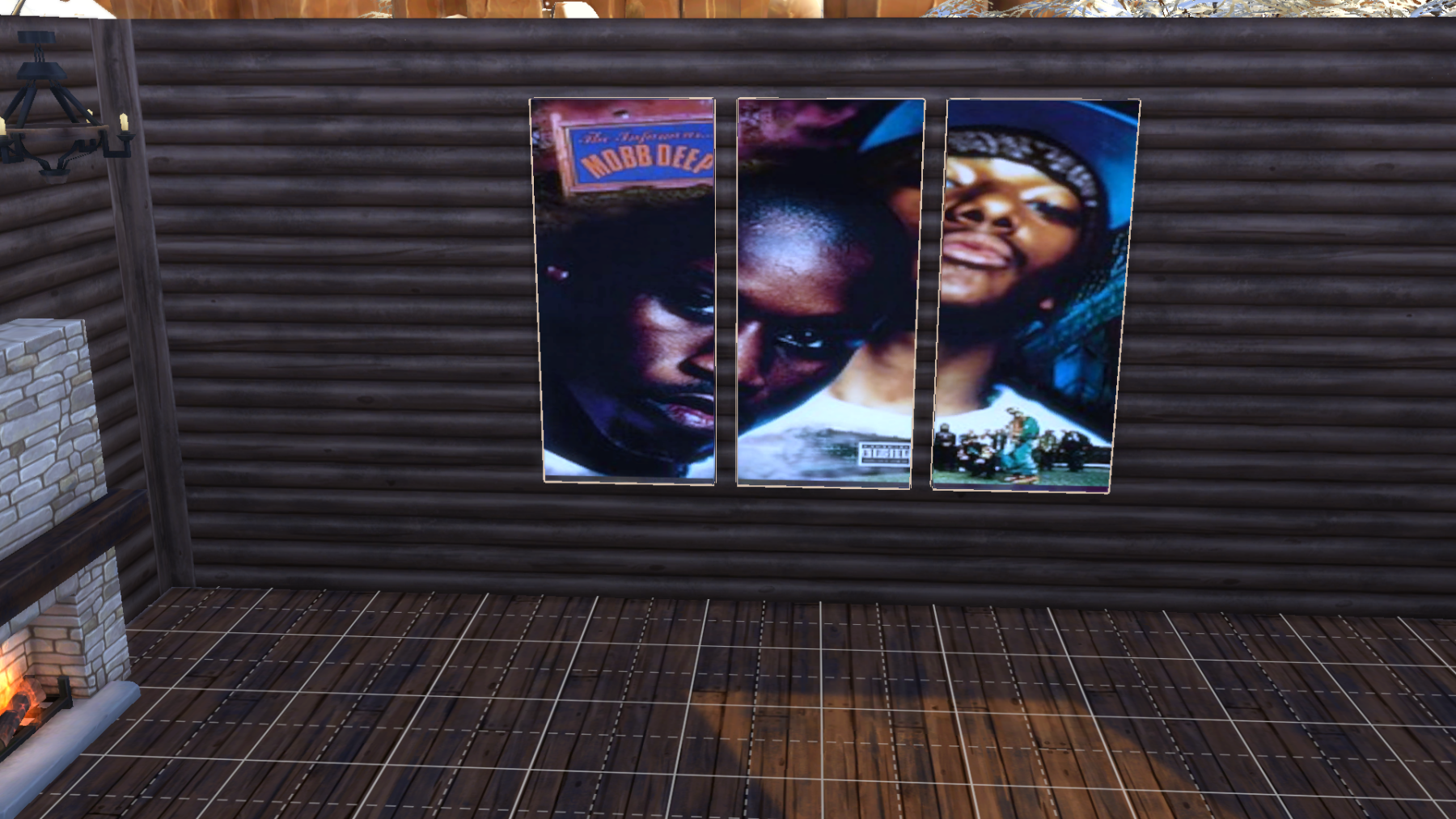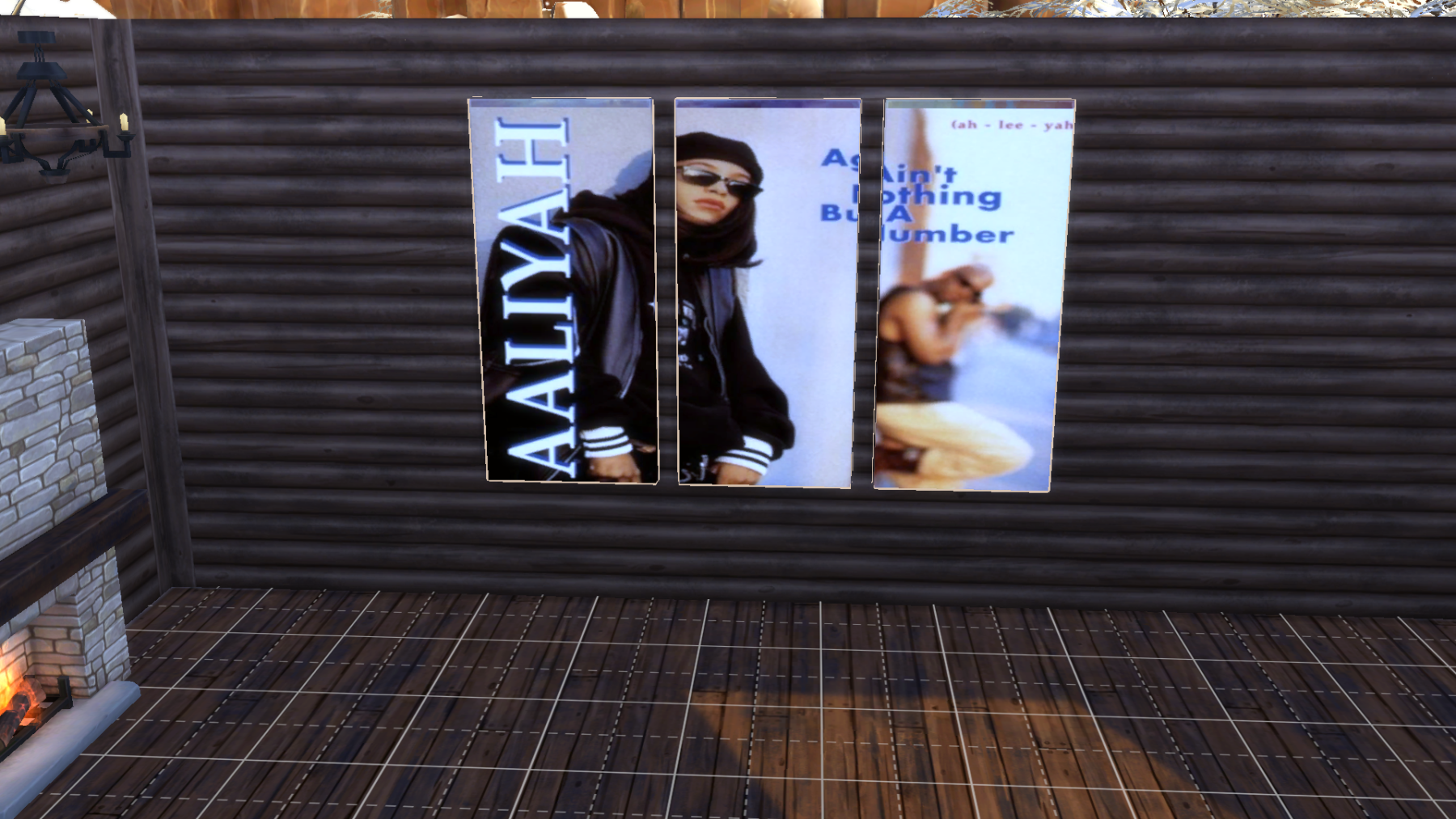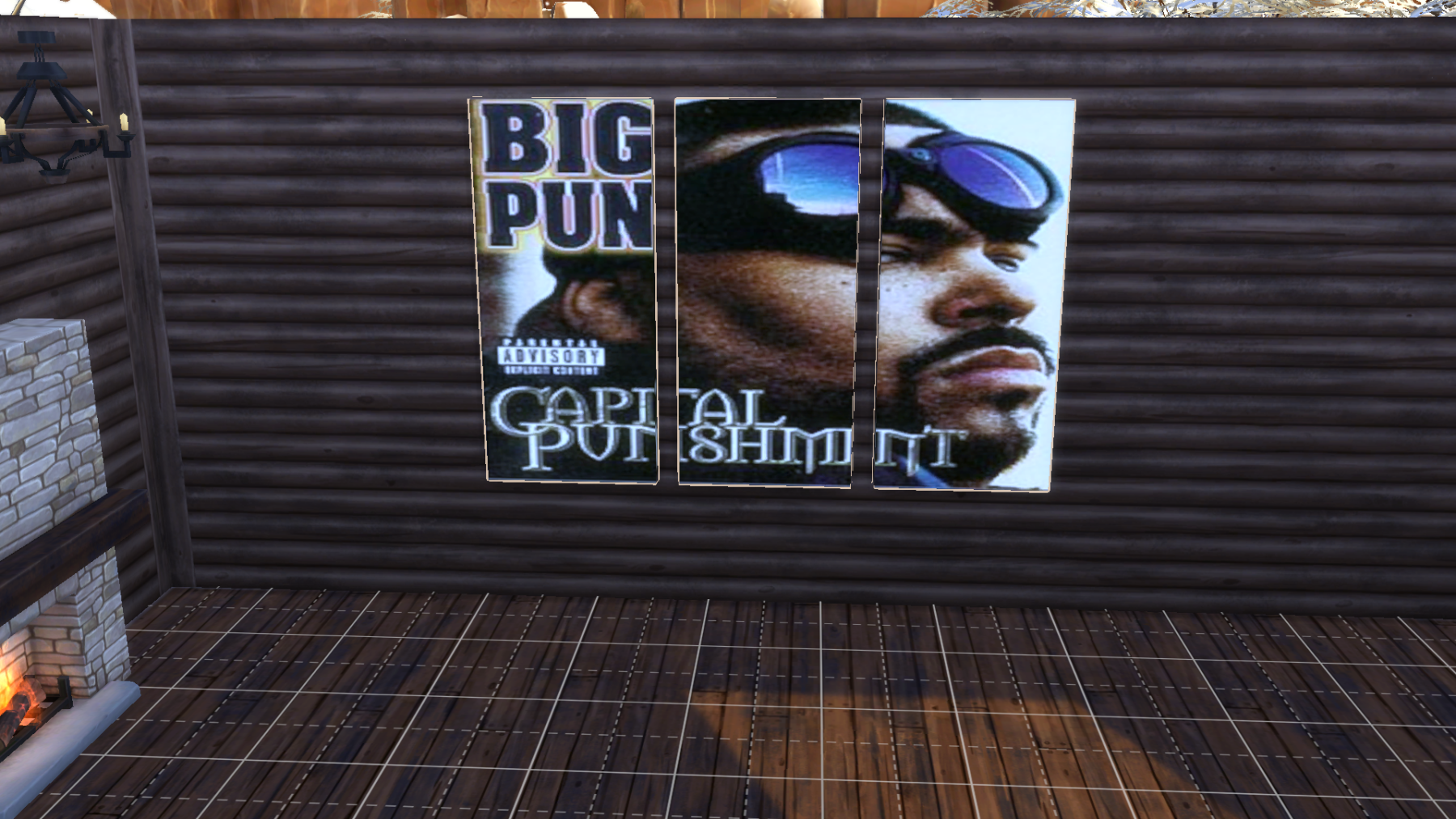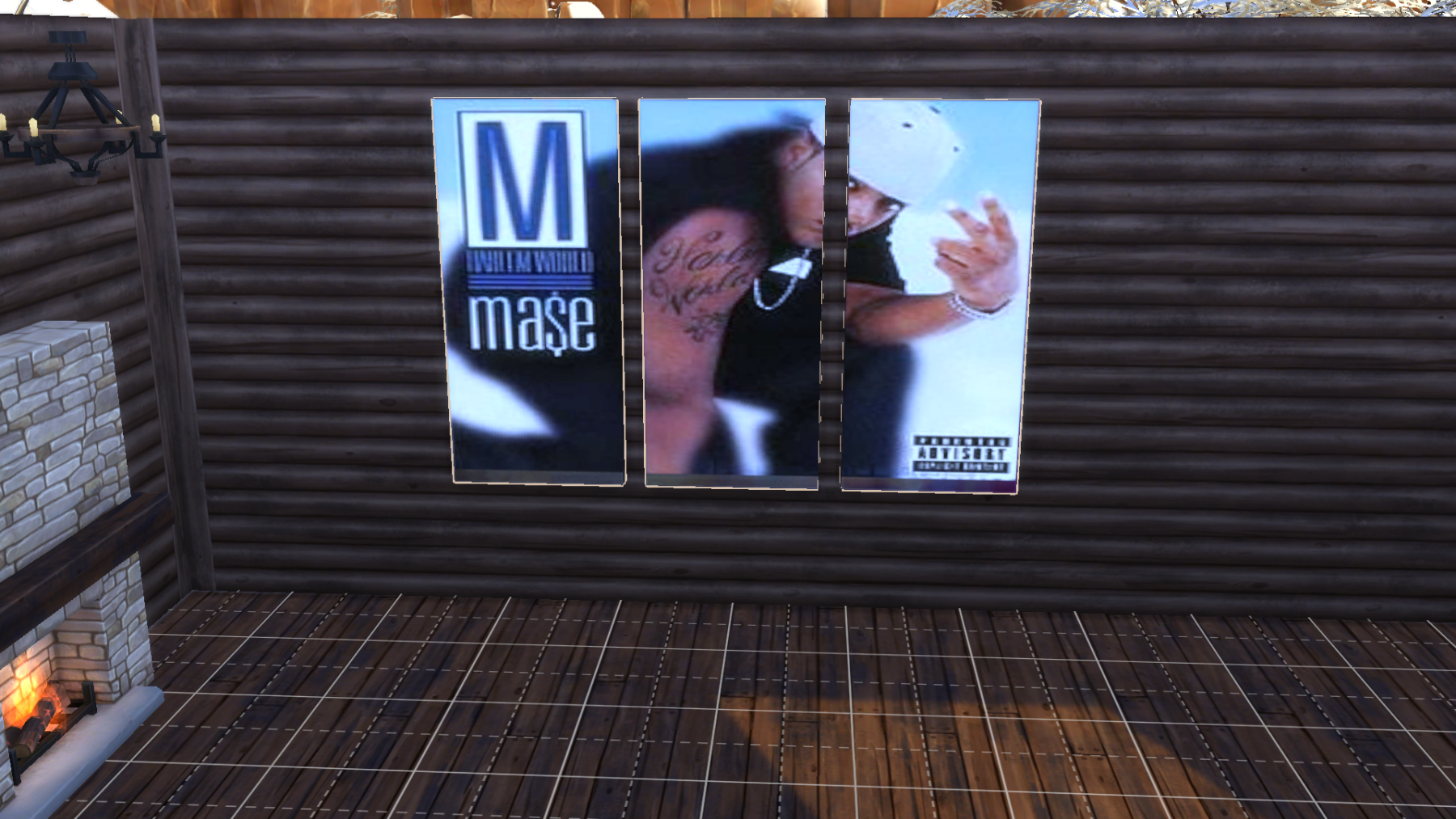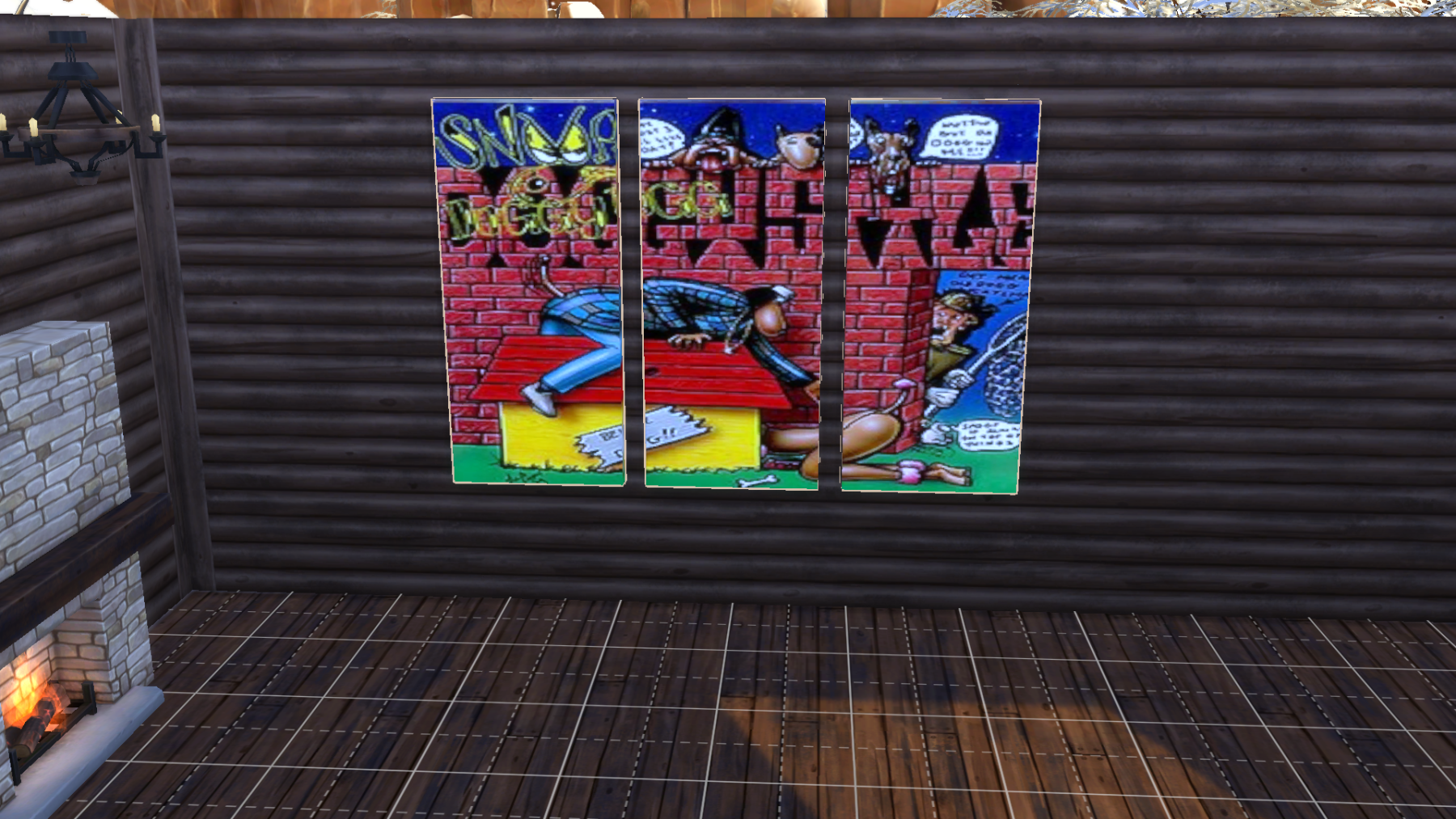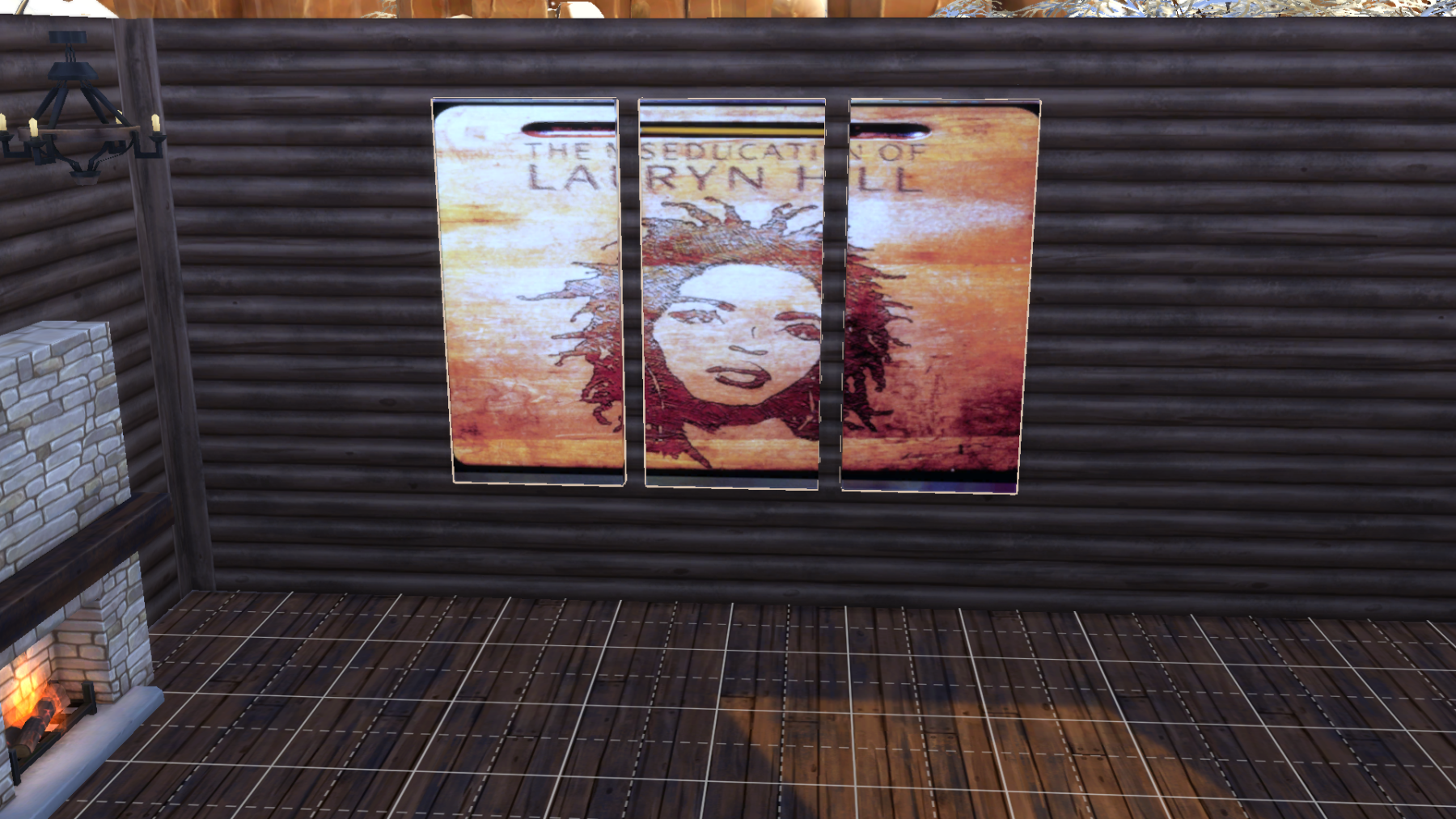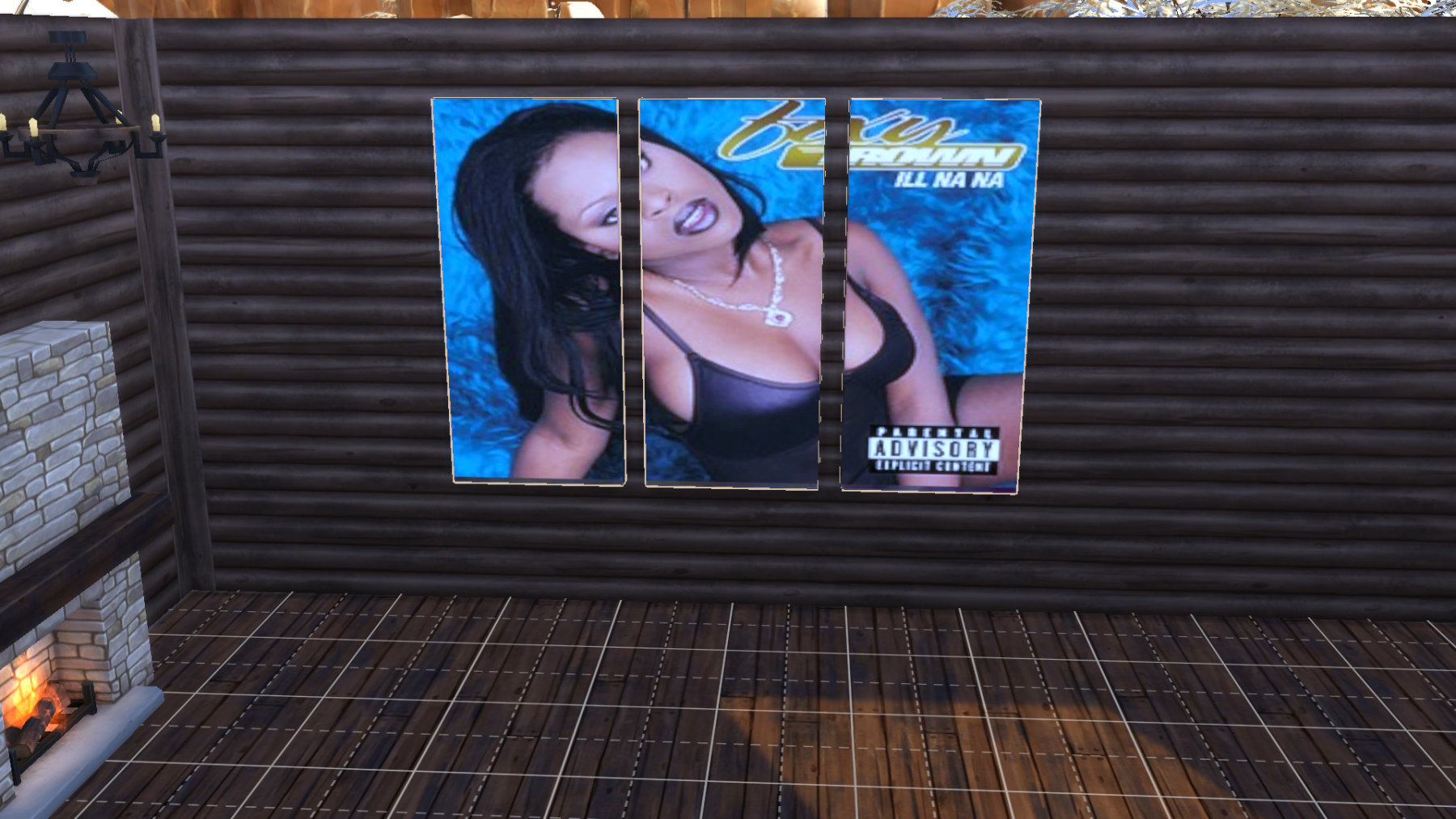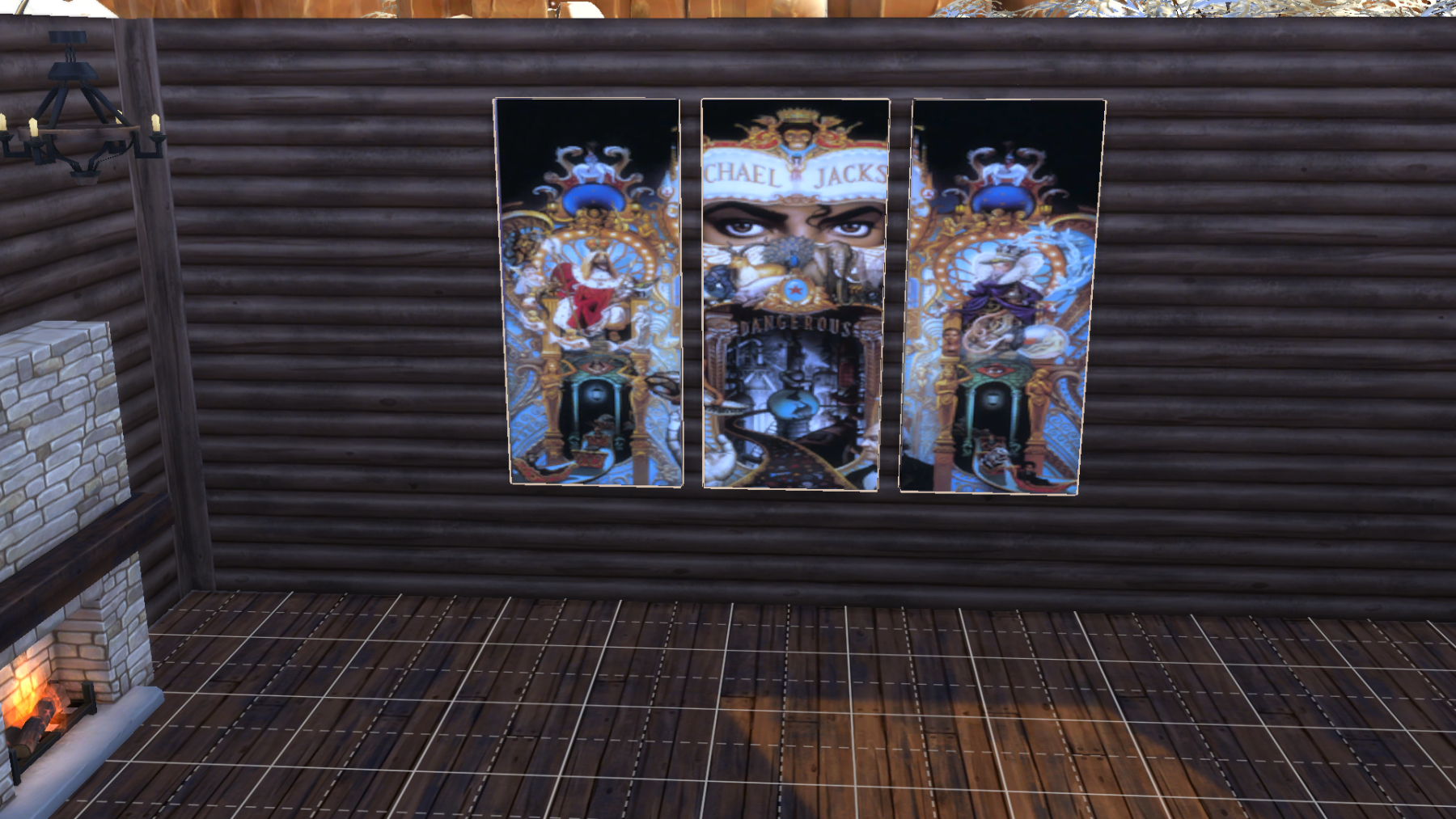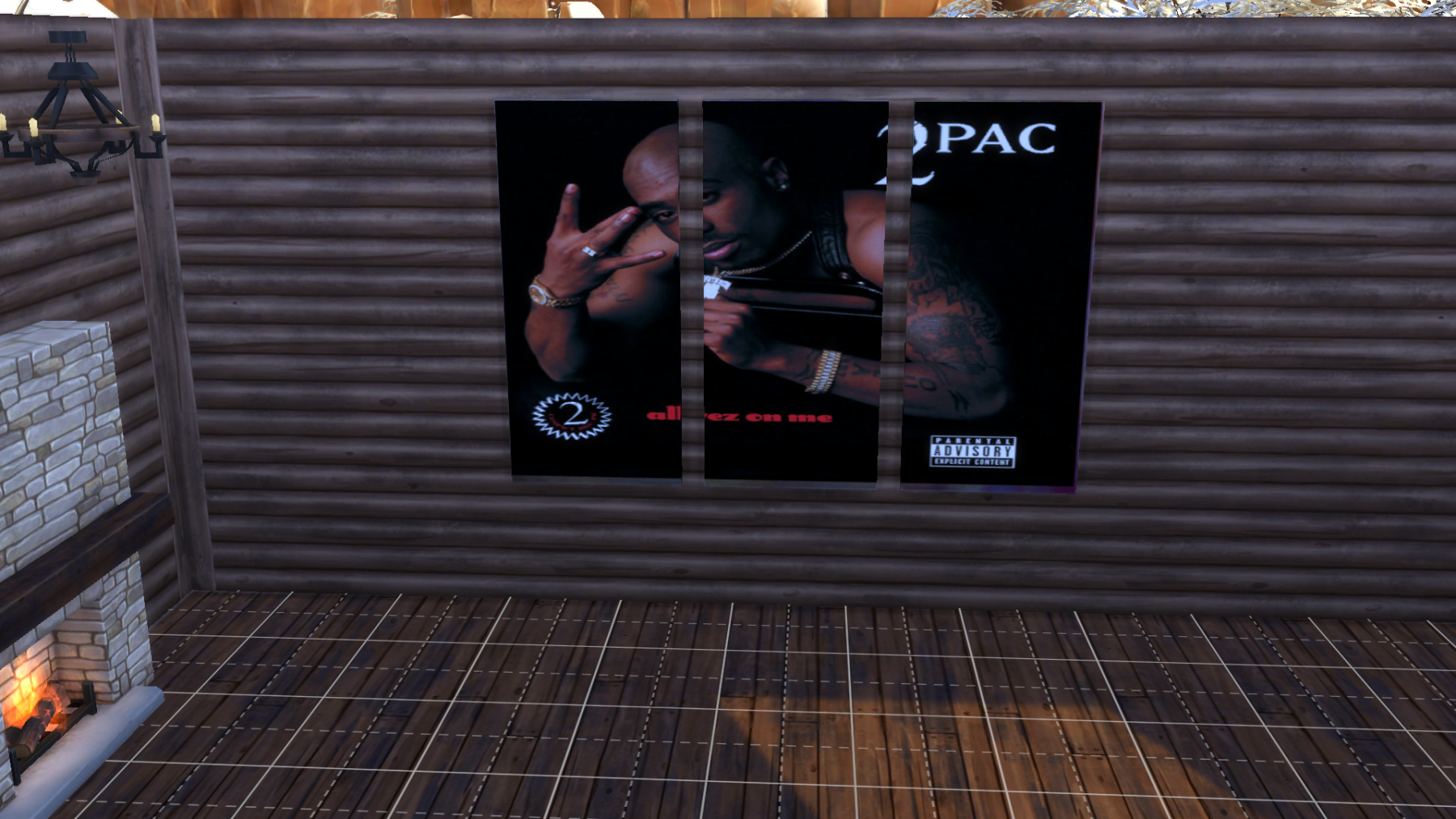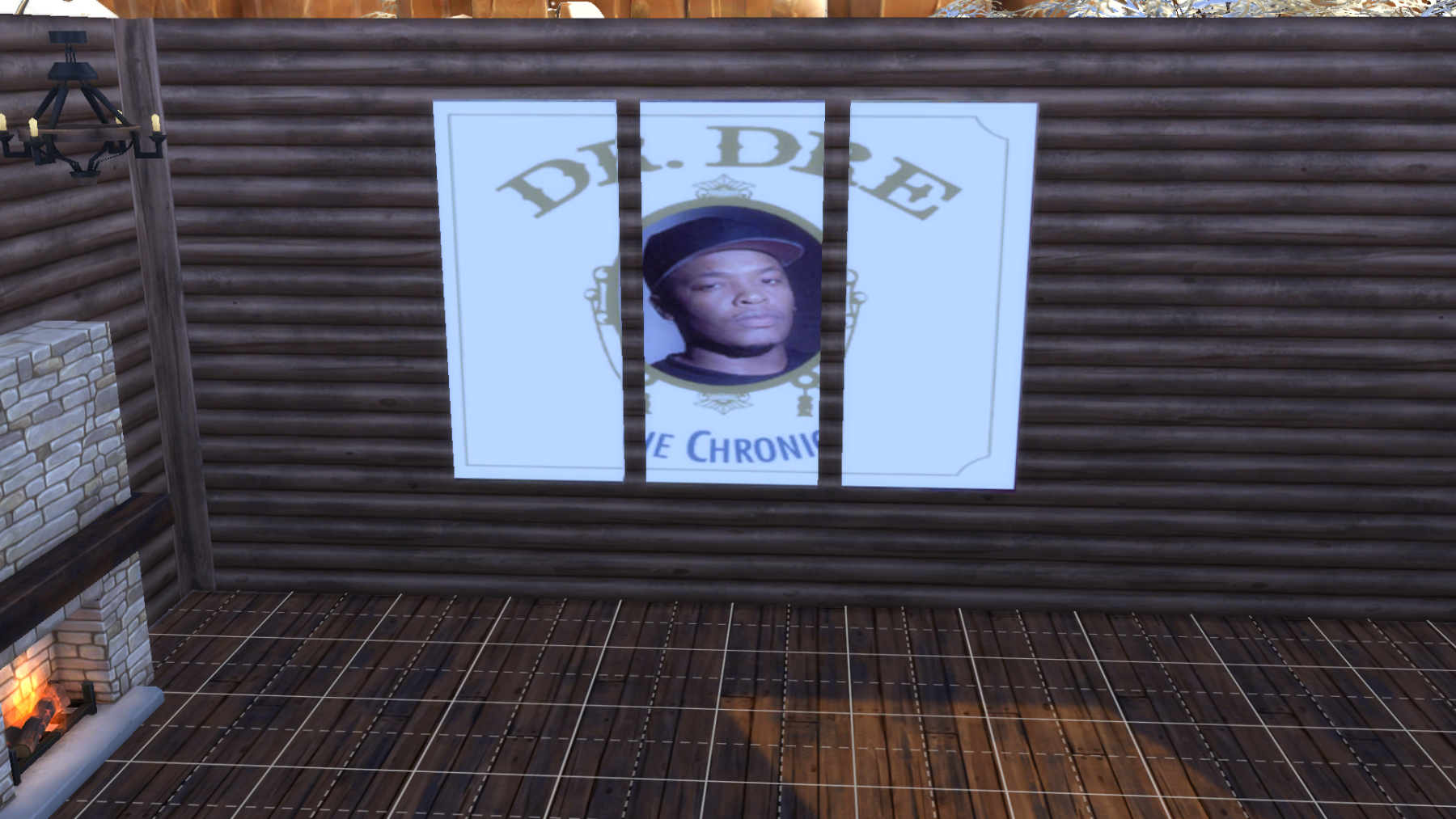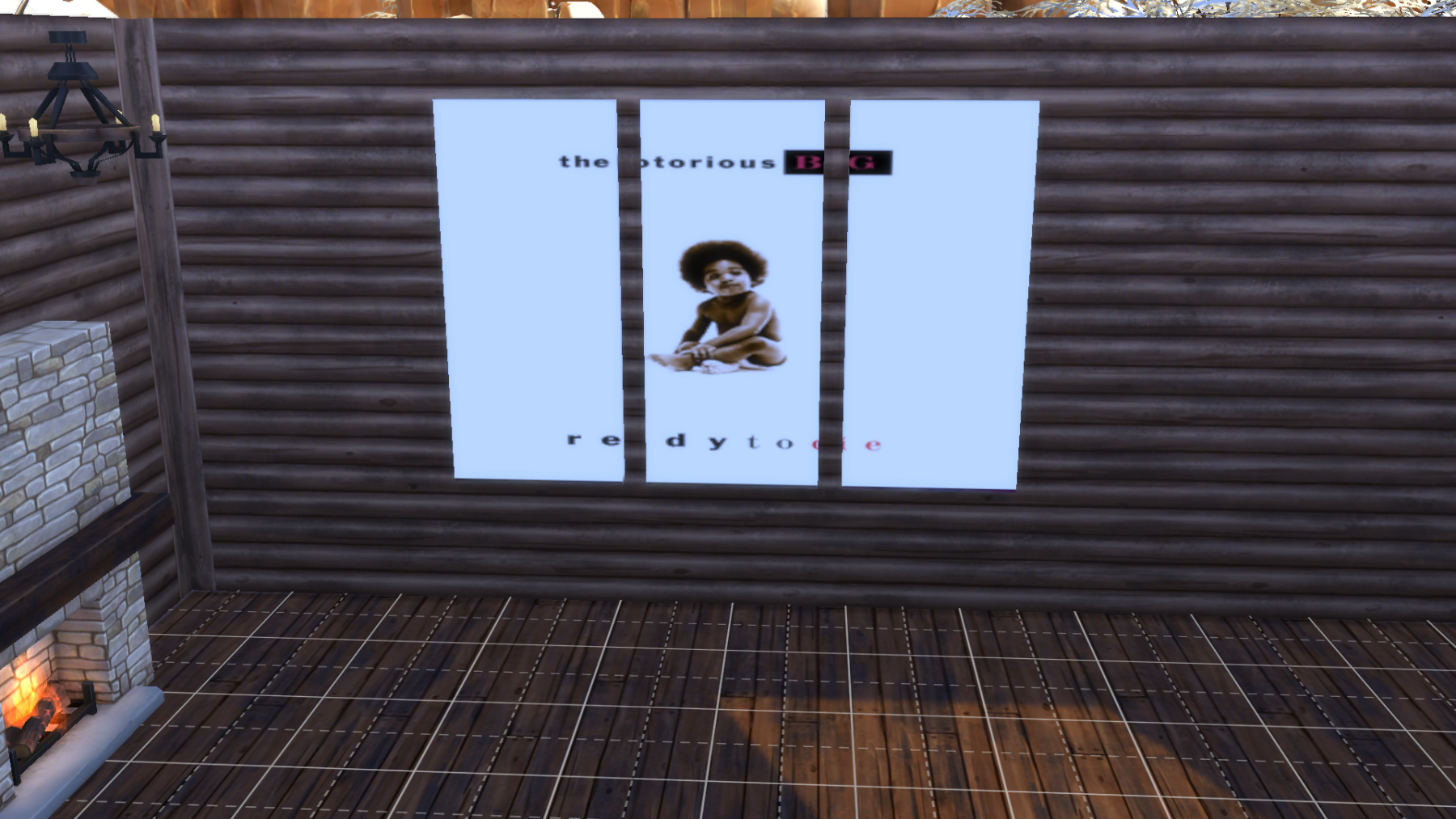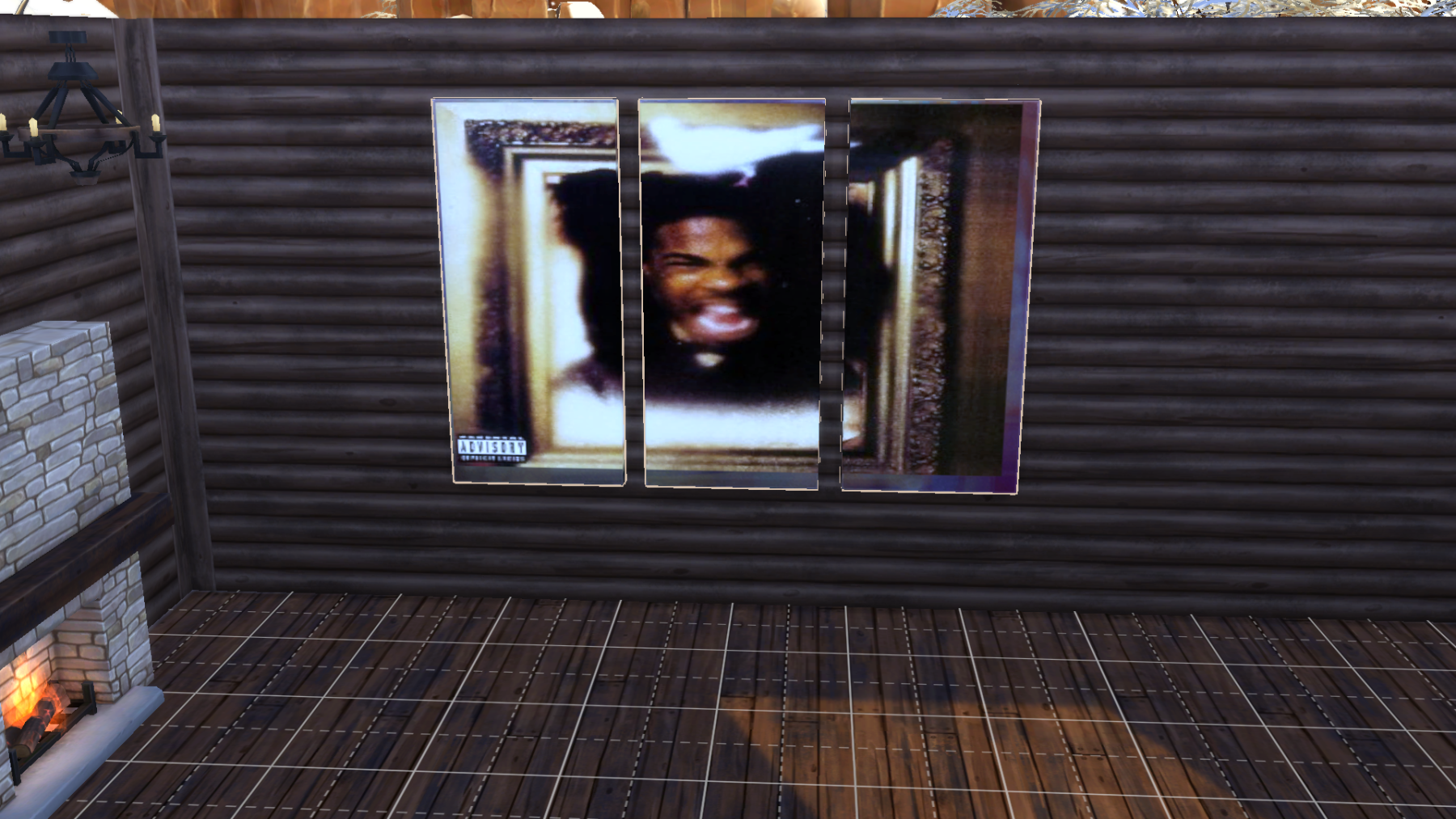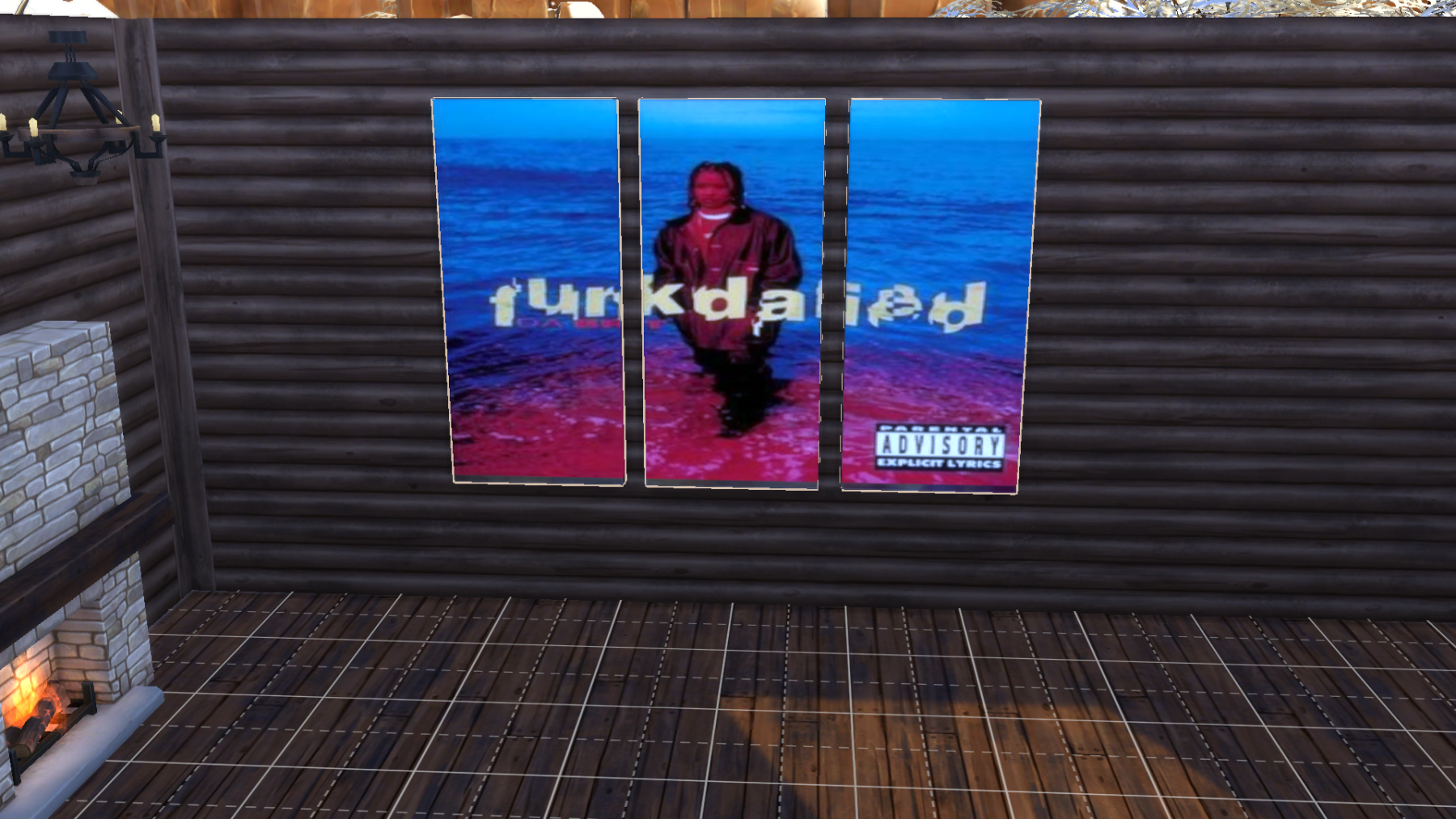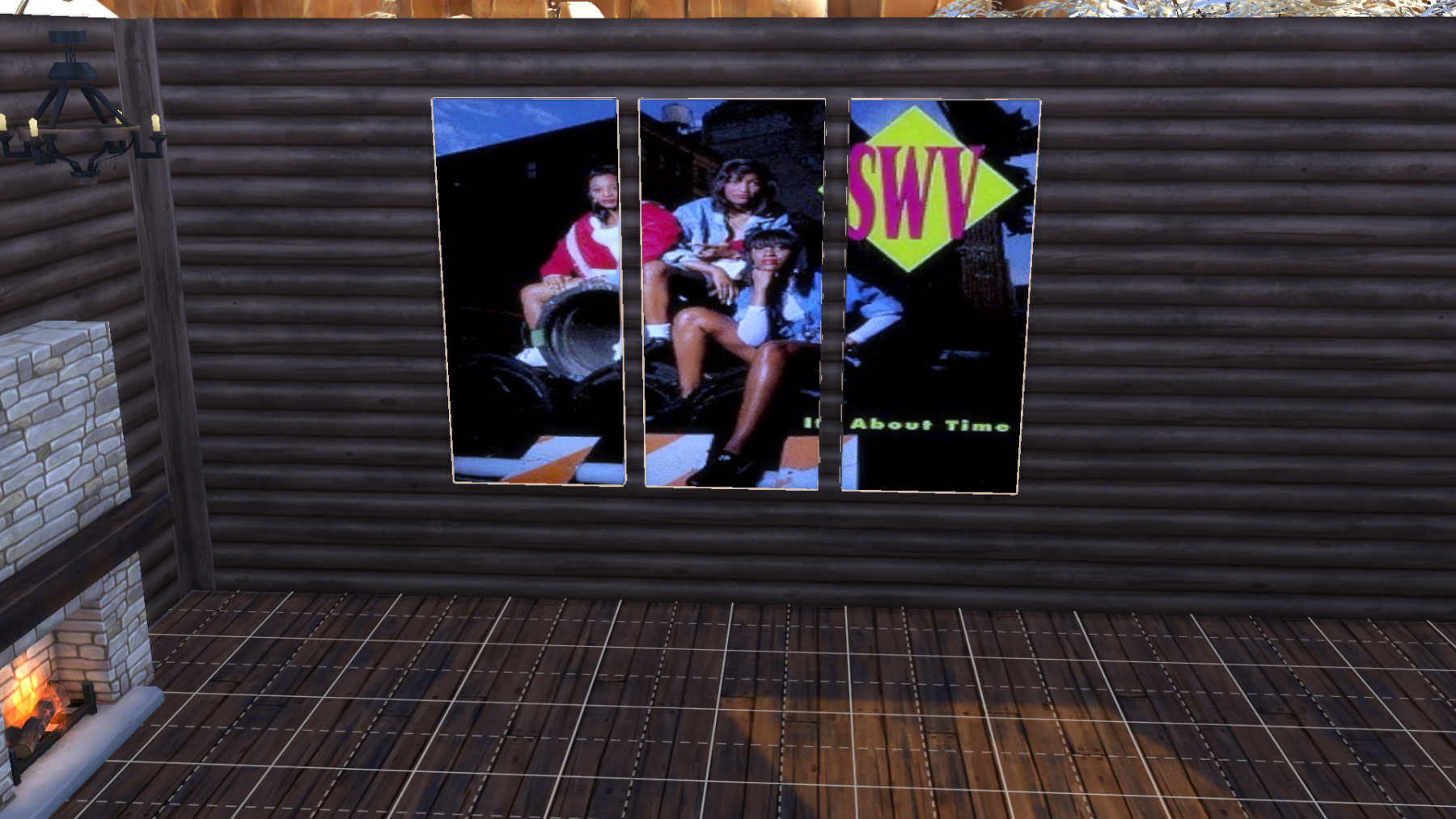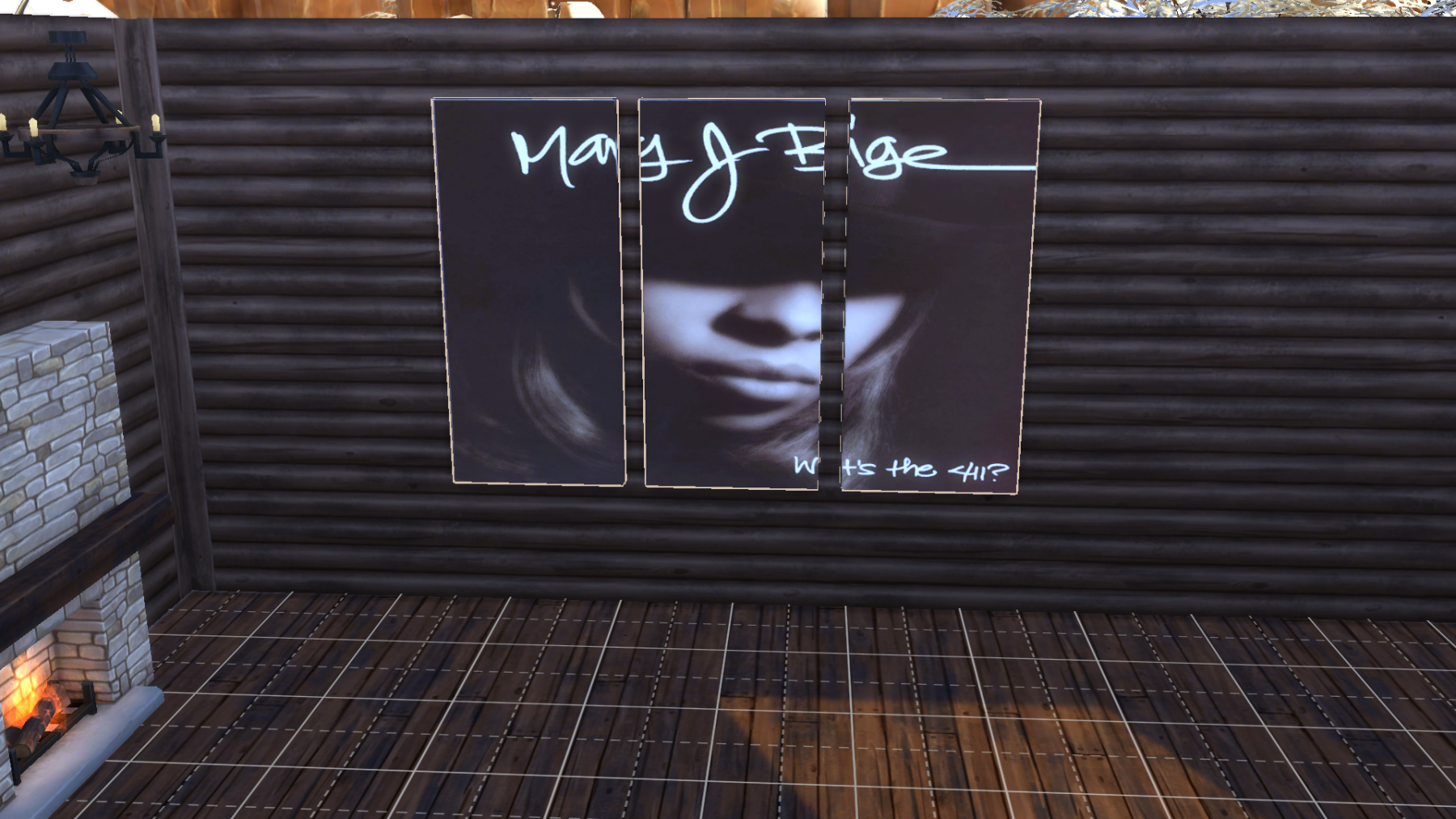
The Selection

Hey people it’s Synthi@ here. This is a extended page for all the things I’ve been keeping my eyes open about and is mostly Gas No Light music and stuff he has created for mainly his three websites gasnolight.co.uk, gameforexperimentation.co.uk and randomgas.com  but there is also going to be other stuff as well who knows what I’ll put on the page it’s my page LOL!

Guess Who Quiz #3 – Halloween Special

😀
0
😍
0
😢
0
😡
0
👍
0
👎
0

Sims 4 Custom Content – The Music Room Bundle Pack
About
Downloads
Gallery
Instructions
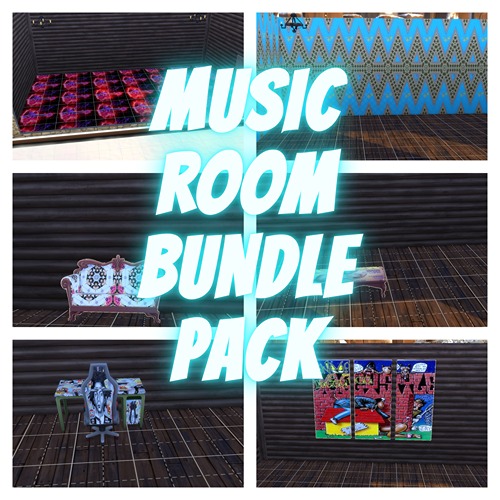
Some 80s floors and wallpapers that I hand picked myself. There are 30 wallpapers and 15 flooring to choose from and all décor from the 80s or it's a 80s theme. I was looking for genuine 80s décor but there wasn't that many so I went for random 80s patterns and décor hopefully from that era anyway enjoy the free download and creations I made.
 
PLEASE NOTE 
 
I built the game with custom content and I have all the main expansion packs, stuff and game packs so if you want the rooms looking like what you see in the pictures then please download this pack with all the content including the lot and other stuff like objects and outfits. It can be found on the Sims 4 Downloads main page in the main menu under Other Stuff>Game Lounge>Sims 4 Downloads>Bundle Packs on this website or the link below. Also have most of the expansions packs and stuff by Electronic Arts.
 
<<<<CREDITS>>>>

Sims 4 Studio

INSTRUCTIONS

You will get a tray folder and packages folders that need to be put in a certain place.

WHERE TO PUT TRAY FILES

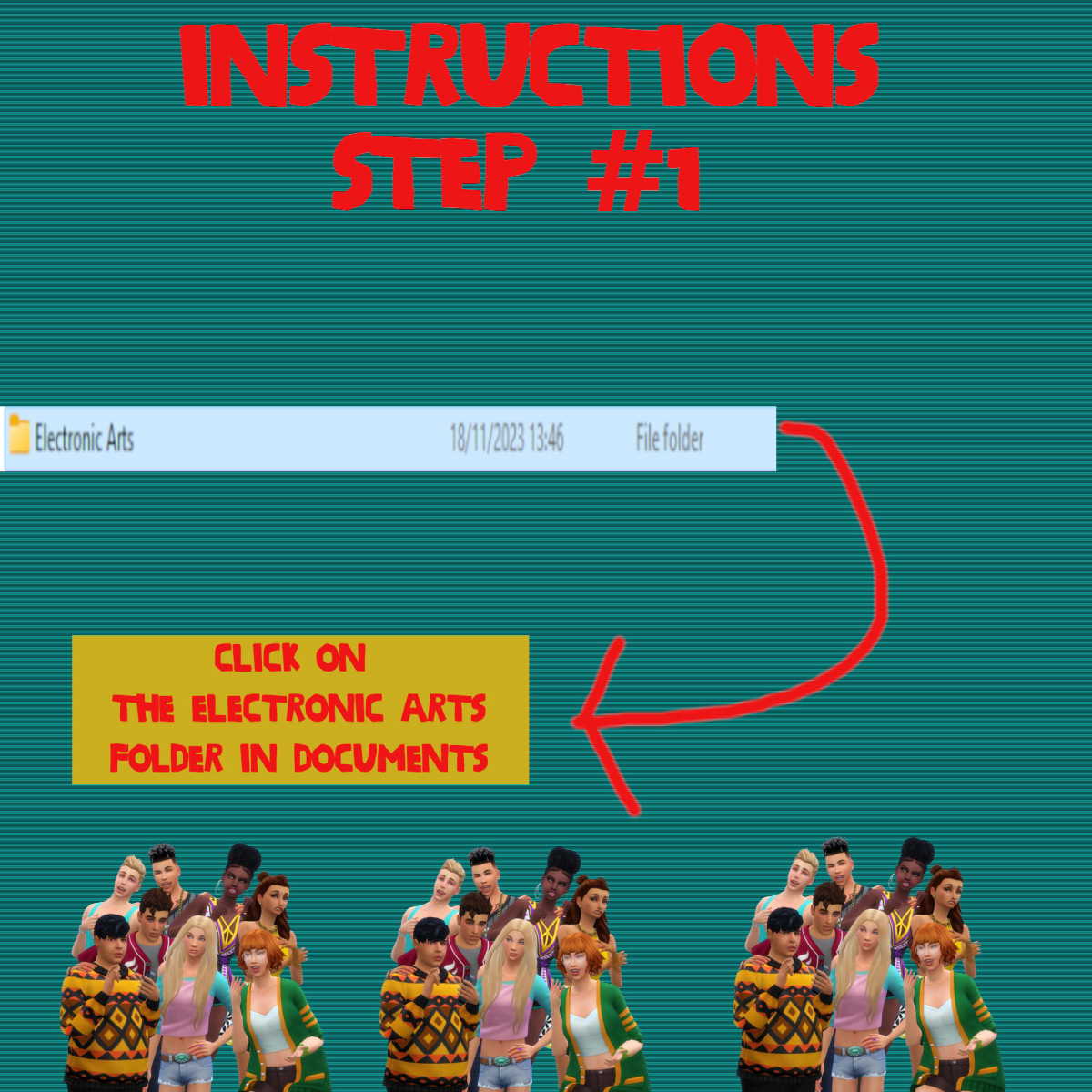
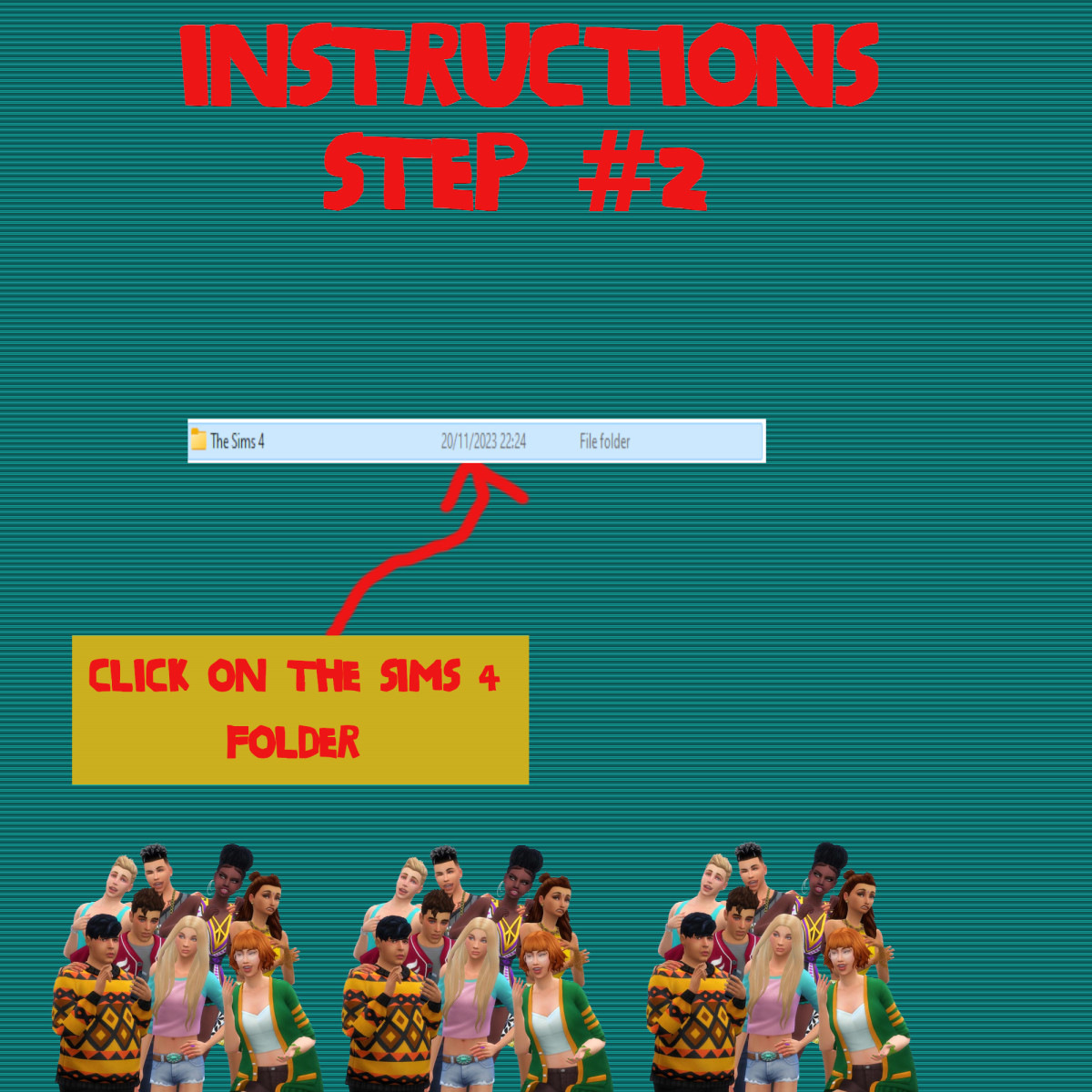
Sims 4 tray folder needs to be extracted and the files should go in Documents>Electronic Arts>Sims 4>Tray. It makes up the lot and household and doesn't come with the patterns. If you want the lot as seen on the photos and video please read the note in the about section of this page.

WHERE TO PUT SIMS 4 PACKAGE FILES

Sims 4 Packages goes in the following place. 

Documents>Electronic Arts>Sims 4>Mods>Packages

Please note if you haven't got a Mods folder then make one and place it in the Electronic Arts folder in Documents. Copy and paste or move Package files in the Mods folder.
😀
0
😍
0
😢
0
😡
0
👍
0
👎
0

Sims 4 Custom Content – Afrofuturism Wallpapers & Floors

About
Downloads
Gallery
Instructions
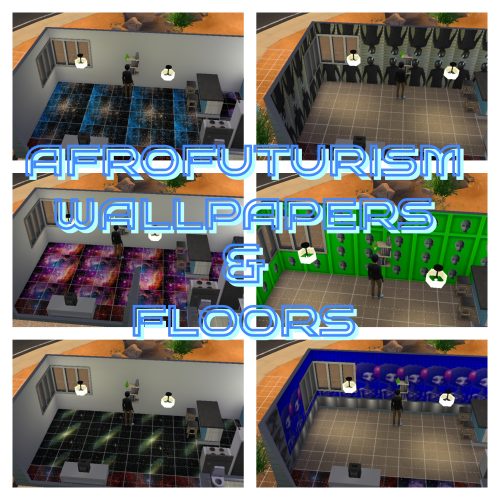
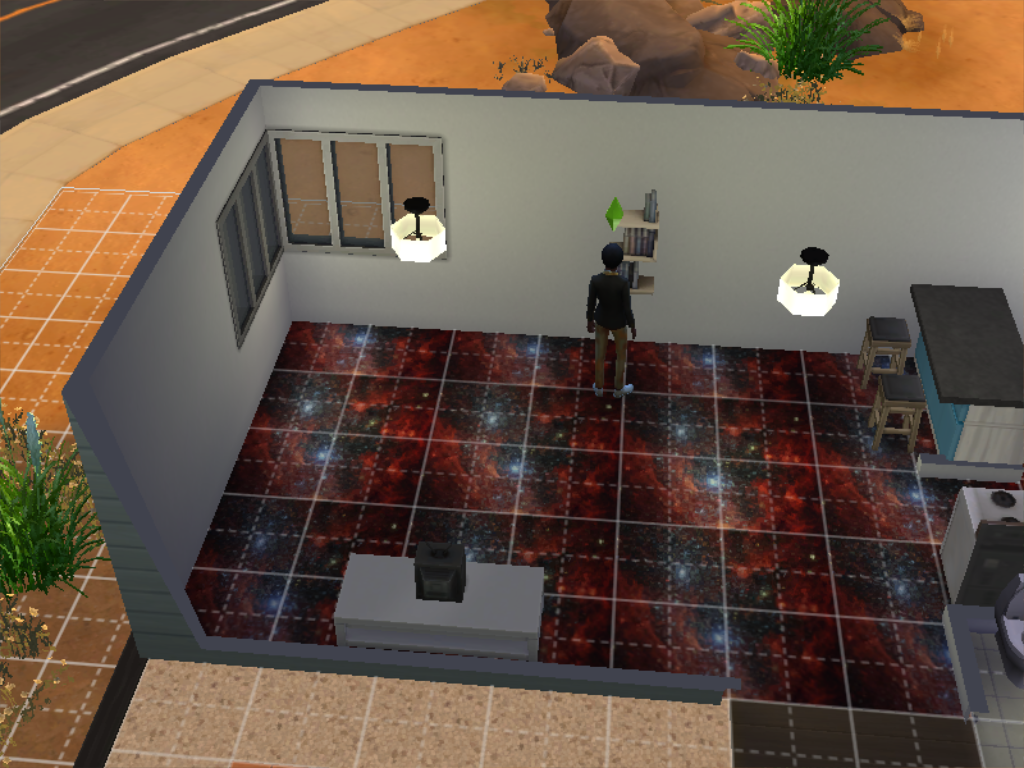
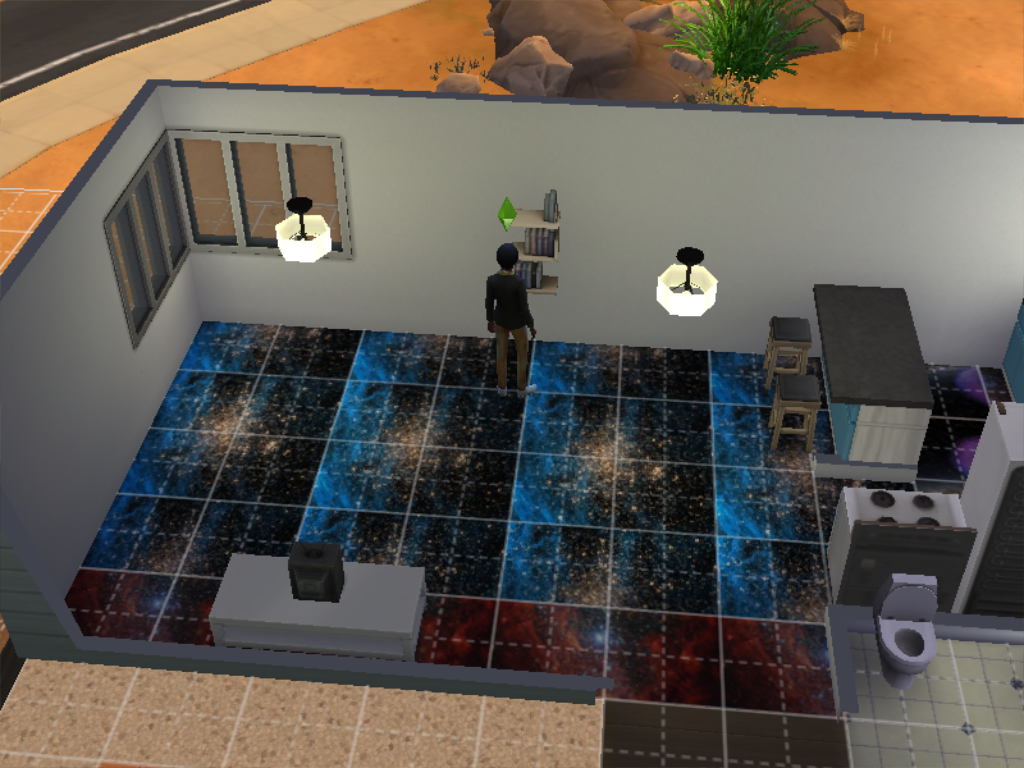
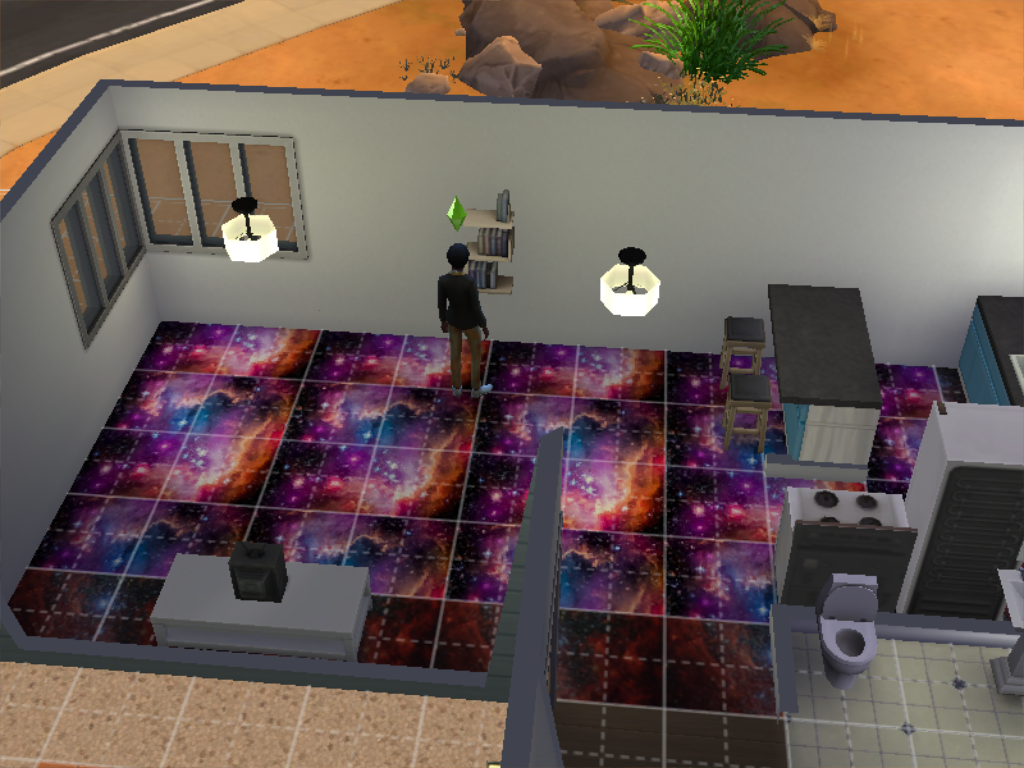
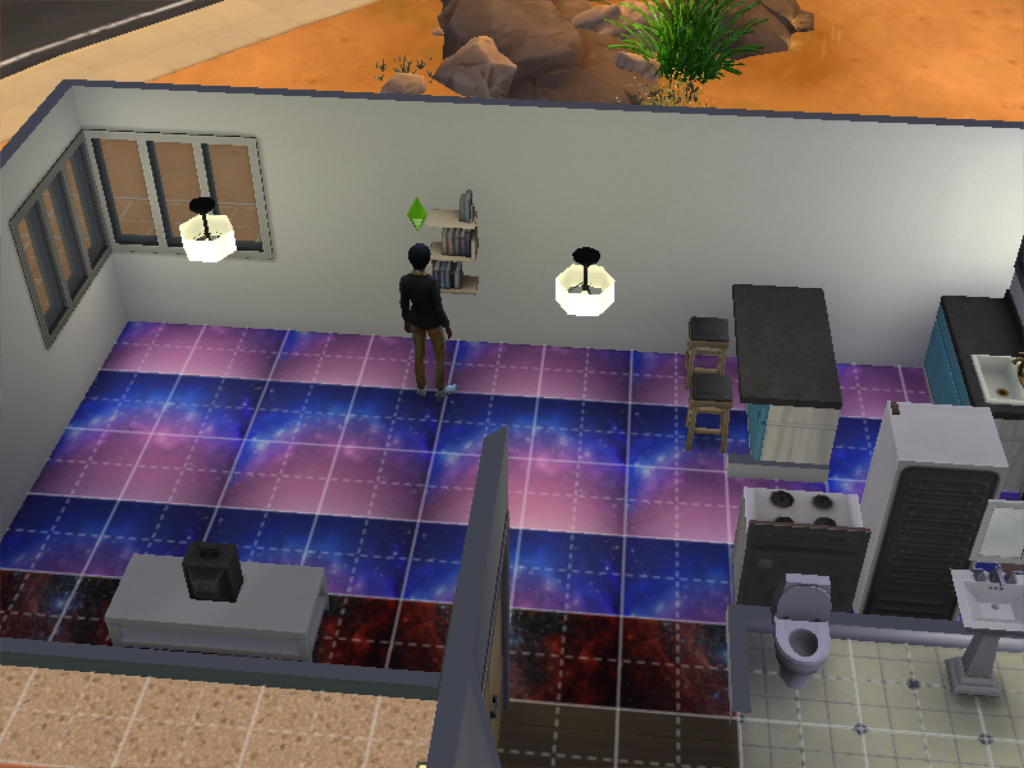
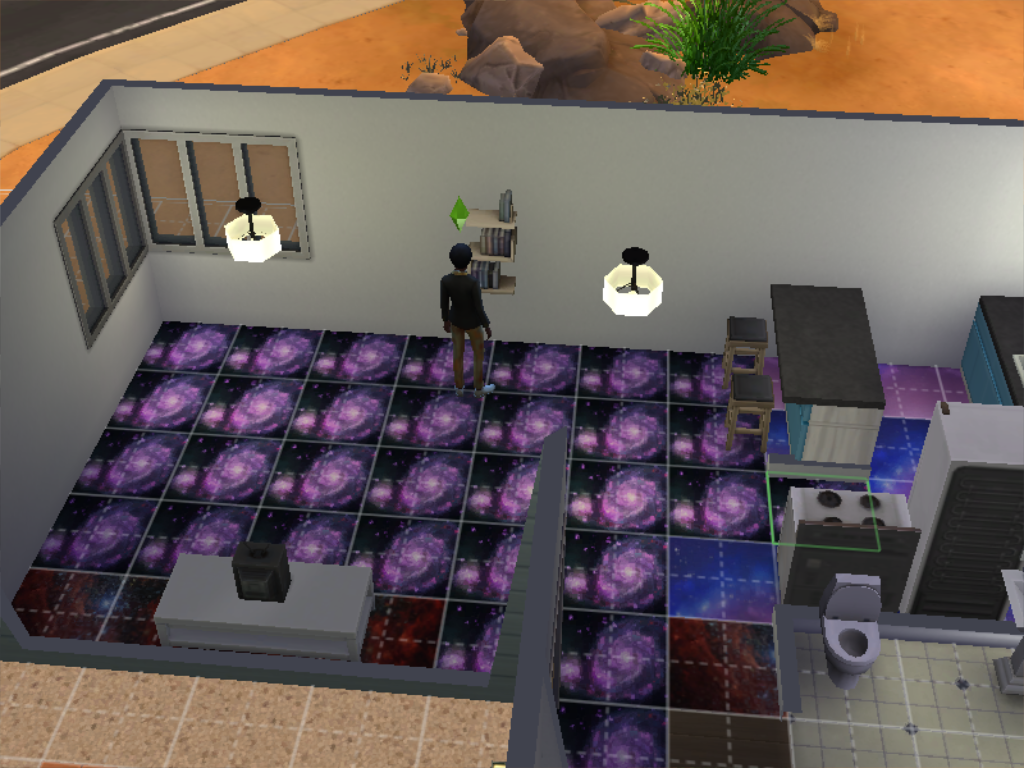
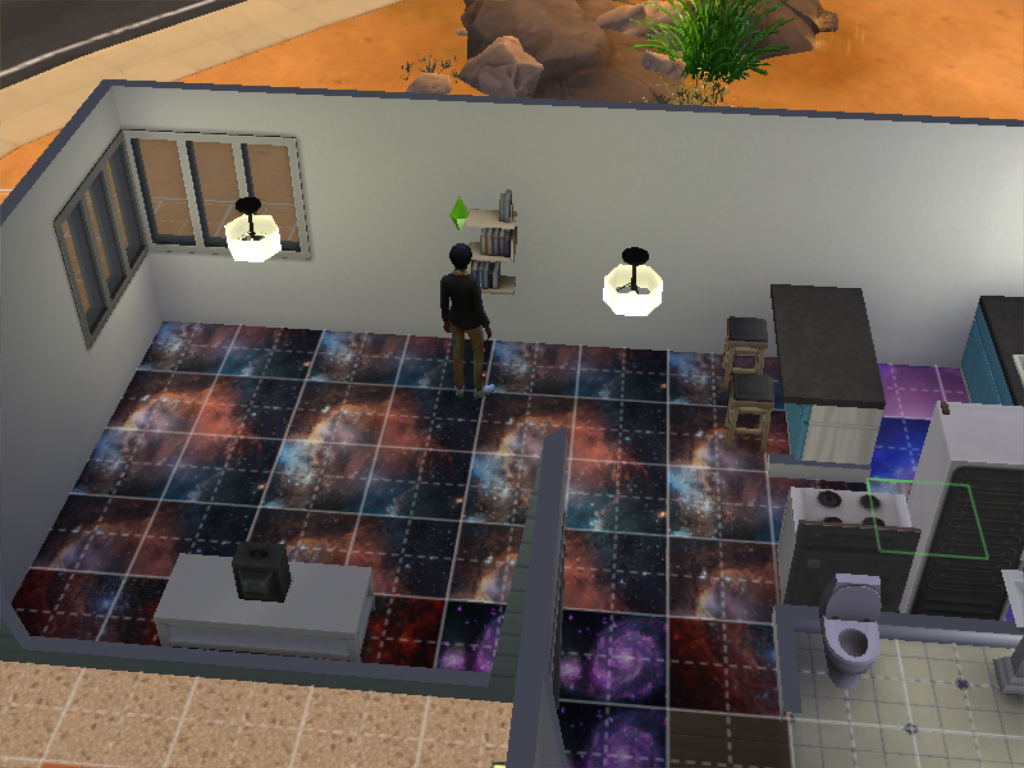
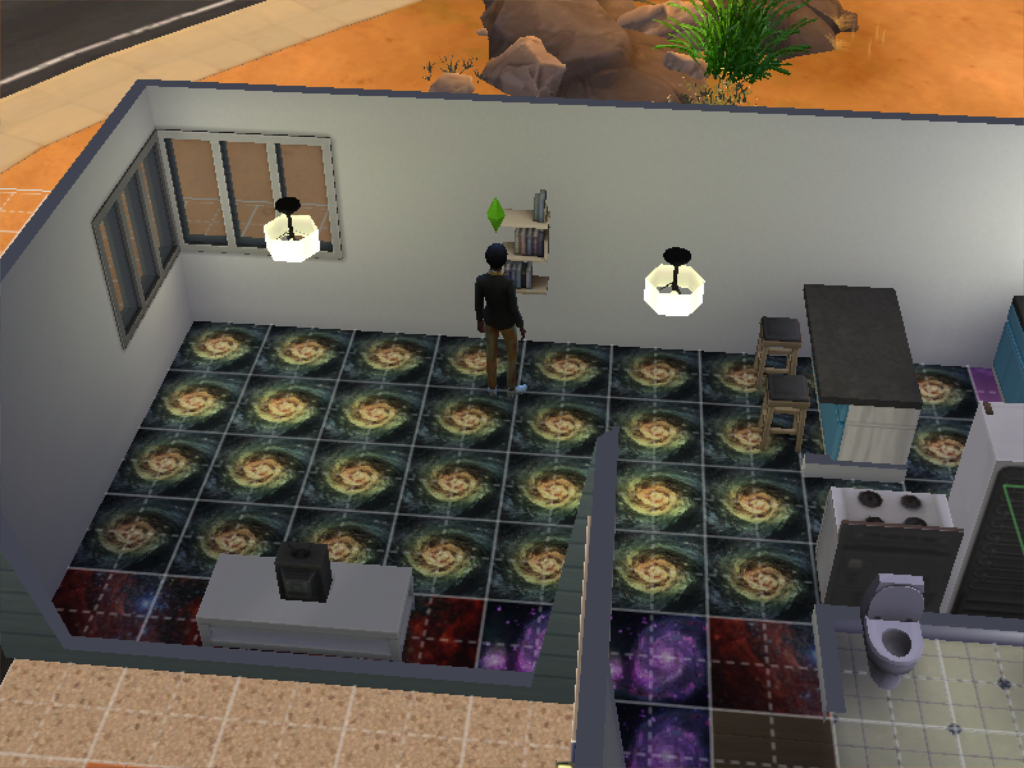
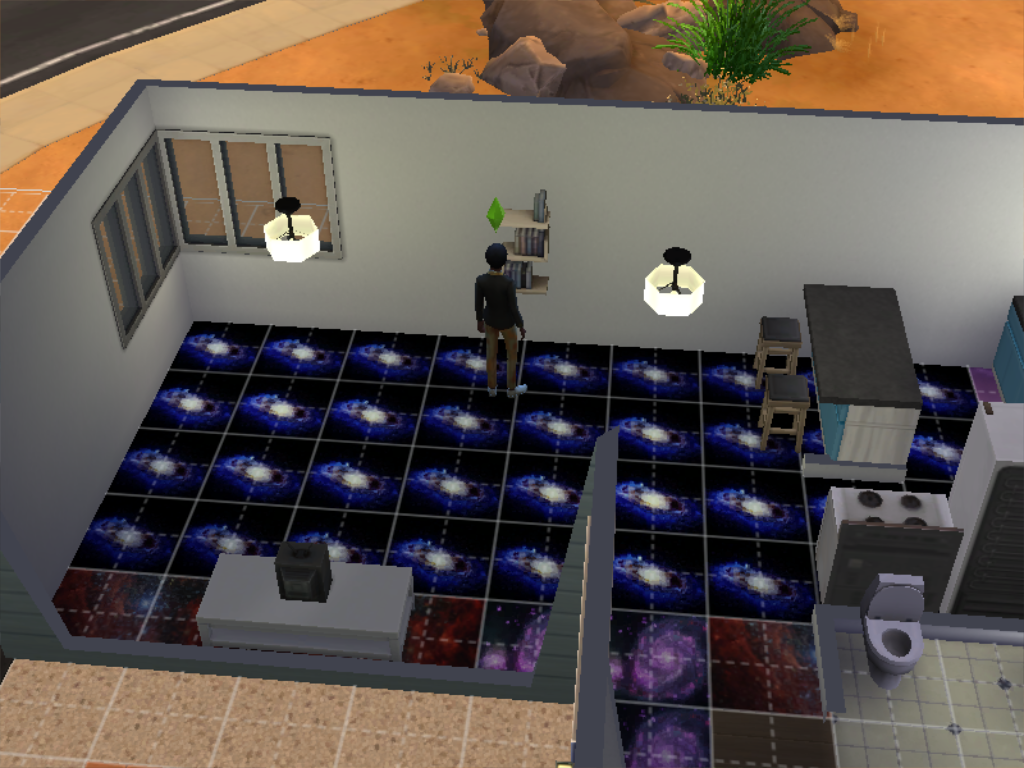
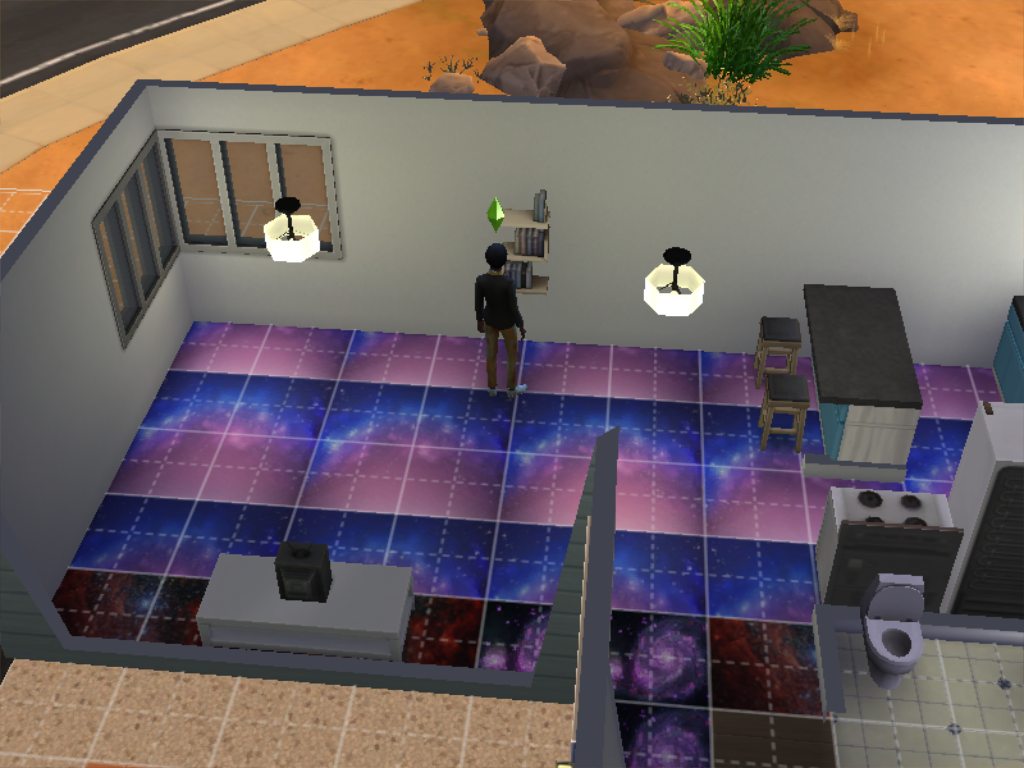
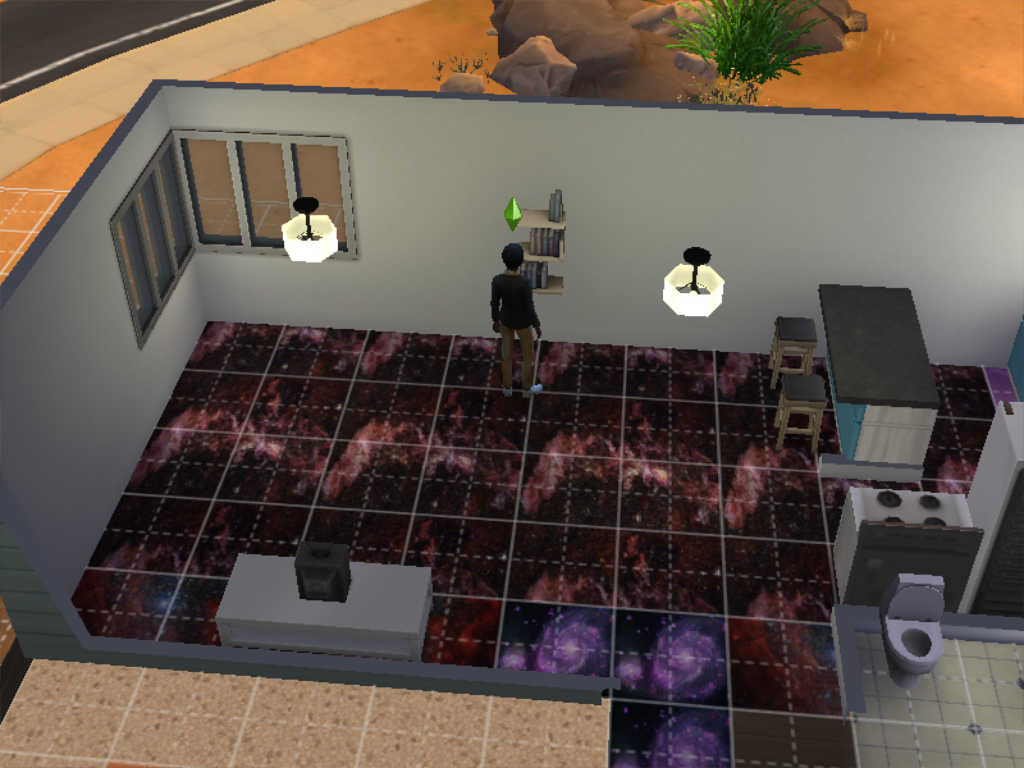
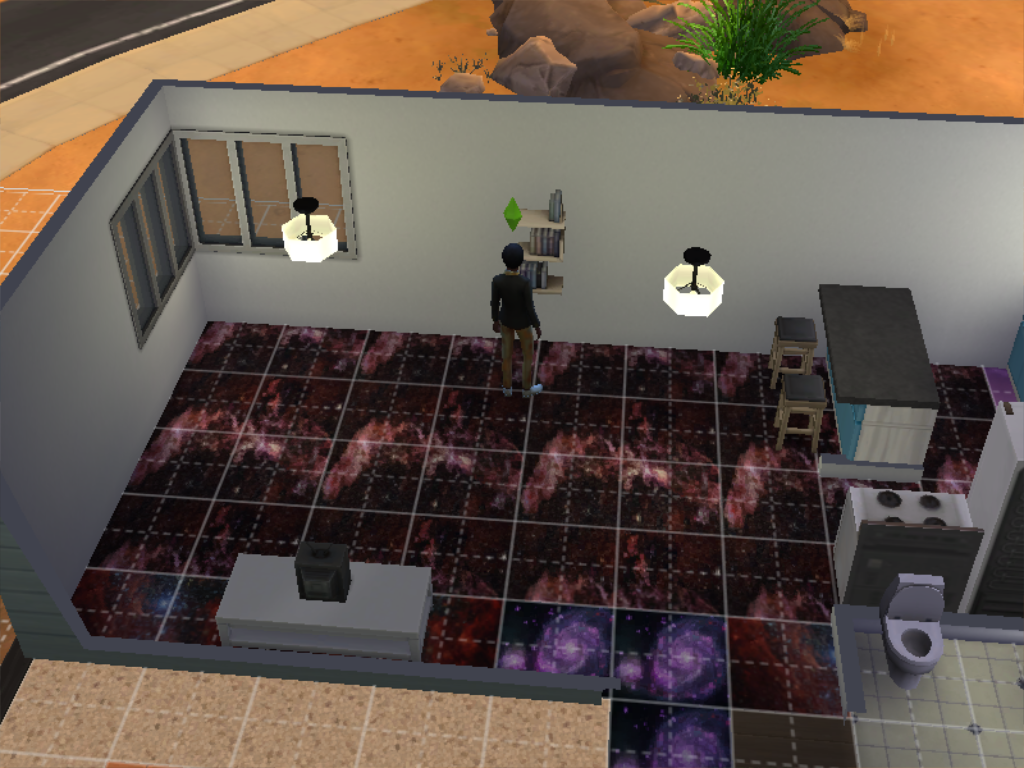
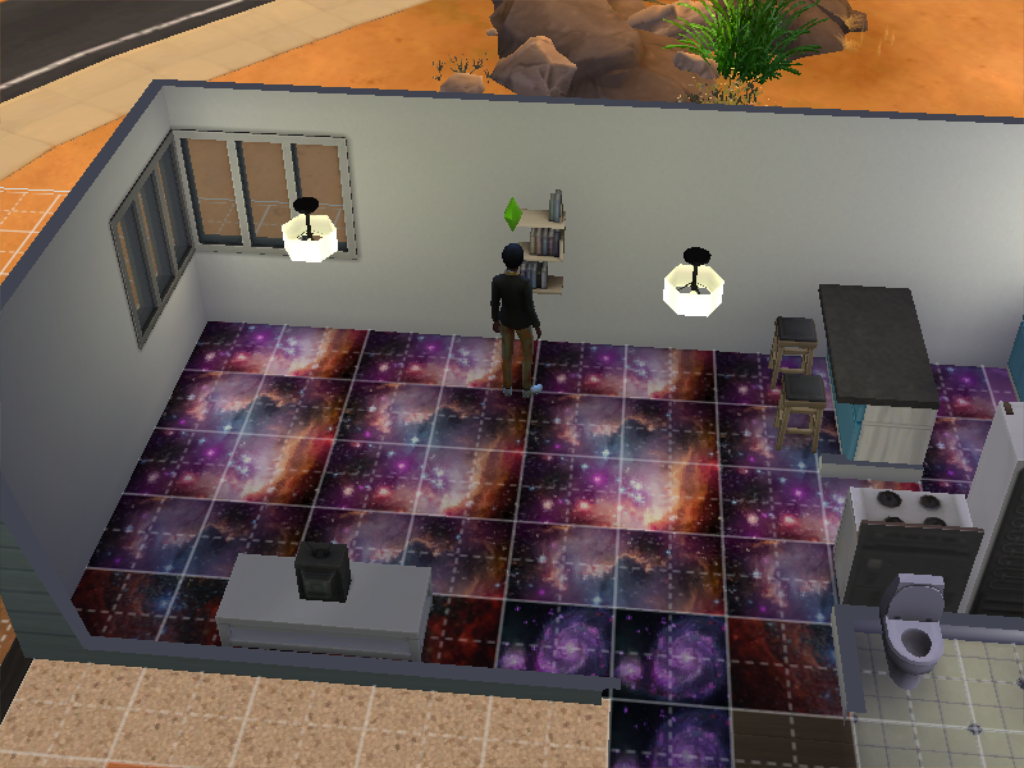
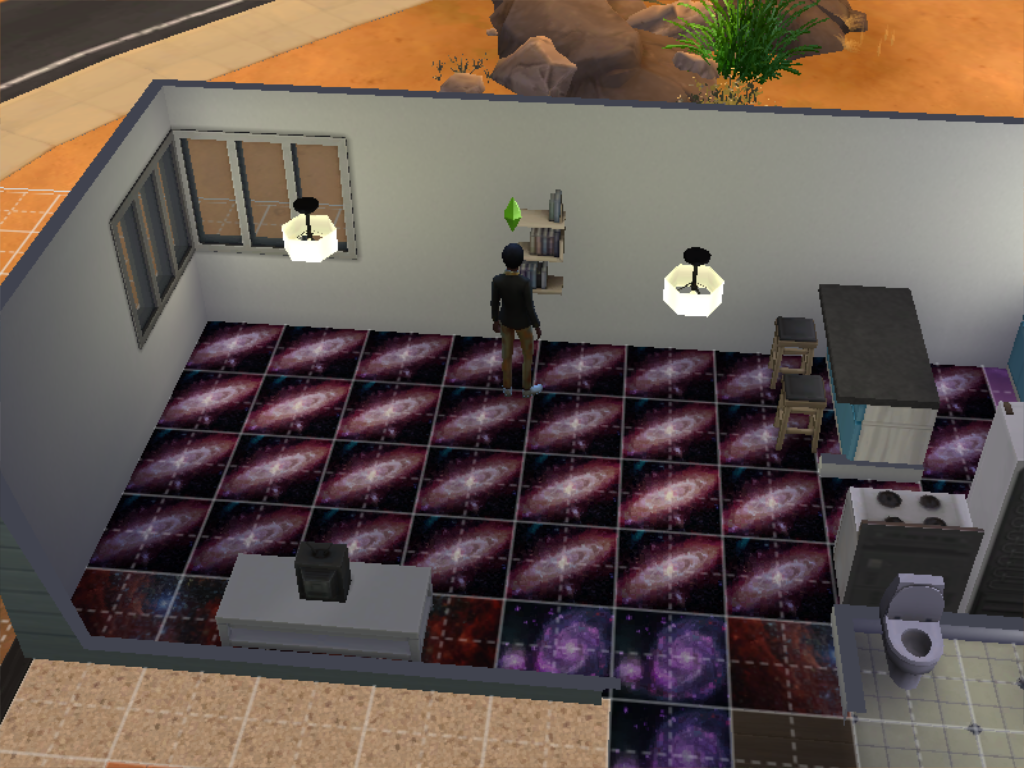
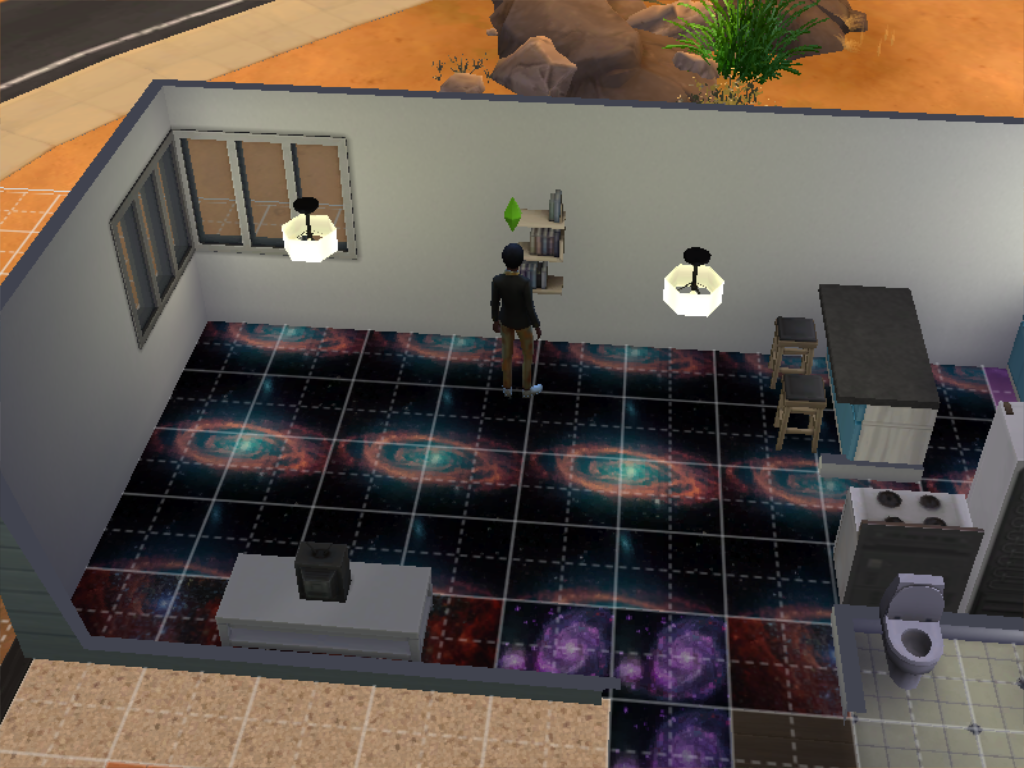
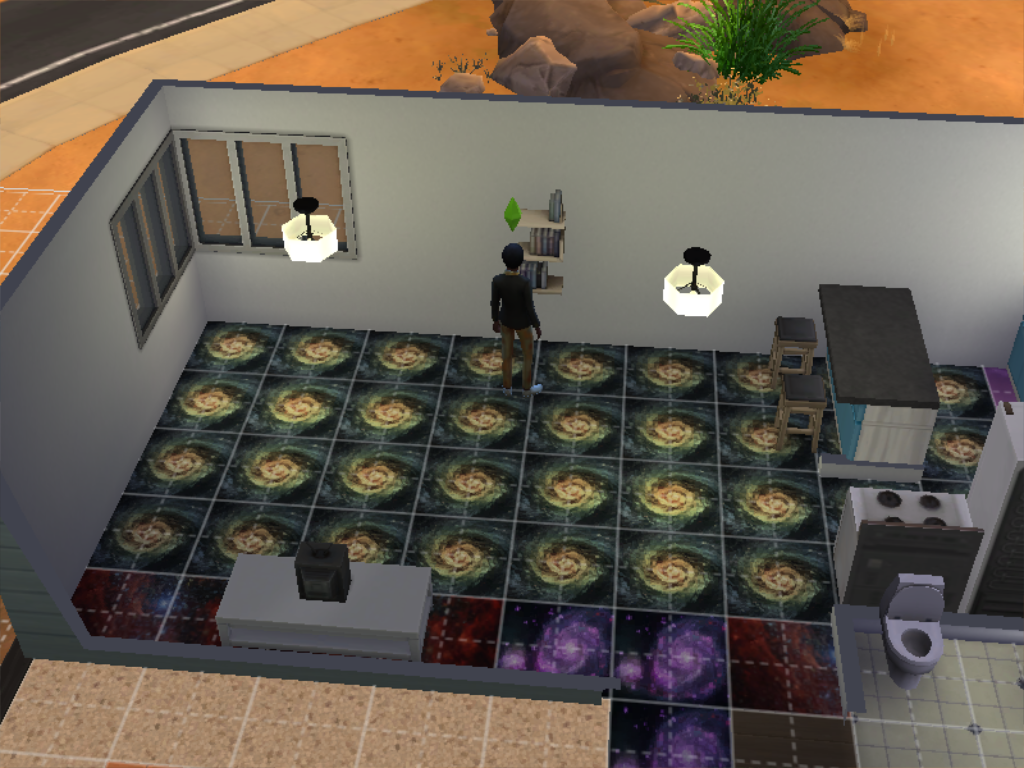
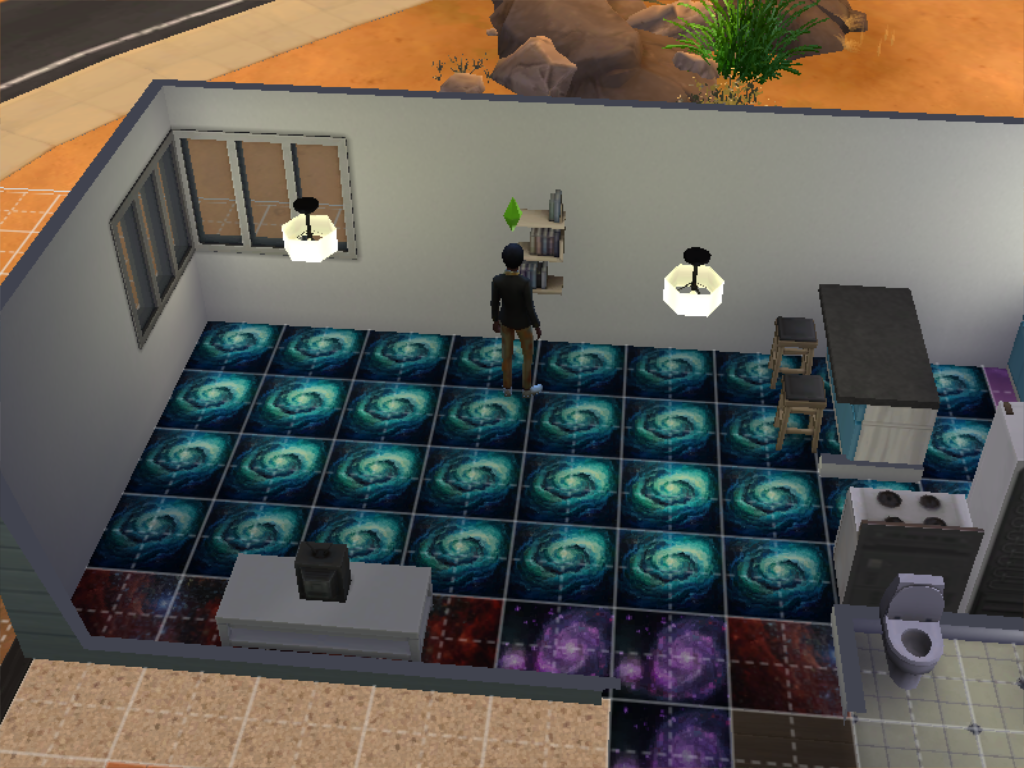
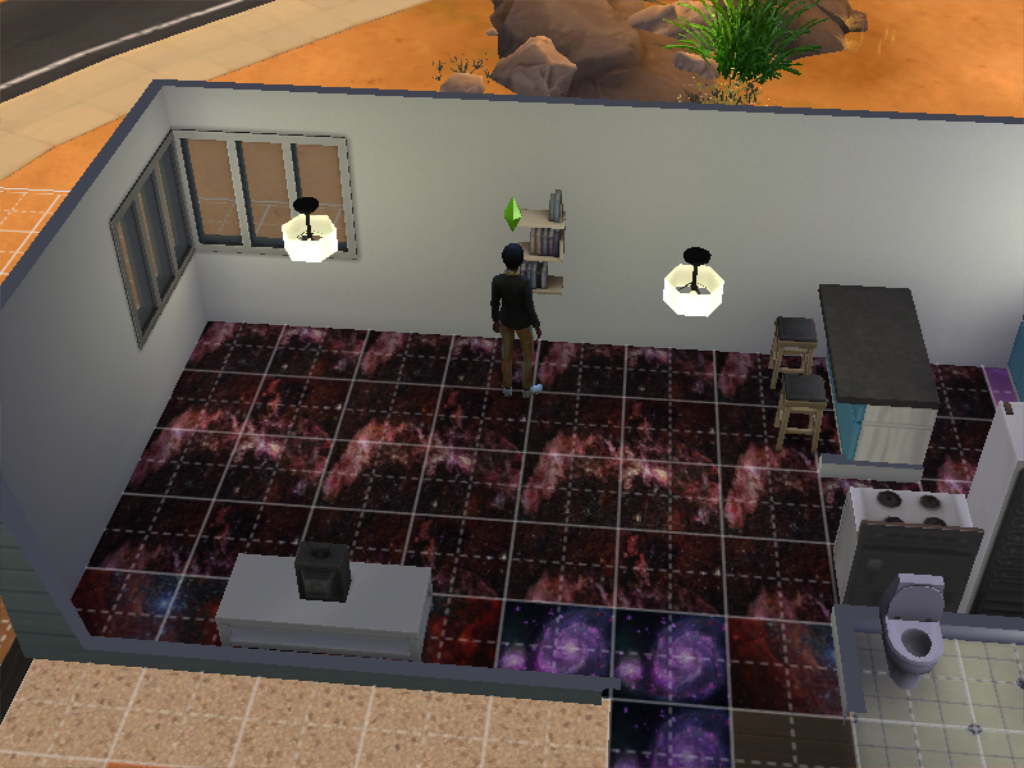
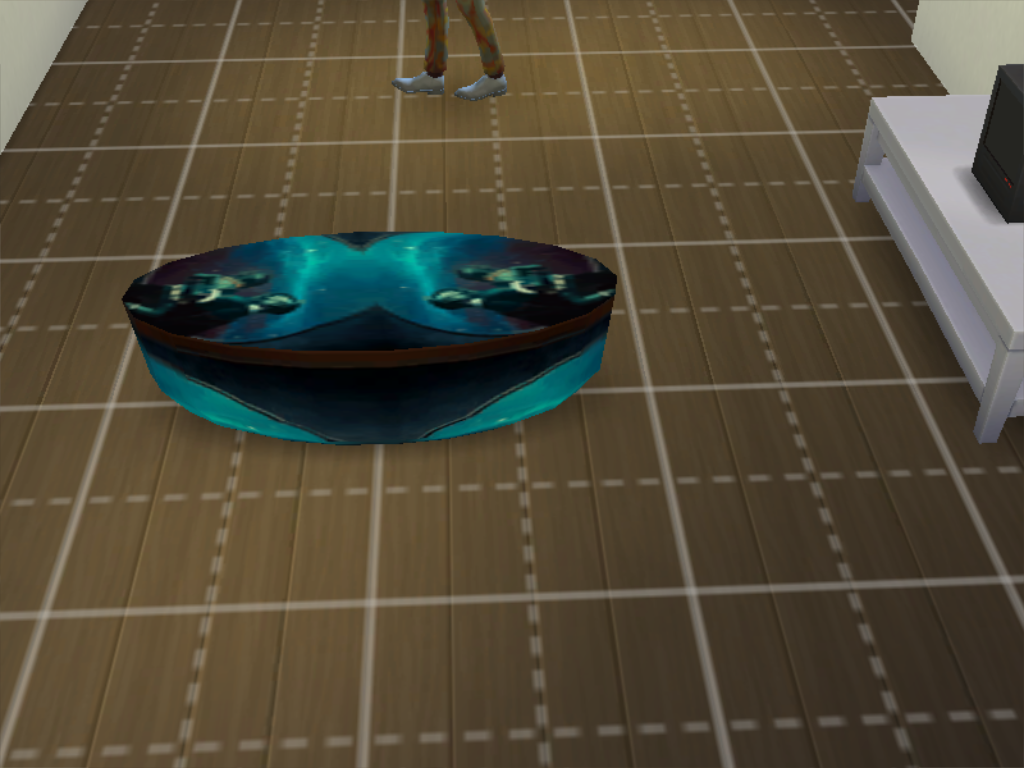
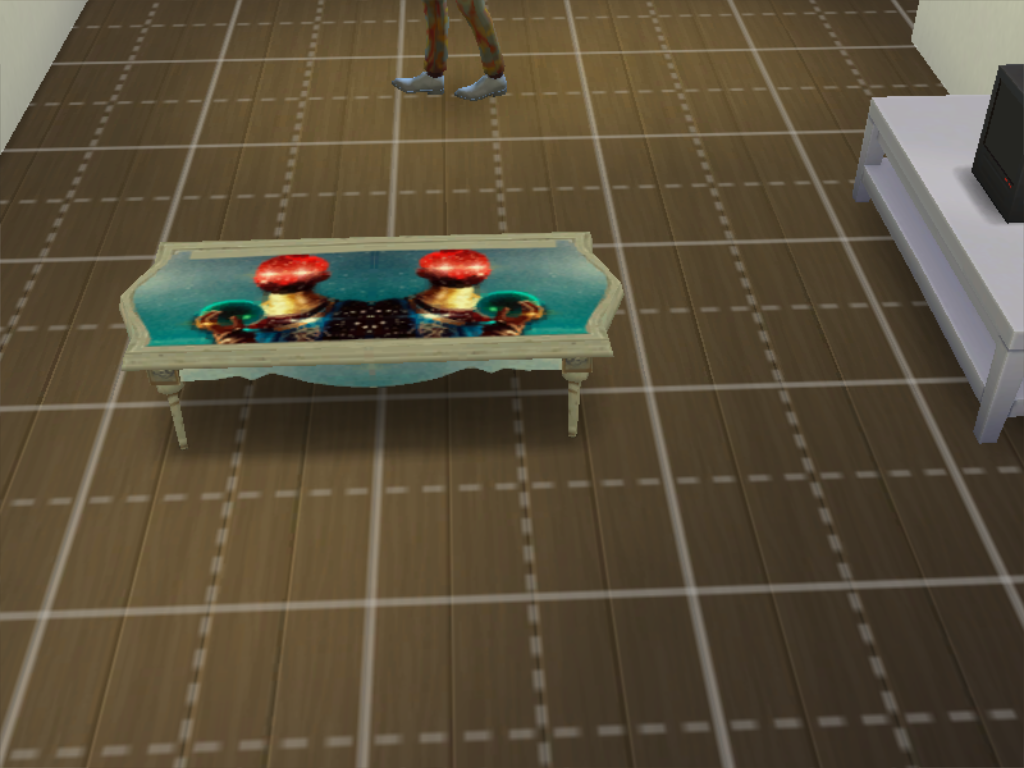
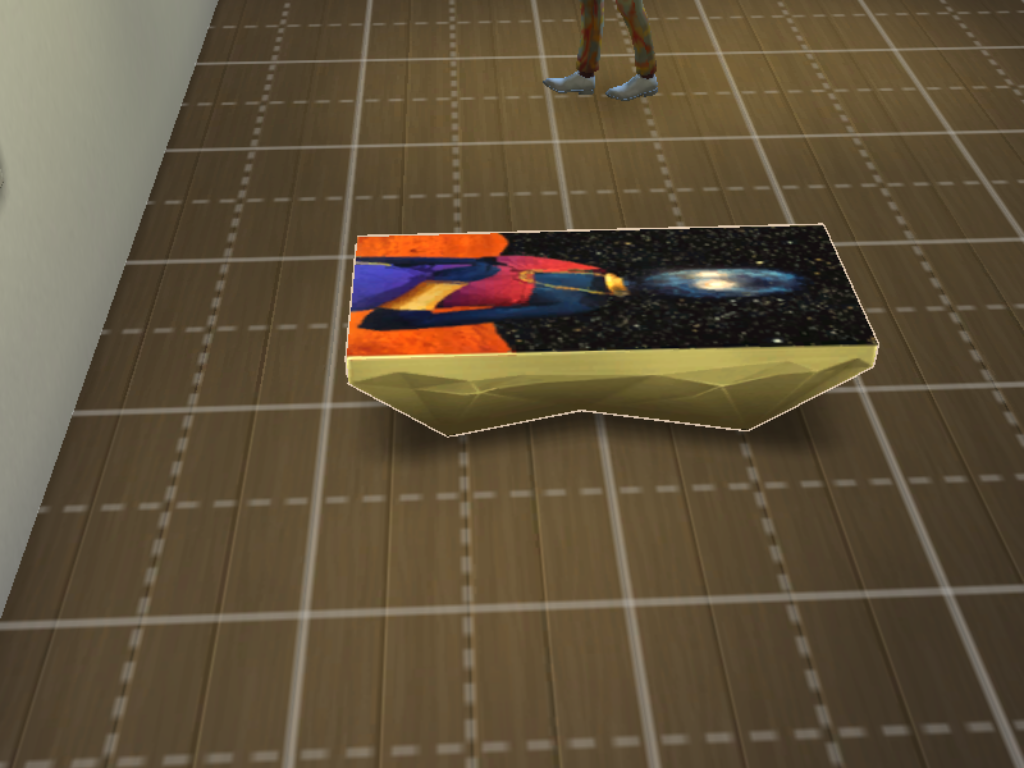
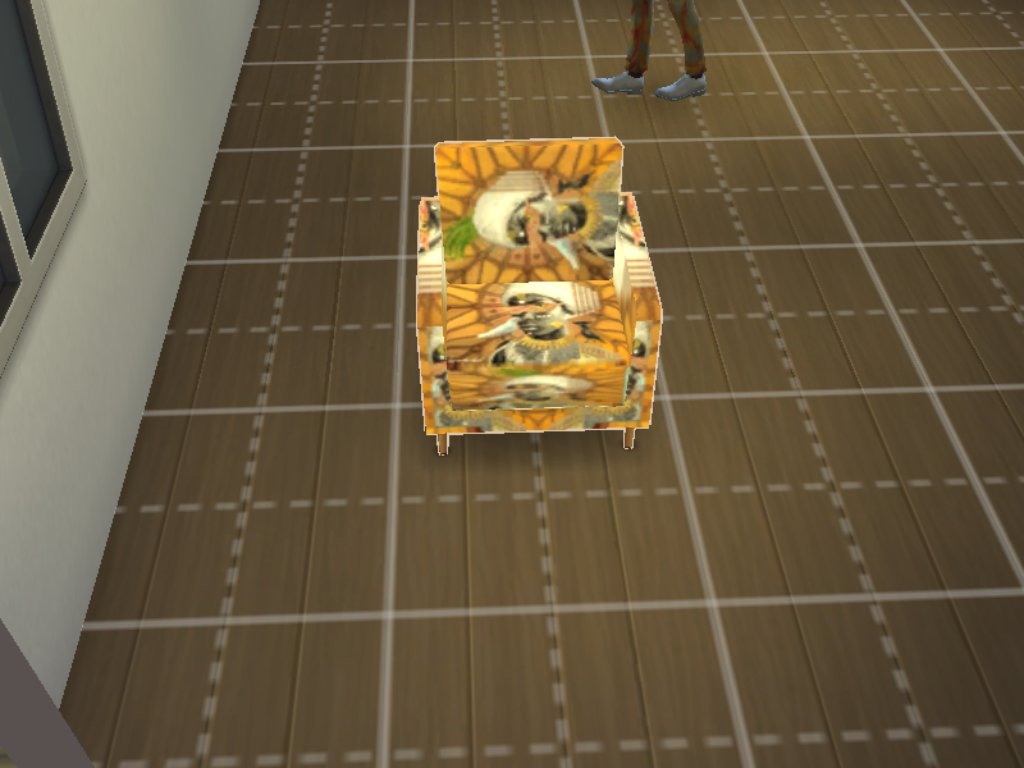
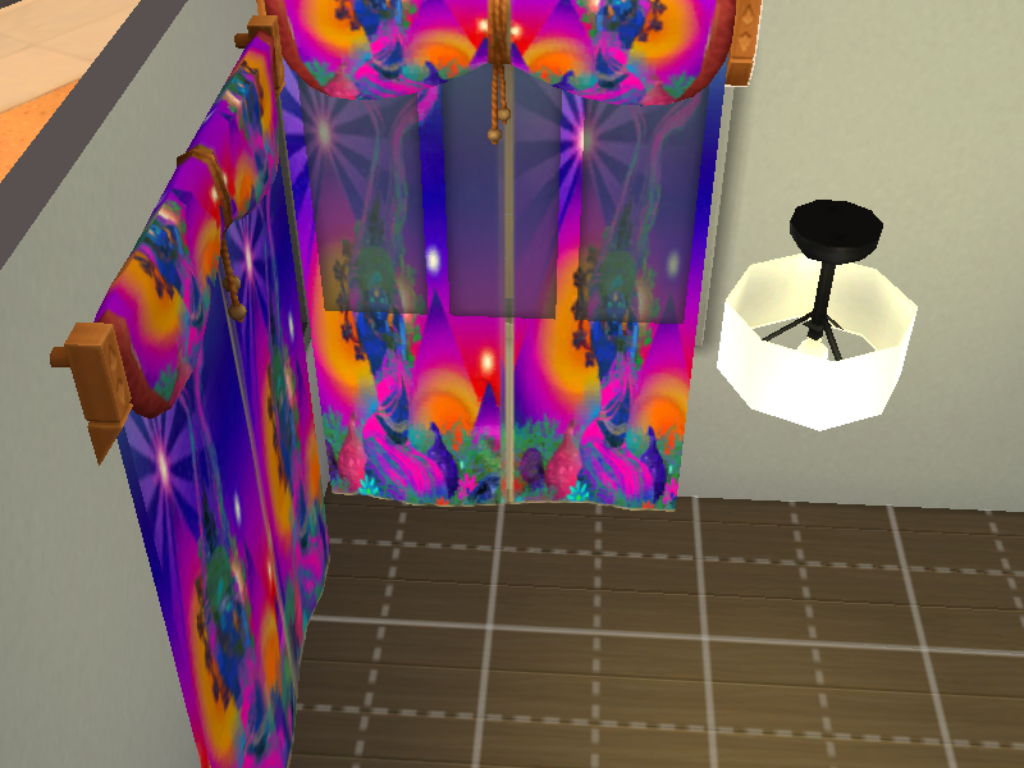
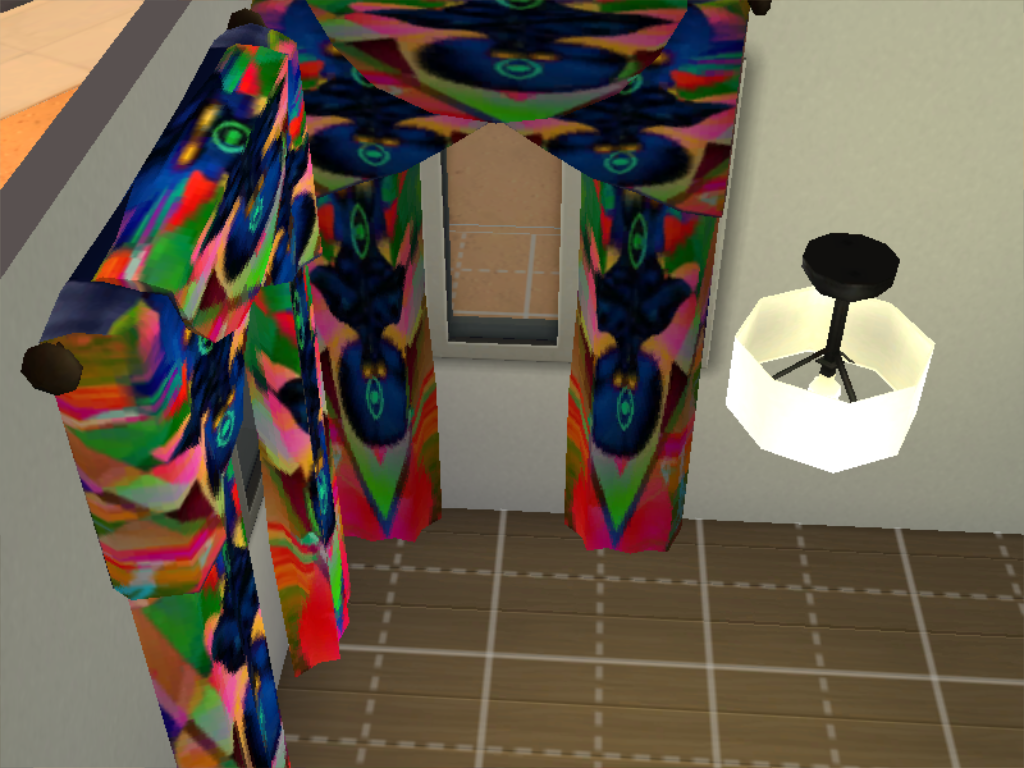
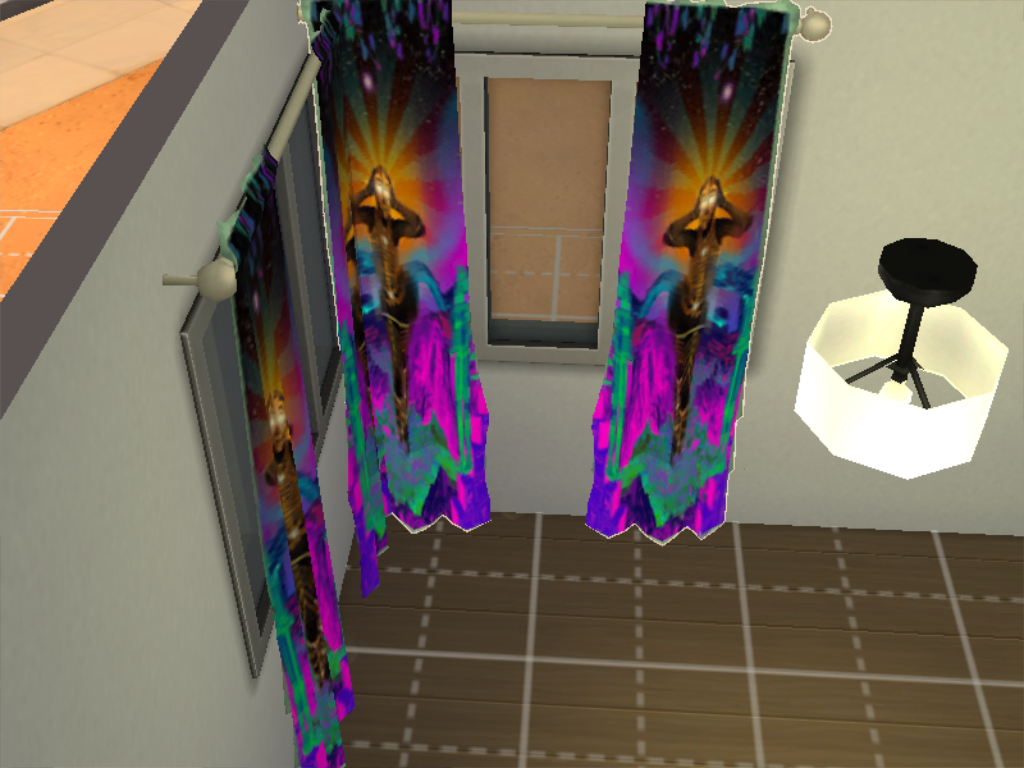
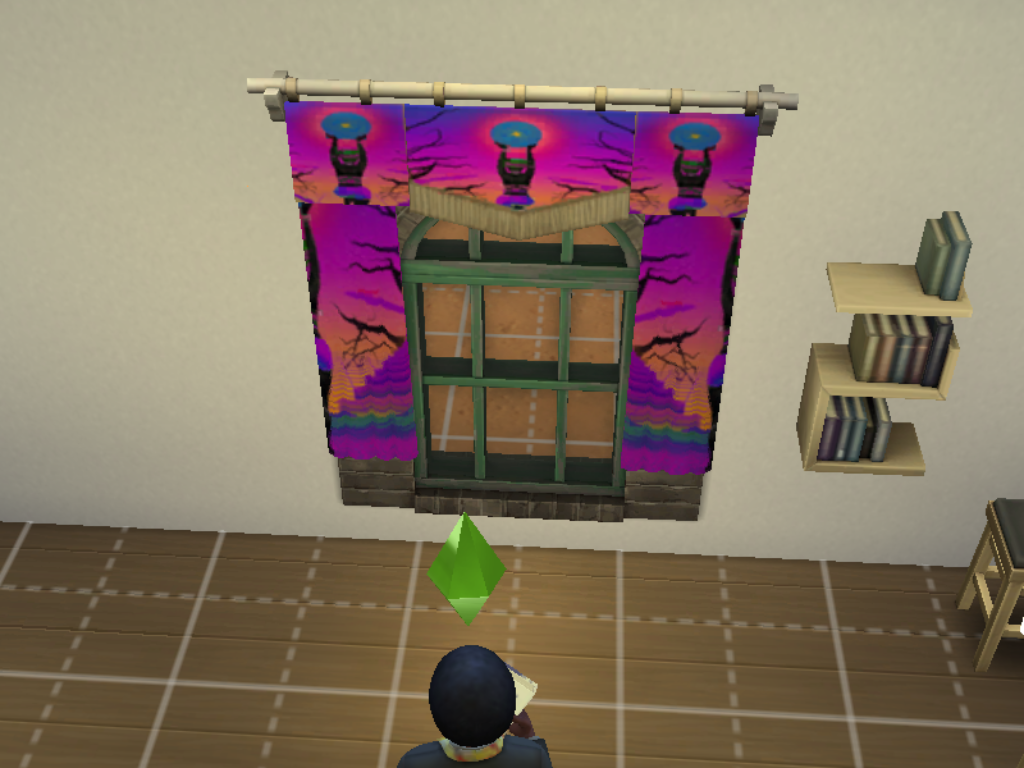
Alien inspired wallpapers objects and a floor all from photos I found online. It did have some more objects but they didn't come out guess there isn't any shortcuts when making in Sims 4 Studio. It comes with some alien wallpapers, a mars sample which I used for the floor and also some objects like a bed, rugs and sofas for somewhere to sit. Also some rugs which I used Gremlin fur cos I figured there good rugs to the aliens. 
 
PLEASE NOTE 
 
I built the game with custom content and I have all the main expansion packs, stuff and game packs.
 
<<<<CREDITS>>>>

Sims 4 Studio


INSTRUCTIONS

You will get a Sims 4 Package files in the folder. 

WHERE TO PUT SIMS 4 PACKAGE FILES

Sims 4 Packages goes in the following place. 

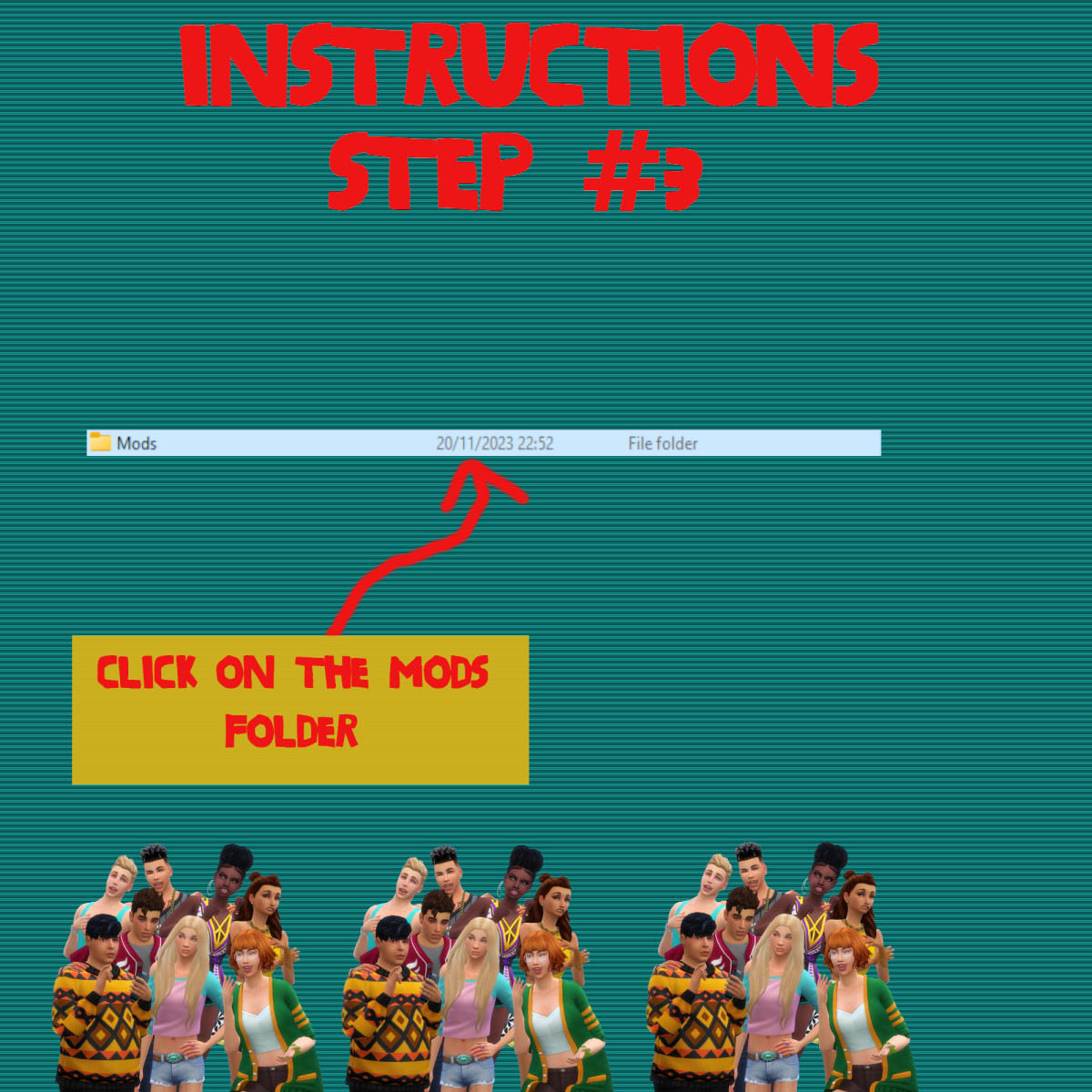
Documents>Electronic Arts>Sims 4>Mods>Packages

Please note if you haven't got a Mods folder then make one and place it in the Electronic Arts folder in Documents. Copy and paste or move Package files in the Mods folder.
😀
0
😍
0
😢
0
😡
0
👍
0
👎
0

Sims 4 Custom Content – Afrofuturism Objects

About
Downloads
Gallery
Instructions
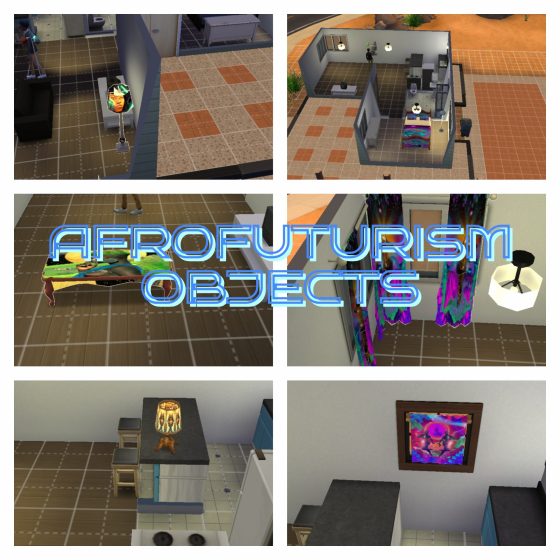
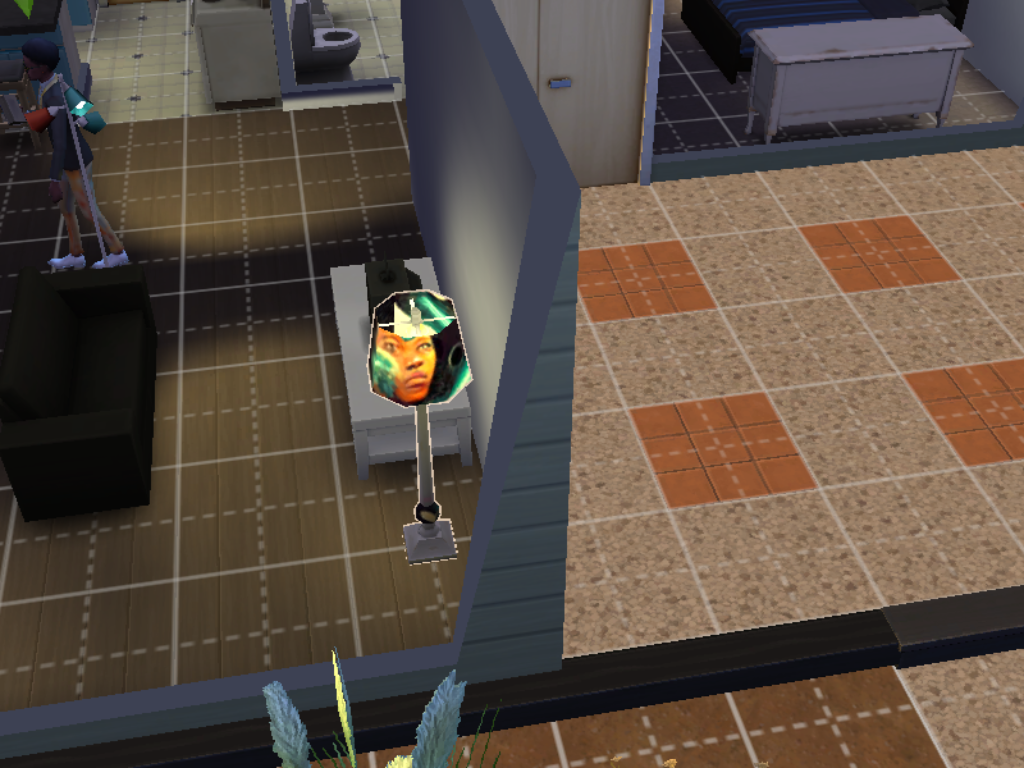
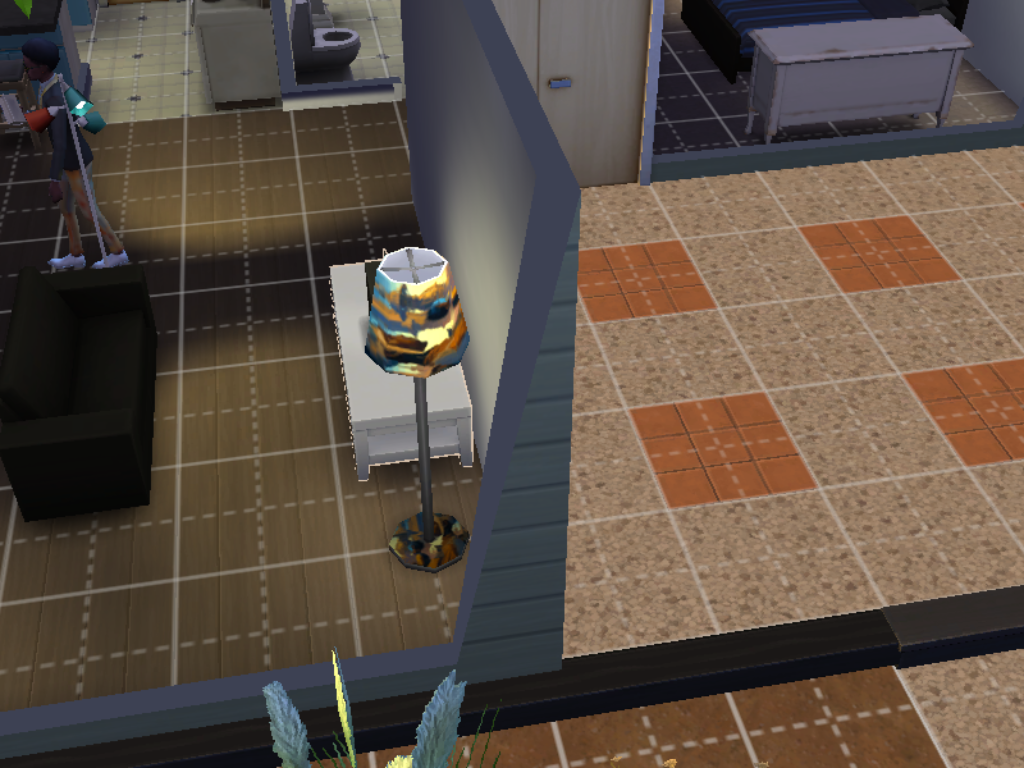
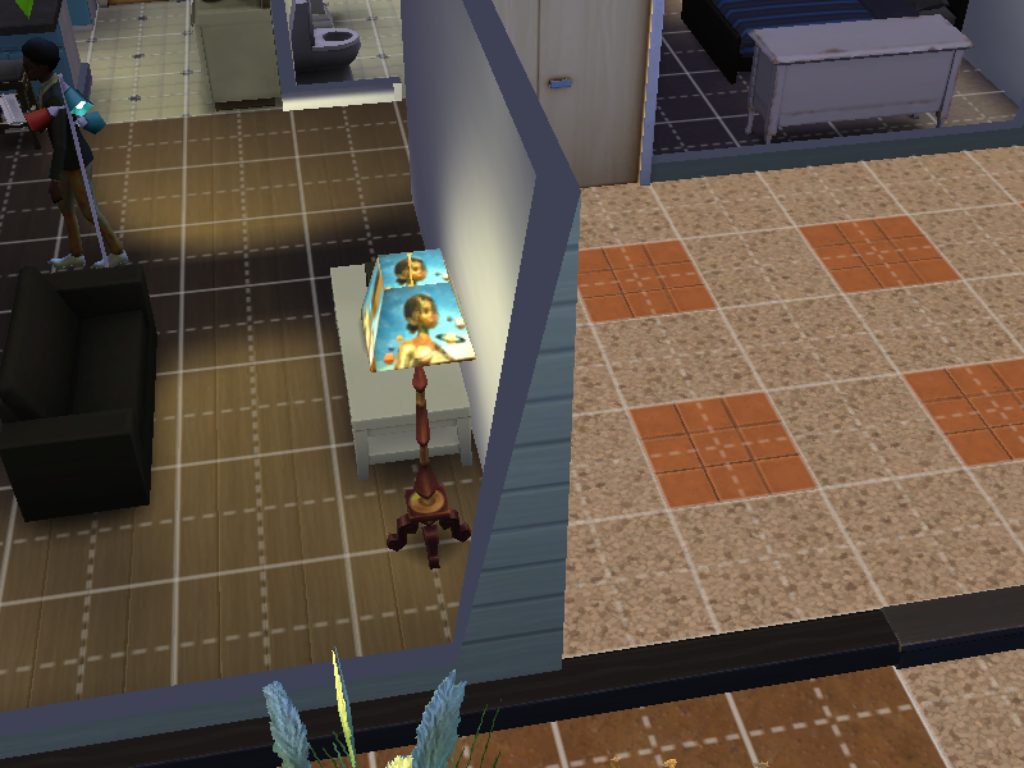
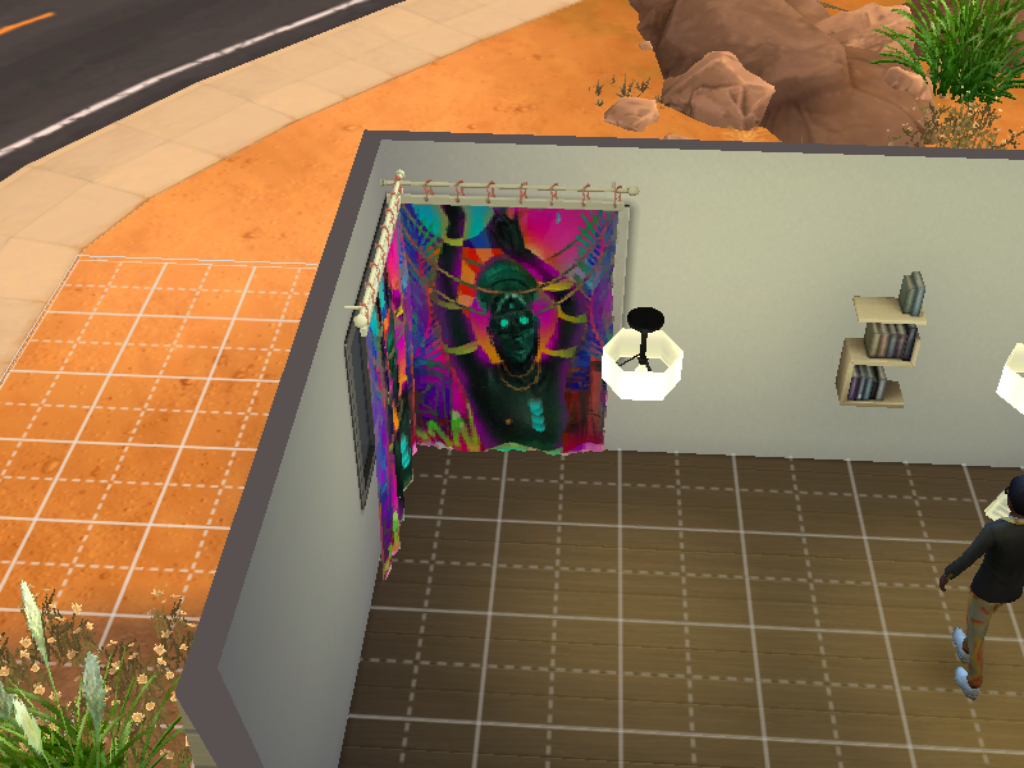
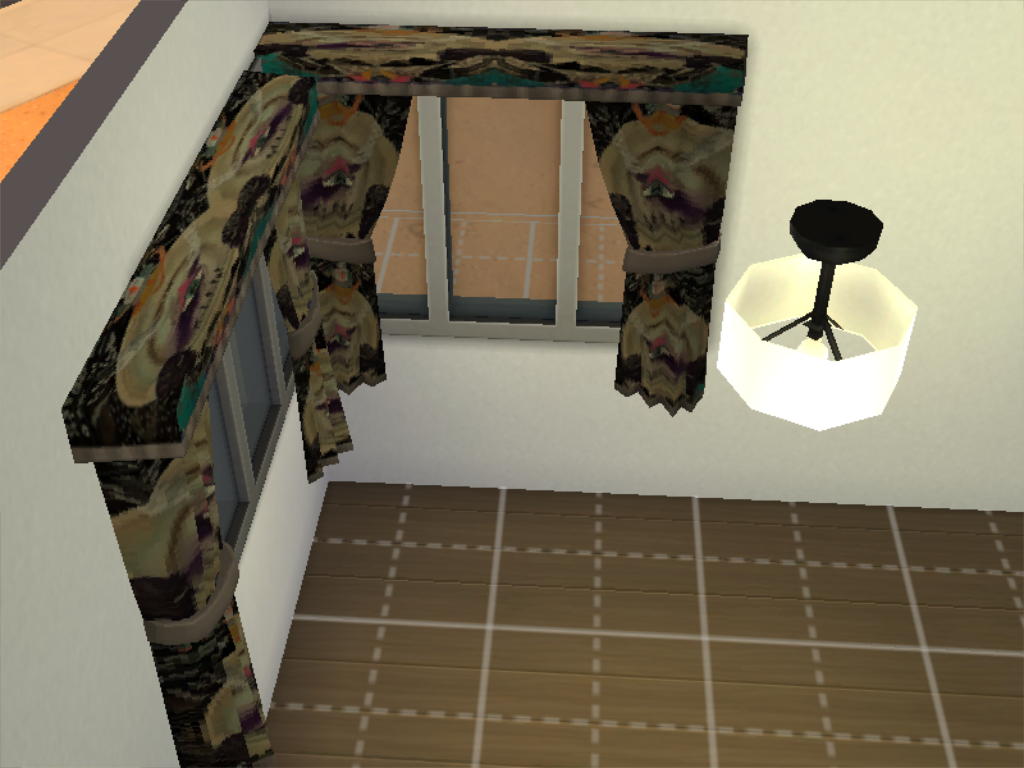
Some custom made alien inspired objects and only around nine objects there were more but some didn't come out guess there isn't any shortcuts when it comes to making in Sims 4 Studio. The objects that did come out are sofa's, a bed, curtains and a rug which is genuine Gremlin fur as I thought it was what the aliens would use to decorate their houses or pods as I believe.
 
PLEASE NOTE 
 
I built the game with custom content and I have all the main expansion packs, stuff and game packs.
 
<<<<CREDITS>>>>

Sims 4 Studio


INSTRUCTIONS

You will get a Sims 4 Package files in the folder. 

WHERE TO PUT SIMS 4 PACKAGE FILES

Sims 4 Packages goes in the following place. 

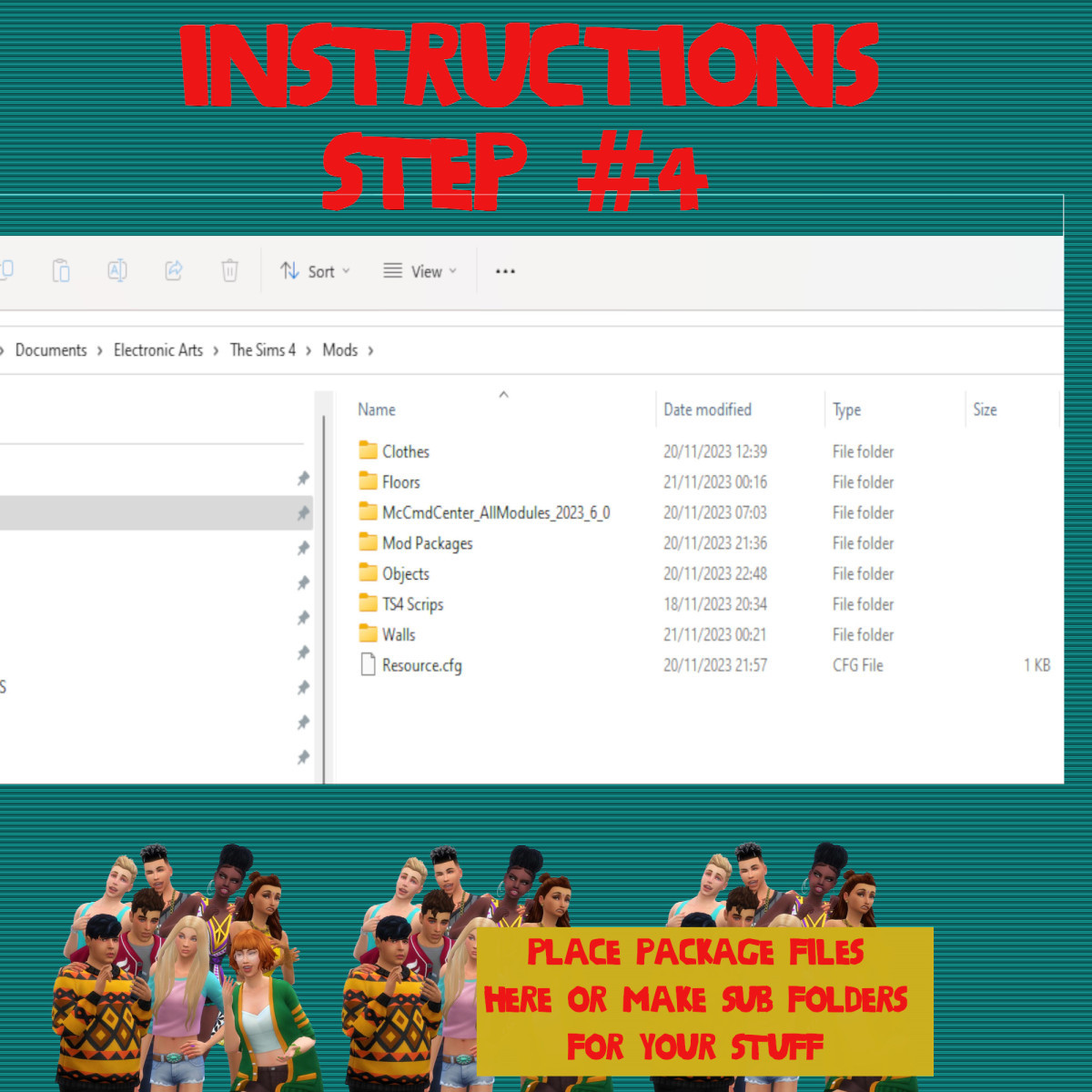
Documents>Electronic Arts>Sims 4>Mods>Packages

Please note if you haven't got a Mods folder then make one and place it in the Electronic Arts folder in Documents. Copy and paste or move Package files in the Mods folder.
😀
0
😍
0
😢
0
😡
0
👍
0
👎
0

The Synthphonic Mix III

Gas No LightThe Synthphonic Mix III

1. Eat This
2. Giving Up
3. Homeland Mothership
4. Golden Sickle
5. To Die A Martyr
6. Aphrodite
7. Road Block
8. Bundles Of Loathing
9. Computer Genz
10. Stein In The Passage
11. Boogie Floor Moves
12. Dawn Sunrise
13. Pulse (Blouses & Big Girls Version)
14. The Come Up
15. The Blackout Of Space

😀
0
😍
0
😢
0
😡
0
👍
0
👎
0